
WDS Sunset Signals Shift in Windows Deployment Strategy
Microsoft is deprecating Windows Deployment Services (WDS), a move that signals a significant shift in how IT administrators deploy and manage Windows operating systems within their organizations. The announcement, made via a BleepingComputer report, indicates that WDS will no longer be a primary deployment tool after the release of Windows Server 2025. This decision leaves many IT professionals who rely on WDS for large-scale deployments scrambling to understand the implications and explore alternative solutions.
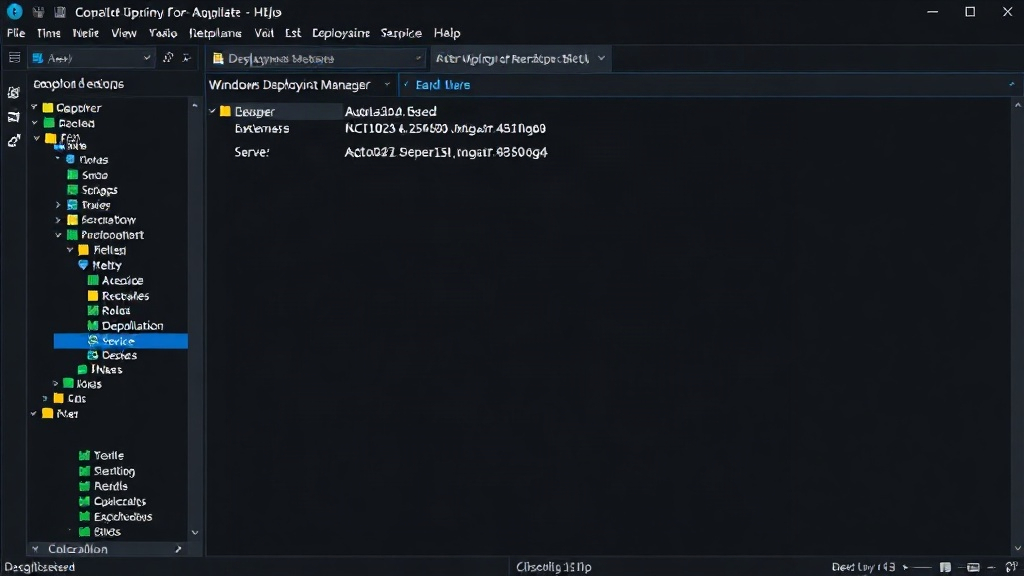
Windows Deployment Services has been a cornerstone of Windows deployment for years. It provides a centralized infrastructure for deploying Windows operating systems to network-connected computers. WDS builds upon the capabilities of the Remote Installation Services (RIS) and supports both network-based installations and the deployment of custom images. Its features include PXE boot support, image management, driver injection, and task sequencing, making it a powerful tool for IT departments managing fleets of machines.
The deprecation implies that while WDS might still function on Windows Server 2025 and potentially future versions, Microsoft will not introduce new features or actively develop it. Support will eventually cease, pushing organizations toward more modern deployment and management solutions. This aligns with Microsoft's broader strategy to consolidate its management and deployment tools, favoring cloud-based and more integrated approaches.
The Rise of Modern Deployment Tools
Microsoft's decision to deprecate WDS is not entirely unexpected. The company has been actively promoting and developing newer technologies that offer more flexibility, scalability, and integration with cloud services. Key among these are:
- Microsoft Endpoint Configuration Manager (MECM), formerly SCCM: This is Microsoft's flagship solution for enterprise endpoint management. MECM offers robust operating system deployment (OSD) capabilities, including sophisticated task sequencing, driver management, application deployment, and policy enforcement. It provides a comprehensive platform for managing the entire lifecycle of endpoints, from initial deployment to ongoing management and retirement.
- Windows Autopilot: For cloud-native deployments, Windows Autopilot offers a streamlined, cloud-based approach to setting up and pre-configuring new devices. It allows devices to be provisioned directly from the manufacturer with user-specific settings and applications, reducing the need for traditional imaging and on-premises infrastructure.
- Intune: As part of Microsoft Endpoint Manager, Intune provides mobile device management (MDM) and mobile application management (MAM) capabilities. While not a direct replacement for OS imaging, it plays a crucial role in managing devices post-deployment and is increasingly integrated with Autopilot for a seamless user experience.
These modern tools address many of the limitations of WDS, particularly in heterogeneous environments and those embracing hybrid or cloud-first strategies. They offer better integration with Azure Active Directory, enhanced security features, and more granular control over device configuration and compliance.
Why Deprecate WDS Now?
Several factors likely contribute to Microsoft's decision. Firstly, WDS, while powerful, is an on-premises solution tied to the Windows Server infrastructure. As organizations increasingly adopt cloud services and remote work models, the relevance of purely on-premises deployment tools diminishes. WDS requires significant infrastructure setup and maintenance, which can be a burden for smaller IT teams or those looking to reduce their on-premises footprint.
Secondly, the complexity of managing modern Windows features, such as Windows as a Service (WaaS) and feature updates, is better handled by more dynamic and intelligent tools. WDS is primarily designed for deploying specific OS versions, whereas Autopilot and MECM are built to adapt to ongoing updates and evolving device needs. The integration of security features, like BitLocker pre-provisioning and conditional access policies, is also more seamless with cloud-managed solutions.
Think of WDS like a meticulously organized physical filing cabinet. It works well for storing and retrieving specific documents (OS images). However, as your information needs grow and you move towards digital workflows, a cloud-based document management system (like Autopilot/Intune) becomes far more efficient, searchable, and accessible from anywhere. The filing cabinet still works, but it's no longer the best tool for the job.
Implications for IT Professionals and Organizations
The deprecation of WDS presents both challenges and opportunities for IT professionals. The immediate challenge is the need to re-evaluate existing deployment workflows. Organizations heavily reliant on WDS for their imaging and deployment processes will need to plan a migration strategy. This involves:
- Assessing current WDS usage: Understanding how WDS is utilized, including custom scripts, boot images, and driver packages.
- Evaluating alternative tools: Determining which Microsoft or third-party solutions best fit the organization's needs, budget, and technical expertise.
- Developing a migration plan: This includes training staff, testing new deployment methods, and phasing out WDS gradually.
- Revisiting imaging strategies: Moving away from traditional monolithic images towards more dynamic provisioning or containerization where appropriate.
The opportunity lies in embracing more modern, efficient, and secure deployment methods. Migrating to MECM, Autopilot, or Intune can lead to reduced infrastructure overhead, faster deployments, improved user experience, and enhanced security posture. It also positions organizations better for future Windows updates and cloud integration.
What remains unaddressed is the timeline for full end-of-support for WDS. While deprecation signals the end of active development, organizations need clarity on when official support and security updates will cease entirely to plan their migrations effectively and avoid running unsupported infrastructure.
Looking Ahead
Microsoft's move to deprecate Windows Deployment Services is a clear indicator of its commitment to modern, cloud-centric endpoint management. While this transition will require effort from IT departments, it aligns with the evolving landscape of IT operations, emphasizing agility, security, and scalability. The future of Windows deployment lies in integrated solutions that leverage the cloud, enabling organizations to manage their devices more effectively in an increasingly dynamic world.