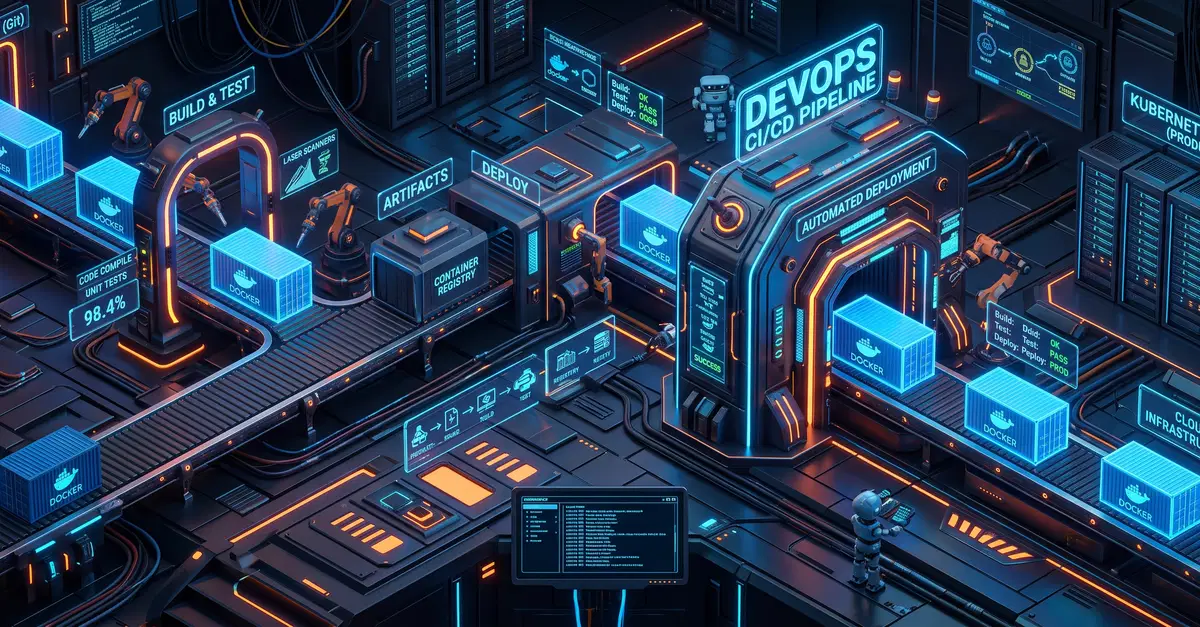
From Manual Configuration to Code: The Jenkins Freestyle Dilemma
Many developers, myself included, have navigated the labyrinth of Jenkins Freestyle jobs. These jobs, configured through a web UI, offer a visual way to set up build, test, and deployment workflows. However, this convenience comes at a steep price: lack of version control, difficulty in replication, and a steep learning curve for new team members trying to understand complex, undocumented configurations. Reproducing a working environment or migrating jobs becomes a manual, error-prone process, akin to trying to rebuild a complex machine from memory without a blueprint.
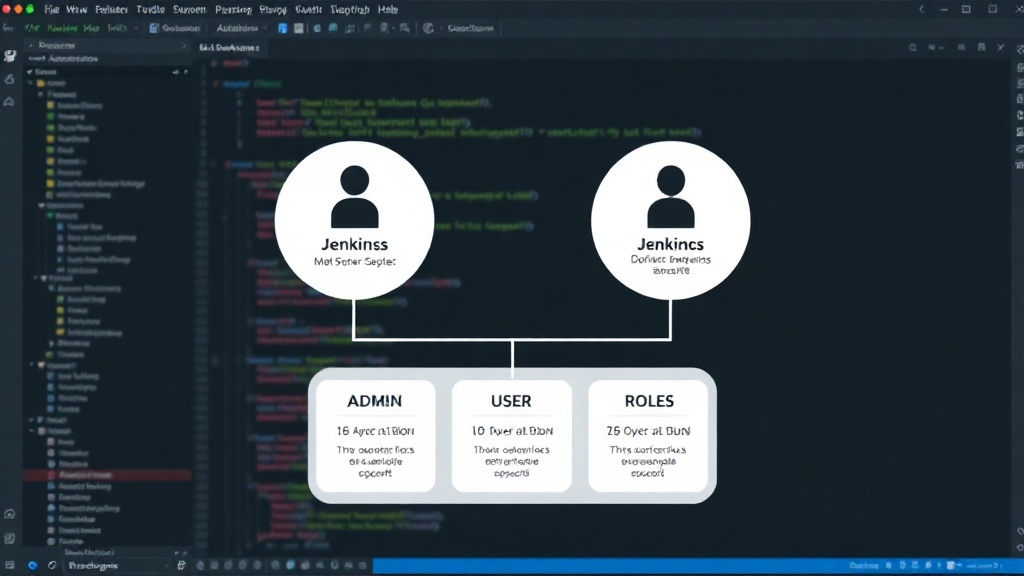
My journey began with an AWS-hosted Jenkins instance. The setup involved provisioning an Ubuntu EC2 instance, meticulously configuring network rules to allow SSH (port 22) and Jenkins UI access (port 8080), and establishing clear role-based access controls. Jenkins administrators handle the core infrastructure, plugin management, and backups, while users focus on defining their specific job workflows. This infrastructure formed the bedrock for exploring more automated and maintainable CI/CD practices.
The Crucial Decision: Docker-out-of-Docker (DooD)
A significant architectural challenge in modern CI/CD is efficiently building Docker images. The traditional approach of installing a full Docker daemon within the Jenkins agent or container leads to resource bloat and security concerns. My solution leveraged Docker-out-of-Docker (DooD). This technique allows Jenkins jobs to interact with the host machine's Docker daemon. Instead of running a nested Docker engine, the Jenkins agent mounts the host's Docker socket (`/var/run/docker.sock`) and communicates with it directly. This dramatically simplifies the agent setup, reduces resource overhead, and maintains a cleaner separation of concerns.
The benefits of DooD are substantial. It eliminates the need to install and manage Docker within the Jenkins agent environment, meaning agents can be leaner and start up faster. Security is also enhanced, as the agent only needs permission to access the host's Docker socket, rather than running a full Docker daemon itself. This approach is particularly effective when Jenkins agents are ephemeral, spun up on demand for specific jobs. The agent can then seamlessly build Docker images using the host's Docker capabilities without needing its own isolated Docker installation. This abstraction is crucial for maintaining consistency across different build environments.
Embracing Declarative Pipelines: A Structured Approach
The move to Jenkins Declarative Pipelines marked a paradigm shift. Unlike Scripted Pipelines, which are essentially Groovy scripts, Declarative Pipelines offer a structured, opinionated syntax. This structure makes pipelines easier to read, write, and maintain. The core components of a Declarative Pipeline include:
- `pipeline`: The root element that defines the entire pipeline.
- `agent`: Specifies where the pipeline or a specific stage will execute. This is where the DooD configuration comes into play, often specifying `agent any` and relying on the host's Docker setup via the mounted socket.
- `stages`: A container for a sequence of `stage` blocks.
- `stage`: Represents a distinct phase of the pipeline, such as 'Build', 'Test', or 'Deploy'.
- `steps`: Contains the actual commands or actions to be executed within a stage.
This structured syntax provides clear separation of concerns within the pipeline definition. For example, the `agent` block defines the execution environment, abstracting away the underlying infrastructure details from the build logic defined in the `steps`.
Translating Freestyle Jobs to Declarative Syntax
Migrating from Freestyle jobs to Declarative Pipelines involves a systematic translation process. Each Freestyle job's configuration—build steps, post-build actions, triggers, and parameters—must be re-envisioned within the Declarative Pipeline syntax. This often starts with identifying the core actions performed by the Freestyle job. For instance, a Freestyle job that compiled code, ran unit tests, and then built a Docker image would be translated into distinct stages within a Declarative Pipeline:
- Build Stage: Contains the commands to compile the code.
- Test Stage: Executes unit tests.
- Docker Build Stage: Utilizes the DooD setup to build the Docker image. This stage would involve commands like `docker build -t my-image:latest .`
- Deployment Stage (Optional): Pushes the image to a registry or deploys the application.
The configuration for triggers (like SCM polling or webhooks) and parameters are defined at the pipeline level, making them explicit and version-controlled. This transition is not merely a syntactic change; it’s a fundamental improvement in how CI/CD workflows are managed. Pipelines become code, stored in version control alongside the application code, enabling rollbacks, branching strategies, and collaborative development of the CI/CD process itself.
The Benefits of Version-Controlled Workflows
The most profound benefit of adopting Declarative Pipelines is that the entire workflow is now version-controlled. This means every change to the build, test, or deployment process is tracked, auditable, and reversible. If a pipeline change introduces a bug, rolling back to a previous, working version is as simple as reverting a code commit. This level of traceability and control is impossible with UI-configured Freestyle jobs.
Furthermore, Declarative Pipelines promote consistency and reduce tribal knowledge. When pipelines are defined as code, they are easily shared and understood by the entire team. New team members can onboard faster, as the workflow logic is explicit and accessible. The structured syntax also enforces best practices, leading to more robust and reliable automation. The `agent` directive, for example, clearly defines the execution environment, preventing inconsistencies that often plague manually configured job setups. This shift transforms CI/CD from a set of brittle, undocumented UI configurations into a well-defined, maintainable, and collaborative engineering practice. The efficiency gains are immediate, reducing the time spent debugging build failures and increasing confidence in the deployment process.
Looking Ahead: Beyond Basic CI
The journey from Freestyle jobs to Declarative Pipelines is a critical step for any team serious about mature CI/CD. The adoption of DooD simplifies agent management, while Declarative Pipelines bring structure and version control to workflow automation. The next steps often involve integrating more sophisticated testing strategies, implementing advanced deployment patterns like blue-green or canary releases, and leveraging pipeline libraries for reusable automation components. This continuous improvement cycle ensures that the CI/CD process itself evolves alongside the application, providing a robust foundation for innovation and rapid delivery.