Building a Movies App with Vue 3, Express, and DynamoDB on AWS Fargate
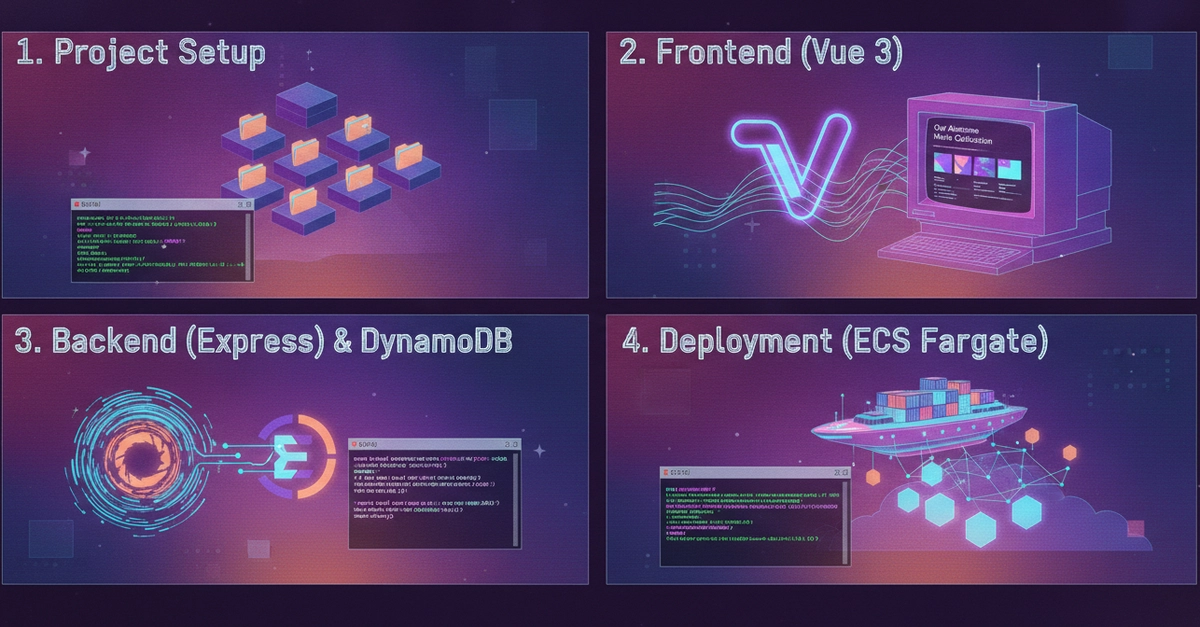
This guide details the process of building a full-stack application from scratch and deploying it to AWS Fargate. It’s designed for beginners who might find terms like "Fargate," "task definition," and "single-table design" intimidating. The project chosen is a simple movies catalog, a practical application that users might actually want to build. The goal is to take a project from an empty folder to a publicly accessible URL on AWS, assuming only basic JavaScript knowledge and an understanding of APIs.
Core Components and Architecture
The application consists of three main parts:
- Frontend: A Vue 3 application enabling users to browse, search, and add movies.
- Backend API: An Express REST API responsible for handling data operations.
- Database: DynamoDB, a NoSQL database, used for storing movie data.
The entire application is containerized using Docker. Two Docker containers will be used: one for the Express API and another for the Vue 3 frontend. These containers are then deployed to AWS Elastic Container Service (ECS) using Fargate, which abstracts away the underlying infrastructure management. This means you don't need to provision or manage servers; AWS handles that for you.
Frontend Development with Vue 3
The Vue 3 frontend is built with a focus on user experience. It allows for core movie catalog functionalities:
- Browsing: Users can view a list of all movies.
- Searching: A search bar allows filtering movies by title or other relevant criteria.
- Adding Movies: A form enables users to input details and add new movies to the catalog.
This part of the project assumes familiarity with Vue.js concepts such as components, state management, and API calls. The goal is to create a responsive and intuitive interface for interacting with the movie data.
Backend API with Express and DynamoDB
The Express backend serves as the bridge between the frontend and the database. It exposes RESTful API endpoints for common CRUD (Create, Read, Update, Delete) operations related to movies.
Key API functionalities include:
- Fetching all movies.
- Searching for specific movies.
- Adding a new movie entry.
- (Potentially) Updating or deleting movie entries, though the initial focus is on core functionality.
DynamoDB is chosen for its scalability and serverless nature, aligning well with the Fargate deployment strategy. The project employs a single-table design pattern for DynamoDB, a common practice that can optimize performance and cost for certain access patterns. This involves carefully defining primary keys and potentially using secondary indexes to support various query requirements.
Containerization with Docker
Docker is essential for packaging the application into deployable units. Two separate Dockerfiles are created:
- One for the Express backend, installing dependencies and setting up the server.
- One for the Vue 3 frontend, building the static assets and configuring a web server (like Nginx) to serve them.
These Docker images are then pushed to a container registry, such as Amazon Elastic Container Registry (ECR), making them accessible for deployment on AWS.
Deployment to AWS Fargate
The deployment process involves several AWS services:
- Amazon ECS (Elastic Container Service): The container orchestration service that manages the deployment and scaling of containers.
- AWS Fargate: The serverless compute engine for ECS. It allows you to run containers without managing servers or clusters. You specify resource requirements (CPU, memory) for your application, and Fargate provisions and manages the underlying infrastructure.
- Amazon ECR (Elastic Container Registry): A managed Docker container registry service to store and retrieve Docker images.
- AWS IAM (Identity and Access Management): Used to define permissions for ECS tasks to access other AWS services like DynamoDB.
- Amazon VPC (Virtual Private Cloud): Configures the network environment for the Fargate tasks.
The deployment typically involves creating an ECS Cluster, defining Task Definitions (which specify the Docker images to use, resource requirements, and environment variables), and creating ECS Services (which ensure a desired number of tasks are running and handle updates).
Lessons Learned and Beginner Pitfalls
The author emphasizes that this walkthrough includes mistakes and challenges encountered during development. This is a crucial aspect for beginners, as it demystifies the process and provides practical solutions to common problems.
Common challenges for beginners might include:
- Understanding the nuances of AWS networking (VPC, subnets, security groups).
- Correctly configuring IAM roles and policies for service-to-service communication.
- Optimizing DynamoDB table design and query patterns.
- Troubleshooting Docker build issues and container runtime errors.
- Setting up continuous integration and continuous deployment (CI/CD) pipelines for automated deployments.
By documenting these issues and their resolutions, the guide serves as a valuable resource, saving other beginners time and frustration. The journey from an empty folder to a live URL is often non-linear, and acknowledging the setbacks makes the success more relatable and achievable.
Conclusion: The Power of Building End-to-End
Completing a full-stack application and deploying it to a cloud platform like AWS Fargate provides a comprehensive learning experience. It connects frontend development, backend logic, database management, containerization, and cloud infrastructure into a cohesive whole. This end-to-end approach solidifies understanding far more than isolated tutorials. For developers looking to gain practical cloud deployment skills without managing servers, AWS Fargate offers a compelling solution.