
Edyt's Core Functionality
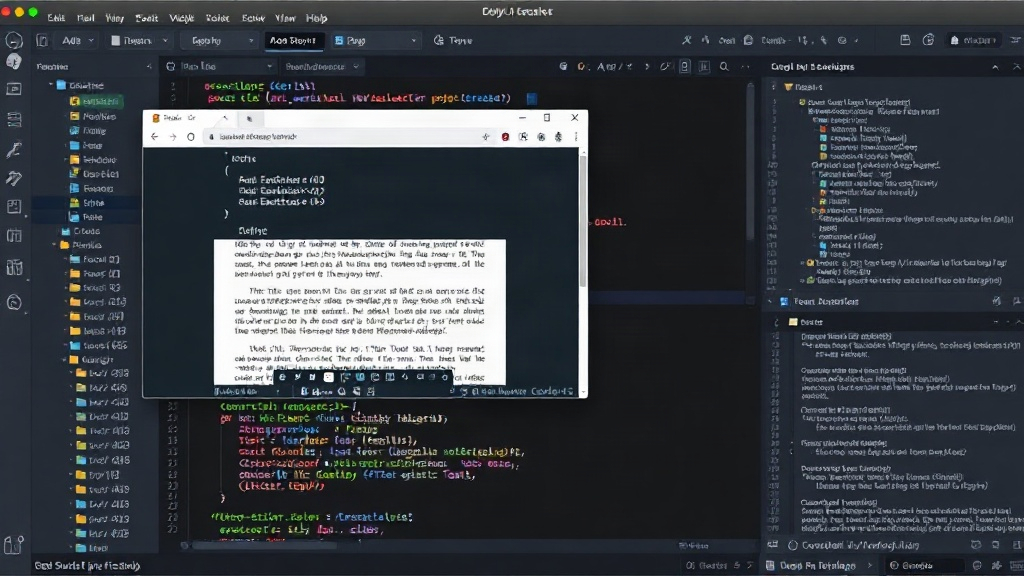
Edyt emerges as a novel utility designed to tackle a common frustration for power users: extracting text from applications where standard copy-paste functionality is unavailable. This includes elements like tooltips, error messages, or content within images displayed in applications. The tool leverages AI to recognize and extract this 'unselectable' text, making it accessible for further use. It operates by capturing screenshots of the relevant application window or specific areas and then employing optical character recognition (OCR) combined with AI-powered text enhancement to produce clean, usable text.
The initial release targets both macOS and Windows operating systems, aiming for broad compatibility. This cross-platform approach is critical for users who work across different environments or collaborate with individuals using disparate systems. Edyt's promise is to streamline workflows by eliminating the manual workarounds traditionally required to capture such information, such as manual retyping or using less sophisticated screenshot-to-text tools that often struggle with accuracy and context.
Think of Edyt less like a traditional screenshot tool and more like a digital assistant that can read anything you can see on your screen, even if the app itself won't let you select it. This capability is particularly useful for developers debugging issues that only appear in transient pop-ups, researchers documenting specific UI elements, or anyone who needs to capture precise information without disrupting their current application state.
Technical Approach and AI Integration
At its heart, Edyt relies on a sophisticated combination of computer vision and natural language processing (NLP). When a user initiates a capture, Edyt analyzes the visual data, identifying text regions. Unlike basic OCR, which might just return raw characters, Edyt's AI layer attempts to understand the context of the text. This could involve distinguishing between labels, values, and instructional text, thereby improving the accuracy and relevance of the extracted output. For instance, if an error message contains a specific code, Edyt aims to extract both the message and the code accurately.
The AI models are trained on a diverse dataset to handle various fonts, sizes, and background complexities. This training allows Edyt to perform well even on text that is not perfectly clear or is embedded within complex graphical interfaces. The tool's ability to process text from images means it can also be used for digitizing physical documents or extracting text from scanned materials, although its primary focus appears to be on live application interfaces.
Use Cases and Target Audience
The primary audience for Edyt includes software developers, quality assurance testers, technical writers, and power users across various industries. Developers can use it to quickly capture error messages or log outputs that appear in dialog boxes, saving them the trouble of reproducing bugs or digging through log files. QA testers can leverage Edyt to document UI inconsistencies or precise error strings for bug reports.
Technical writers can use Edyt to capture UI elements for documentation, ensuring accuracy and consistency without manual transcription. For general users, Edyt offers a convenient way to grab information from websites that disable text selection, or from software that presents critical information only in temporary pop-ups. The tool aims to reduce friction in workflows that frequently require capturing and transferring textual information from on-screen elements.
Comparison to Existing Tools
While dedicated OCR tools and screenshot utilities exist, Edyt differentiates itself through its specific focus on 'unselectable' text and its AI-powered contextual understanding. Many standard OCR tools require users to manually select an image or document for processing. Edyt integrates this directly into the screenshotting workflow, streamlining the process. Furthermore, its AI component aims to provide cleaner, more accurate text than basic OCR engines, which often struggle with the nuances of application UIs.
Tools like macOS's built-in Live Text or Windows' Snipping Tool with OCR offer some similar capabilities, but Edyt appears to position itself as a more robust and intelligent solution, particularly for complex or non-standard application interfaces. The ability to process text that is literally not selectable by the operating system is its key differentiator, a capability that few other tools directly address with AI.
Future Development and Potential
The launch of Edyt on Product Hunt suggests an early-stage product with significant potential. Future iterations could include enhanced AI capabilities, such as summarizing extracted text, translating it, or even performing basic data structuring. Integration with other productivity tools, like note-taking apps or project management software, could further expand its utility. The success of Edyt will likely depend on its accuracy, speed, and its ability to handle an ever-growing variety of application interfaces and text rendering techniques.
What remains to be seen is how Edyt will handle applications with highly dynamic or graphically intensive text, such as games or specialized design software. The accuracy and performance on such platforms will be a key indicator of its long-term viability for a broad professional audience.