Establish Update Discipline: Beyond `latest`
A self-hosted Docker stack is a living system. Container images receive security patches, applications gain new features, and dependencies evolve. Neglecting updates leaves your infrastructure vulnerable to exploits and bugs. The common pitfall is the reliance on the latest tag in Docker Compose or Dockerfiles. This tag is a moving target; it can point to drastically different versions of an image without warning, making rollbacks difficult and updates unpredictable. The guiding principle for safe updates is to eliminate the latest tag entirely. Instead, pin specific versions for every image in your stack. This provides explicit control over which version is deployed and makes tracking changes straightforward. When an update is needed, you explicitly choose the new version, rather than implicitly accepting whatever the latest tag currently points to.
This practice is the foundation of a reliable update strategy. By pinning versions, you create a reproducible environment. If an update introduces issues, you know exactly which version to revert to. This contrasts sharply with the chaos of discovering that latest has shifted, leaving you unsure of the previous stable state. For stateful applications like databases (PostgreSQL, MySQL), content management systems (Nextcloud), or media servers (Immich), an automatic, unattended update can be catastrophic. Data corruption, configuration incompatibilities, or feature regressions can lead to significant downtime and data loss. Therefore, the strategy must be one of informed, controlled updates, not blind automation.
Implement an Update Notifier: Diun
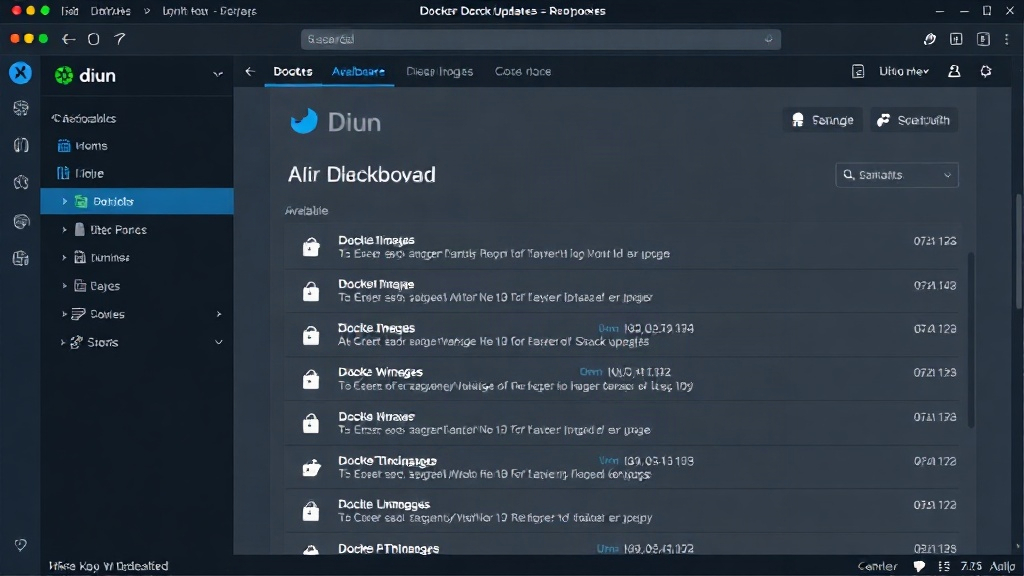
Knowing when an update is available is the next critical step. Manually checking every image in a complex stack is tedious and error-prone. This is where tools like Diun (Docker Image Update Notifier) become invaluable. Diun scans your deployed Docker images against registries (like Docker Hub, GitHub Container Registry, or Quay.io) and alerts you when newer versions are available. It supports various notification methods, including Slack, Discord, Telegram, and email, ensuring you receive alerts through your preferred channels. Diun itself can be run as a Docker container, making its integration seamless within an existing Docker environment. Its configuration allows you to specify which images to monitor and how frequently to scan.
Diun's strength lies in its passive monitoring. It doesn't perform updates; it simply informs you of their availability. This aligns perfectly with the goal of controlled rollouts. You receive a notification, which then triggers your manual review and update process. This system turns the vague notion of "I should update sometime" into a concrete, actionable alert. For instance, if Diun notifies you that a new version of your database image is out, you can then consult the release notes for that specific version before deciding to proceed with the update. This proactive notification system is key to maintaining a secure and up-to-date stack without the risks of full automation.
Develop a Safe Rollout and Rollback Routine
Once an update is identified and deemed necessary, the rollout process must be safe. This involves several key steps. First, ensure you have a reliable backup of any stateful data before initiating the update. For databases, this means performing a full dump. For applications like Nextcloud, it involves backing up both the data directory and the database. This backup serves as your primary safety net.
When updating, consider a phased rollout if your stack is complex or critical. For a typical self-hosted setup managed by Docker Compose, this might involve stopping the service, pulling the new image version, and restarting the service. The critical part is verification. After the service restarts, check application logs for errors, test core functionalities, and monitor resource usage. If issues arise, the rollback plan is crucial. Because you've pinned versions, rolling back is as simple as reverting your Docker Compose file or Dockerfile to the previous version's image tag and restarting the service. This immediate revert capability minimizes downtime and data exposure. The consistency provided by pinned versions makes this process predictable and repeatable.
Implement a Cleanup Rhythm
As you update images, Docker naturally retains older versions. Without a cleanup strategy, your disk space can be consumed by unused images, dangling layers, and old containers. Docker provides built-in commands to manage this. Regularly running docker image prune -a will remove all unused images (those not associated with any running or stopped container). Similarly, docker container prune removes stopped containers, and docker volume prune cleans up unused volumes. Automating these cleanup tasks, perhaps weekly or monthly, ensures that your system remains efficient and disk space is managed effectively. A common approach is to integrate these prune commands into a script that runs on a schedule or is executed manually after a successful update cycle.
This cleanup process is not merely about saving disk space. It also reduces the potential attack surface by removing old, potentially vulnerable image layers that are no longer in use. It's a form of digital housekeeping that complements the security benefits of keeping your active stack updated. By combining version pinning, proactive notification, safe rollout/rollback procedures, and regular cleanup, you establish a robust update discipline that keeps your entire Docker stack secure and running smoothly.