
The Emulator Bottleneck
Developers building responsive web applications or Flutter apps often face a common frustration: testing UI layouts or debugging events requires launching resource-intensive emulators. Android Studio emulators, for instance, can consume over 8GB of RAM, causing laptops to strain and significantly increasing boot times. This overhead directly impacts developer productivity, turning quick checks into time-consuming waits.
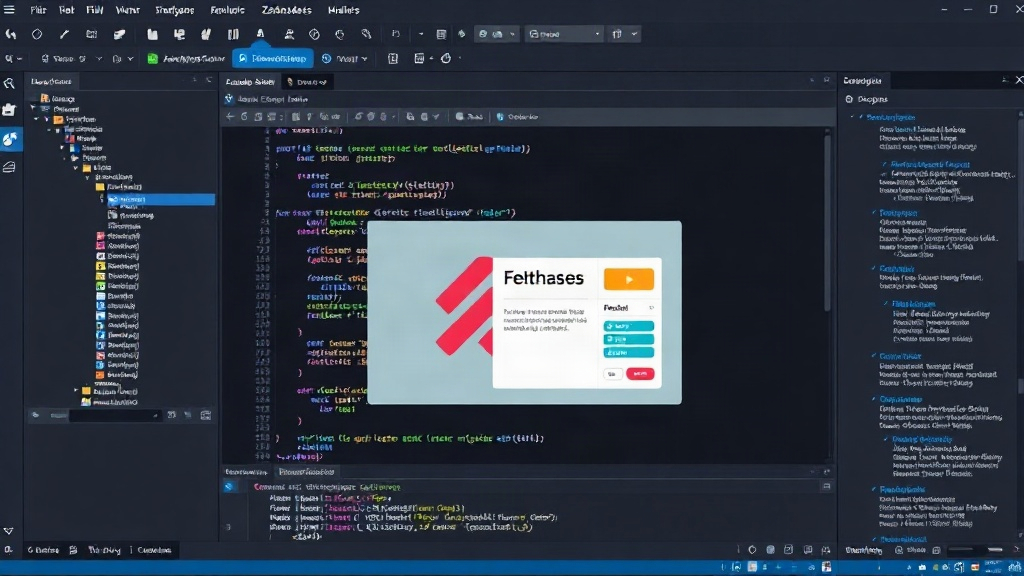
To address this persistent pain point, an independent developer has created Zakhades Studio, a free, ultra-lightweight simulator and developer studio specifically for Windows. Version 1.1.0 of the tool aims to provide a dedicated environment for live simulation and development without the heavy footprint of traditional emulators.
Introducing Zakhades Studio
Zakhades Studio is designed to be a direct solution to the performance issues associated with large emulators. It focuses on providing essential simulation capabilities for both Flutter and standard web development, targeting developers who prioritize speed and efficiency. The tool's core value proposition lies in its minimal resource consumption, aiming to keep RAM usage low and boot times in seconds, rather than minutes.
This approach allows developers to iterate faster. Instead of waiting for a full emulator to spin up, they can get near-instantaneous feedback on their UI changes, whether they are working on a cross-platform Flutter application or a responsive website.
Key Features and Functionality
While Zakhades Studio is positioned as a lightweight alternative, it offers critical features for modern development workflows:
- Live Simulation: It provides a real-time rendering environment for Flutter web applications and standard HTML/CSS/JavaScript projects. This means changes made to the code are reflected almost instantly in the simulator window.
- Developer Tools Integration: The studio includes integrated developer tools, similar to those found in browser-based development, allowing for inspection of elements, debugging of JavaScript, and analysis of network requests.
- Cross-Platform Focus (Flutter): For Flutter developers, it specifically targets the web rendering pipeline, enabling them to test how their Flutter code translates to a web interface.
- Windows-Native: Being a Windows-native application, it leverages the operating system's capabilities for efficient performance and integration, avoiding the complexities of cross-platform frameworks for the simulator itself.
- Low Resource Footprint: This is the defining characteristic. By stripping away the overhead of full mobile operating system emulation, Zakhades Studio drastically reduces RAM and CPU usage, making it suitable for less powerful hardware or for developers running multiple applications simultaneously.
Developer Experience Impact
The primary impact of Zakhades Studio is on the developer experience. The time saved from not waiting for heavy emulators to load translates directly into more coding and less waiting. This is particularly beneficial for front-end developers and Flutter developers who frequently make small UI adjustments and need to see the results immediately. The tool acts as a dedicated sandbox, isolating the simulation environment from the complexities of a full mobile OS or a general-purpose browser.
For those working with Flutter, testing the web output is crucial for ensuring a consistent user experience across different platforms. Zakhades Studio offers a streamlined path to previewing this web output without the need to configure complex build setups or deploy to a browser each time.
The fact that this tool is offered for free, as a standalone Windows application, lowers the barrier to entry for developers looking for a simpler, faster simulation solution. It sidesteps the need for installing massive IDEs like Android Studio solely for emulator functionality, offering a targeted and efficient alternative.
What's Next for Lightweight Simulators?
Zakhades Studio's emergence highlights a growing demand for specialized, performant developer tools. As applications become more complex and developer environments more distributed, the need for quick, low-overhead testing solutions will only increase. The question remains: will larger IDE providers adapt to offer more modular and lightweight simulation options, or will independent tools like Zakhades Studio carve out significant niches by focusing on specific pain points?
The developer behind Zakhades Studio, Prince Net, has provided a clear demonstration that a significant improvement in developer workflow is possible with focused engineering. The 1.1.0 release indicates ongoing development and refinement, suggesting that this tool could become a staple for many Windows-based Flutter and web developers seeking to reclaim their productivity.