Introduction: A Six-Month Deep Dive
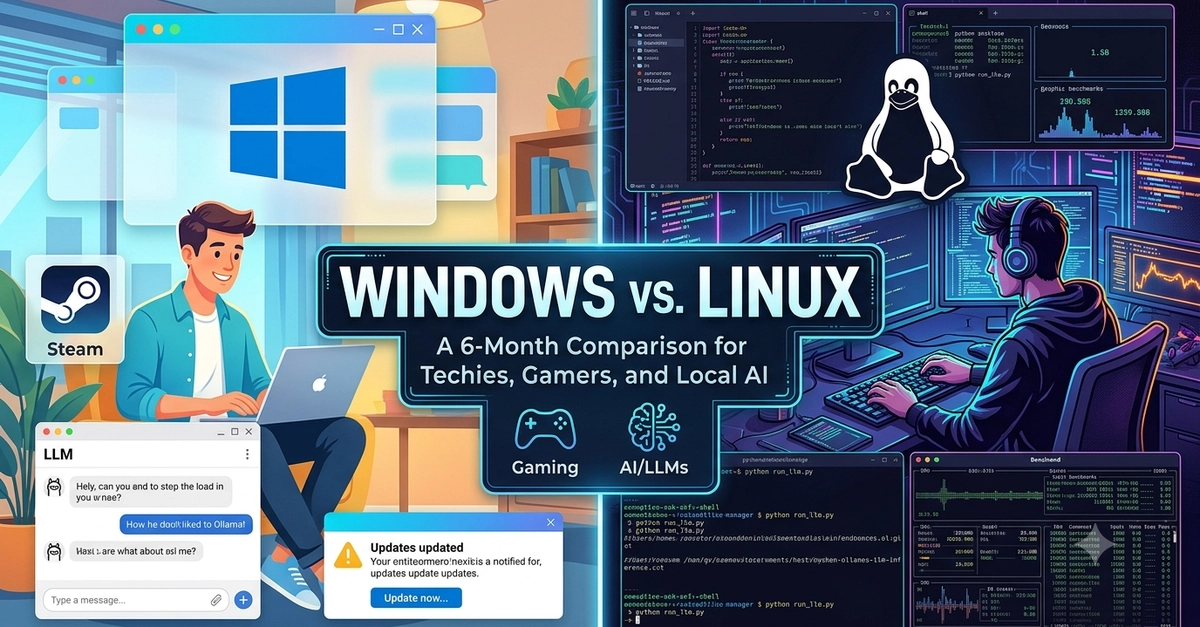
Six months is a significant period to truly understand an operating system. This isn't a theoretical exercise; it's a hands-on evaluation of Windows versus Linux, specifically Arch Linux with Hyprland, from the perspective of a developer, a gamer, and a local AI practitioner. The goal isn't to declare a winner, but to dissect the strengths and weaknesses of each platform across these critical domains.
My journey began with Arch Linux, a distribution known for its steep learning curve but immense customizability. Dual-booting without a USB drive was an initial hurdle cleared, and the current setup with Hyprland and Celestia Shell offers a glimpse into the highly personalized experience Linux can provide. This comparison will focus on ease of use, suitability for technical users, and performance for gaming and running local large language models (LLMs).
Developer Experience: Tools, Workflow, and Integration
For developers, the choice of operating system often hinges on the tools available and the ease of setting up development environments. Windows has made significant strides with the Windows Subsystem for Linux (WSL), offering a near-native Linux experience within Windows. This allows developers to leverage Linux command-line tools, package managers, and runtimes without leaving their familiar Windows environment.
Setting up development stacks on Windows, especially with WSL2, has become remarkably straightforward. Docker integration is seamless, and most popular programming languages and frameworks have robust support. However, occasional compatibility quirks can still arise, and the Windows ecosystem, while improving, can sometimes feel less cohesive for pure command-line-centric development compared to Linux.
Linux, particularly a distribution like Arch, offers unparalleled control and flexibility. Package managers like pacman (for Arch) or apt (for Debian/Ubuntu derivatives) provide quick access to a vast repository of development tools, libraries, and runtimes. The native command-line environment is powerful and highly scriptable. For developers who prefer to build their environment from the ground up and have deep control over every component, Linux is often the preferred choice. The ability to compile software from source and fine-tune system performance is a significant advantage for those who need it.
The learning curve for Linux development can be steeper, especially with distributions like Arch that require manual configuration. However, the payoff is a highly optimized and tailored development environment. The pseudo-feeling of using a computer for the very first time, as described by users of Arch, points to this deep level of engagement and understanding that Linux fosters.
Gaming Performance: A Shifting Landscape
Historically, Windows has been the undisputed king of PC gaming. Its DirectX API, extensive driver support from hardware manufacturers, and broad compatibility with game launchers and anti-cheat systems have made it the default choice for most gamers. This dominance has meant that most AAA game releases are optimized primarily for Windows.
However, Linux gaming has seen a dramatic resurgence, largely thanks to Valve's Proton compatibility layer for Steam Play. Proton allows many Windows games to run on Linux with minimal to no performance degradation. Tools like Steam's built-in Proton, Lutris, and Heroic Games Launcher have simplified the process of installing and running games from various platforms. For many titles, the gaming experience on Linux is now virtually indistinguishable from Windows, and in some cases, performance improvements have even been observed due to more efficient resource management by the Linux kernel.
The primary challenges for Linux gaming remain with anti-cheat software, which is often designed exclusively for Windows, and with games that rely on very specific Windows APIs or drivers that Proton cannot perfectly emulate. For the average gamer, the setup is now easier than ever, but for those pushing the boundaries or playing niche titles, some manual tweaking might still be necessary. The progress made in the last few years is undeniable; what was once a significant compromise is now a viable, and often excellent, alternative.
Local AI and LLMs: Linux's Commanding Lead
The burgeoning field of local AI, particularly running large language models (LLMs) on consumer hardware, presents a clear advantage for Linux. Most AI frameworks, libraries, and tools are developed with Linux as a primary target. This includes popular frameworks like TensorFlow, PyTorch, and CUDA, which often have more mature and performant implementations on Linux.
Setting up an LLM environment on Linux is generally more straightforward. Dependencies are easier to manage, and the underlying system provides better control over hardware resources like GPUs. Tools for model quantization, inference, and fine-tuning are frequently released first or exclusively for Linux. The ability to fine-tune system parameters, optimize memory usage, and directly interact with hardware through the command line gives Linux users a distinct edge when pushing the limits of local AI computation.
Running LLMs on Windows, while possible, often involves more layers of abstraction, such as WSL. While WSL2 provides a good Linux-like environment, it's still an emulation layer. Direct hardware access and system-level optimizations that are native to Linux can be more challenging to achieve on Windows. For anyone serious about experimenting with, developing for, or deploying local AI models, the path of least resistance and highest performance overwhelmingly points towards Linux. The efficiency gains and direct hardware control are critical when dealing with the resource-intensive demands of modern LLMs.
Ease of Use and Customization: A Tale of Two Philosophies
Windows is designed for broad accessibility. Its graphical user interface is intuitive, and most common tasks can be accomplished with a few clicks. Software installation is typically handled by installers that guide users through the process. This ease of use makes Windows the default operating system for the vast majority of computer users.
Linux, on the other hand, offers a spectrum of user experiences. Distributions like Ubuntu or Mint provide user-friendly graphical interfaces that rival Windows in ease of use. However, distributions like Arch Linux demand a higher level of technical engagement. The setup process can be entirely command-line driven, and customization involves editing configuration files directly. This can be daunting for new users but incredibly rewarding for those who want complete control over their computing environment. The ability to tailor every aspect of the operating system, from the window manager to the kernel parameters, is a core tenet of the Linux philosophy.
The initial setup of Arch Linux, with its manual partitioning, bootloader configuration, and package installation, is akin to learning to build a computer from scratch. Yet, this process demystifies the operating system and empowers the user. The pseudo-feeling of using a computer for the first time is that sense of profound understanding and agency that comes with building and maintaining your own digital environment. This contrasts sharply with Windows, where much of the underlying complexity is abstracted away.
Conclusion: Choosing the Right Tool for the Job
After six months, the distinction between Windows and Linux is clear: they serve different needs and cater to different user philosophies. Windows remains the pragmatic choice for general users, gamers seeking maximum compatibility with minimal fuss, and many developers who benefit from WSL. Its ease of use and broad software support are undeniable strengths.
Linux, particularly a customizable distribution like Arch, excels for developers who crave deep control, AI practitioners pushing the boundaries of local models, and increasingly, for gamers willing to explore Proton. The learning curve is steeper, but the rewards in terms of customization, performance, and system understanding are substantial. For local AI, Linux is not just an option; it's the clear leader. For gaming, it's a strong contender that continues to improve rapidly. For developers, it offers a powerful, flexible environment that many consider indispensable.
The choice ultimately depends on your priorities. If you value simplicity and broad compatibility, Windows is likely your best bet. If you seek ultimate control, deep customization, and cutting-edge performance in AI and development, Linux is the platform to embrace.