The Pain of Vague Bug Reports
Every developer has encountered them: bug reports that boil down to "It's broken" or "I clicked the thing, and the system crashed." These reports are a black hole for troubleshooting. Users, often unaware of the precise sequence of events that triggered a glitch, provide frustratingly little information. Reproducing errors under these conditions feels like navigating a maze blindfolded. The critical details—a specific click, a unique keystroke combination, or an unexpected interaction—are lost, leaving developers to guess their way to a solution.
Introducing the Windows Steps Recorder (PSR)
For years, Windows included a powerful, yet underutilized, utility called the Problem Steps Recorder (PSR), later known as the Steps Recorder. This tool acted as a digital flight recorder for user activity on the desktop. Its primary function was to automatically capture a detailed, step-by-step log of what a user did, including screenshots of each action. This eliminated the need for users to painstakingly document their steps, ensuring that the exact sequence leading to a bug was accurately preserved.
The tool was designed to be incredibly simple to use. A user could initiate a recording, perform the actions that led to the bug, and then stop the recording. The Steps Recorder would then compile this information into a single, easy-to-understand report. This report contained a chronological list of every click, keystroke, and window interaction, accompanied by a screenshot of the screen at the moment of each action. This visual and textual record provided developers with an unparalleled level of insight into the user's experience, drastically reducing the guesswork involved in debugging.
How Steps Recorder Worked
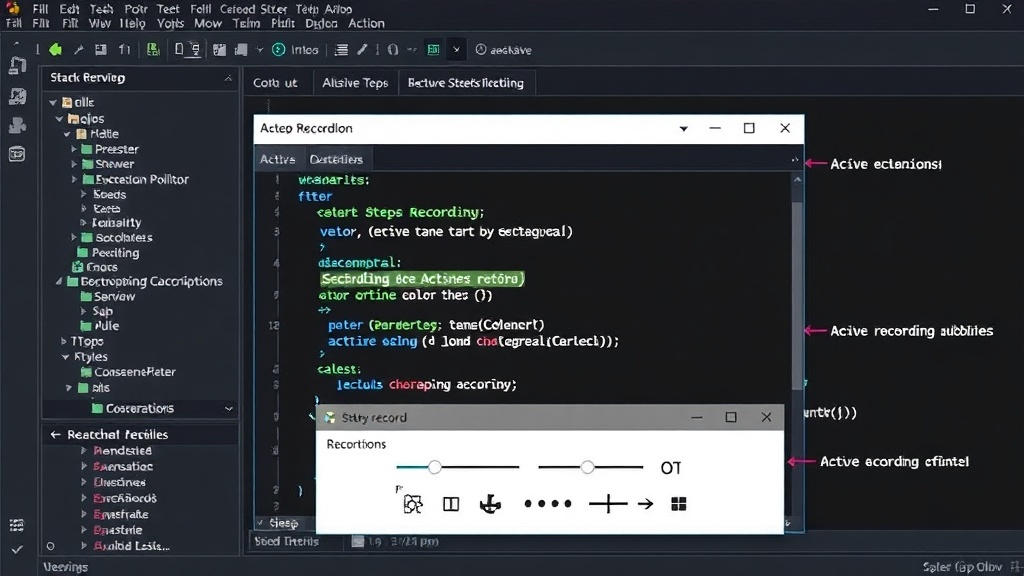
When a user started the Steps Recorder, it began meticulously logging every interaction. This included mouse clicks, keyboard input, and window navigation. For each step, the tool captured a screenshot of the user's screen. It also recorded system information, such as the active window title, the process name, and the cursor's position. This comprehensive data collection ensured that no detail was missed.
The captured information was then compiled into a .zip file containing a .mht (MIME HTML) file. This file could be opened in any web browser and presented the recorded steps in a clear, sequential format. Each step was numbered, described, and accompanied by a thumbnail of the screenshot taken at that exact moment. Clicking the thumbnail would display the full-sized screenshot, allowing developers to see precisely what the user saw. This made it incredibly easy to follow the user's journey, identify the problematic action, and understand the context in which the bug occurred.
Beyond Basic Screen Capture
What distinguished the Steps Recorder from simple screen recording tools was its focus on capturing user *interactions* rather than just video. While video recordings can be useful, they can also be overwhelming and difficult to navigate. The Steps Recorder provided a structured, annotated log that pinpointed specific actions. This granular detail was invaluable for developers trying to isolate the root cause of a problem. It was particularly effective for diagnosing issues related to user interface elements, application workflows, and system configurations that might only manifest under specific user-driven scenarios.
The tool also had a feature to add comments during the recording process. This allowed users to highlight specific actions or provide additional context in real-time, further enhancing the report's usefulness. For IT support, it transformed the process of helping remote users. Instead of relying on verbal descriptions over the phone, support staff could receive a PSR report and immediately see the user's problem unfold on their screen.
The Loss of a Valuable Tool
Despite its utility, the Steps Recorder has been de-emphasized in newer versions of Windows. While the core functionality might still exist in some form, it is no longer prominently featured or easily accessible. This removal represents a significant loss for developers and support professionals who relied on its straightforward approach to debugging user-induced errors. The absence of such a built-in tool forces users to seek out third-party screen capture or bug reporting software, which may be more complex, costly, or less integrated into the operating system.
The reliance on third-party tools also introduces potential security and privacy concerns, as users might be hesitant to install unfamiliar software or grant broad permissions. The native, sandboxed nature of the Steps Recorder offered a level of trust and simplicity that is hard to replicate. Its demise leaves a gap in the developer's toolkit for efficiently diagnosing issues stemming from the user's interaction with the application. The challenge of deciphering vague bug reports, a problem the Steps Recorder elegantly solved, has returned to the forefront for many.
What This Means for Developers Now
Without the Steps Recorder, developers must now rely on alternative methods. This often involves more direct communication with users, detailed questionnaires, or the adoption of specialized application performance monitoring (APM) or session replay tools. While these modern tools can offer even more sophisticated insights, they often come with a steeper learning curve and associated costs. For simpler, on-premise applications or internal tools, the loss of the Steps Recorder means a return to more manual and time-consuming debugging processes. The ease with which a user could generate a concrete, actionable bug report has been significantly diminished, pushing the burden back onto the developer to ask more questions and perform more detective work.
The disappearance of this humble utility underscores the ongoing challenge of bridging the gap between user experience and developer understanding. The Steps Recorder was a testament to how a simple, integrated tool could dramatically improve the efficiency of software support and development. Its absence is a reminder that sometimes, the most effective solutions are the ones that are built directly into the platform, designed for simplicity and immediate utility.