The False Positive Trap in Web Monitoring
Building reliable systems to detect changes on websites or monitor application health is a persistent challenge. Developers and QA professionals often encounter a frustrating phenomenon: alerts that signal a problem when none exists. This isn't a minor annoyance; it's a fundamental flaw in many automated monitoring approaches, leading to what's known as the "False Positive Trap." These false alarms can cripple efficiency, erode trust in monitoring tools, and obscure genuine issues.
One engineer recently documented an evening spent testing product configurators on various manufacturers' websites. Out of 27 sites, a staggering four reported as broken by his tooling, despite being fully functional. The common thread? The monitoring scripts interpreted the absence of a <canvas> element and minimal innerText as definitive proof of a broken application, particularly when the page title itself was "Configurator." This scenario highlights a critical blind spot: automated checks often lack the contextual understanding to differentiate between a genuinely malfunctioning application and one that uses dynamic rendering or client-side logic to construct its user interface.
Common Culprits Behind False Positives
The root cause of these false positives lies in how many monitoring tools operate. They often rely on superficial DOM (Document Object Model) comparisons or checks for specific elements, failing to account for the sophisticated techniques modern web development employs. Several common patterns trigger these erroneous alerts:
- Dynamic Hash Mutations: Frameworks like Tailwind CSS often inject dynamically generated hash values into class names to ensure cache busting and proper styling after deployments. A simple comparison of DOM snapshots might flag these changing class names (e.g.,
class="bg-blue-500_a3f9"becomingclass="bg-blue-500_b81c") as a significant, unexpected change, when in reality, it's a planned part of the build process. - Lazy-Loaded Images and Offsets: Many sites implement lazy loading to improve initial page load times. Images only render when they scroll into the viewport. Monitoring tools that capture a static snapshot of the DOM before all elements are loaded and rendered might see empty placeholders or incorrect offsets, misinterpreting this as missing content.
- Anti-Bot and Security Scripts: To prevent automated abuse, websites often employ scripts that detect and react to bot-like behavior. These scripts can alter DOM nodes, sometimes invisibly, to verify user authenticity or block suspicious activity. A monitoring script might detect these subtle, often imperceptible DOM manipulations as a sign of an application malfunction.
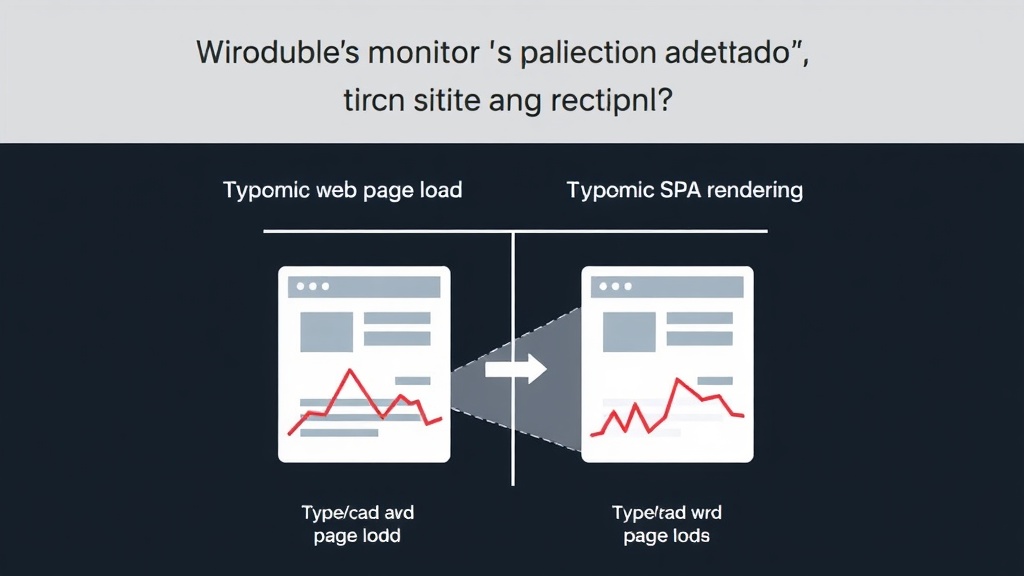
- Client-Side Hydration Mismatches: Modern JavaScript frameworks like React, Vue, and Angular build Single Page Applications (SPAs). During the initial load, a server might send a static HTML shell, and then client-side JavaScript "hydrates" it, attaching event listeners and rendering dynamic content. Discrepancies between the server-rendered HTML and the client-rendered DOM can occur, especially during complex updates or if there are slight differences in how the server and client interpret the initial state. These hydration mismatches can be flagged as errors by simplistic change detection systems.
Beyond Simple DOM Snapshots: Towards Smarter Monitoring
The failure of basic snapshot comparison highlights the need for more sophisticated monitoring strategies. Tools that merely check for the presence or absence of specific elements or compare raw DOM structures are fundamentally limited. They fail to grasp the dynamic nature of modern web applications, where content is often generated, modified, or loaded asynchronously after the initial page render.
A more robust approach requires understanding the *intent* behind the changes. For instance, instead of just detecting a change in class names, a smart monitor could recognize patterns associated with CSS frameworks and ignore them if they follow predictable conventions. Similarly, for dynamic content, the monitor should wait for the page to fully render and stabilize, accounting for asynchronous operations and client-side execution. This involves more than just taking a screenshot; it requires executing JavaScript, waiting for network requests to complete, and evaluating the final rendered state of the DOM.
The anecdote of the configurators failing due to missing <canvas> elements and sparse innerText is a prime example. A truly functional configurator might rely entirely on WebGL or other canvas-based rendering for its 3D elements, and its core interactive data might not be exposed in easily readable text nodes. A smart monitor would recognize that the <canvas> element is *supposed* to be there, or that the page's functionality is derived from JavaScript execution rather than static text content. It's about understanding the application's architecture, not just its surface appearance.
The Path Forward: Contextual and Intelligent Monitoring
For developers building monitoring tools, the lesson is clear: superficial checks are insufficient. The "False Positive Trap" is a direct consequence of treating dynamic web applications as static documents. Solving this requires algorithms that can differentiate between deliberate, dynamic content rendering and actual application failures. This might involve:
- Intelligent Rendering: Simulating a user's browser by executing JavaScript, waiting for asynchronous operations, and capturing the fully rendered DOM.
- Pattern Recognition: Identifying known patterns of dynamic content generation (like CSS hashes) and treating them as expected variations rather than errors.
- Contextual Analysis: Understanding the role of specific elements (like
<canvas>for 3D rendering) and not flagging their presence or absence in isolation. - State Stabilization: Waiting for the application's state to stabilize after load, ensuring that all dynamic content has loaded and interactive elements are functional.
For teams relying on these tools, the implication is that not all alerts are created equal. It's crucial to select monitoring solutions that employ advanced techniques to minimize noise. The ultimate goal is a system that reliably signals genuine problems, allowing engineers to focus their efforts where they are most needed, rather than sifting through a barrage of false alarms.
What remains an open question is the long-term impact of this persistent noise on developer productivity and the adoption of automated monitoring. If tools consistently cry wolf, will developers eventually stop listening altogether, potentially missing critical failures?