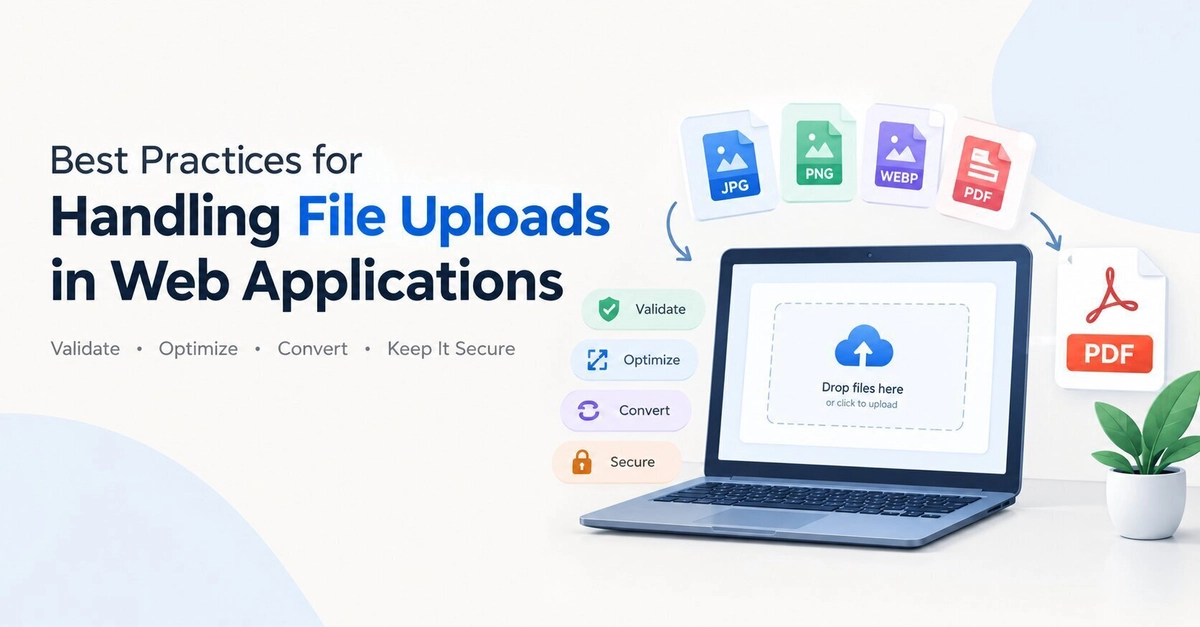
The Hidden Complexity of File Uploads
File uploads appear deceptively simple. Most developers can implement a basic upload feature quickly. However, real-world applications demand a robust approach that accounts for performance, security, and user experience. Whether building a contact form, a document management system, or a user dashboard, the way files—especially images and PDFs—are handled directly impacts usability and system integrity.
Developers often focus on backend logic, overlooking how the format of uploaded or downloaded files affects performance, compatibility, and security. This focus can lead to inefficient storage, slower load times, compatibility issues across devices and browsers, and critical security vulnerabilities.
Why File Format Matters
Users typically upload files without considering their format. They expect the application to handle it gracefully. This responsibility falls squarely on the developer. Different file formats have vastly different characteristics. For images, formats like JPEG, PNG, WebP, and GIF have distinct compression algorithms, color profiles, and transparency support. PDFs can contain embedded fonts, images, and vector data, leading to variable file sizes and rendering complexities.
Choosing the right format for storage and display is crucial. For instance, storing original, unoptimized images can consume excessive storage space and slow down retrieval. Converting images to modern formats like WebP can offer significant file size reductions with minimal loss in visual quality, improving load times for users. For PDFs, ensuring consistent rendering across different viewers and devices is a common challenge that requires careful handling of embedded resources.
Security: The Top Priority
File uploads present a significant attack surface. Malicious actors can exploit vulnerabilities to upload harmful files, such as executables disguised as images, or scripts embedded in documents. This can lead to cross-site scripting (XSS) attacks, remote code execution, or denial-of-service (DoS) conditions.
Input Validation is Non-Negotiable
Never trust user input, especially file uploads. Implement rigorous validation at multiple stages:
- Client-side validation: Use JavaScript to check file types (MIME types and file extensions) and sizes before the file is even sent to the server. This provides immediate feedback to the user and reduces unnecessary server load. However, client-side validation can be bypassed, so it must be paired with server-side checks.
- Server-side validation: This is the critical defense layer. Re-validate file types, sizes, and potentially even content. For images, consider using libraries that can parse image metadata and dimensions to ensure it's a genuine image file and not a disguised executable. For PDFs, libraries can inspect the document structure for malicious elements.
Sanitize and Whitelist
Instead of blacklisting known malicious file types (which is an endless game of catch-up), implement a whitelisting approach. Only allow specific, known-safe file types for each upload field. For example, a user profile picture upload should only permit JPEG, PNG, and WebP. A document upload might allow PDFs and DOCX files. For each allowed type, enforce specific limits and checks.
Secure Storage
Never store uploaded files directly in the web server's document root. This prevents direct execution of uploaded scripts. Store files in a dedicated, secure directory outside the web root, or preferably, use cloud storage services like Amazon S3, Google Cloud Storage, or Azure Blob Storage. These services offer robust security features, scalability, and can be configured to prevent direct public access to files, serving them instead through signed URLs or application-controlled access.
Virus Scanning
For applications handling a high volume of uploads or sensitive documents, integrate a virus scanner. This can be done by sending uploaded files to a malware scanning service or running a local scanner (e.g., ClamAV) as part of the upload processing pipeline. Scan files before making them available for download.
Performance and User Experience
Large file uploads can degrade performance and frustrate users. Optimizing the upload and download process is essential.
File Size Limits
Set reasonable file size limits based on your application's needs. Enforce these limits both client-side and server-side. Communicate these limits clearly to users to prevent disappointment.
Compression and Optimization
For image uploads, automatically optimize and resize images on the server. Convert them to appropriate formats (e.g., WebP) and compress them to reduce storage requirements and bandwidth usage. Libraries like ImageMagick or dedicated image processing services can automate this. For PDFs, while direct compression is complex, consider whether full-fidelity storage is always necessary or if optimized versions suffice.
Progress Indicators
Large uploads can take time. Provide clear progress indicators to the user. This manages expectations and improves the perceived responsiveness of the application. Most modern web frameworks and libraries offer built-in support for upload progress tracking.
Chunked Uploads
For very large files, consider implementing chunked uploads. This breaks the file into smaller pieces that are uploaded sequentially. This approach is more resilient to network interruptions; if one chunk fails, only that chunk needs to be re-uploaded, not the entire file. It also allows for resumable uploads.
Choosing the Right Tools and Approaches
Several tools and libraries can simplify handling file uploads:
- Backend Frameworks: Most modern web frameworks (e.g., Node.js with Express/Multer, Python with Django/Flask, Ruby on Rails, PHP with Laravel) provide built-in or popular third-party libraries for handling multipart form data, parsing files, and managing uploads.
- Cloud Storage Services: As mentioned, services like AWS S3, Google Cloud Storage, and Azure Blob Storage are invaluable for secure, scalable, and performant file storage. They often provide SDKs that simplify integration.
- Image Processing Libraries: Libraries like ImageMagick, GraphicsMagick, Sharp (Node.js), or Pillow (Python) are essential for image manipulation, including format conversion, resizing, and optimization.
- Dedicated Upload Services: For complex needs, consider third-party services that specialize in file uploads, offering features like direct-to-cloud uploads, advanced validation, and content moderation.
Implementing file uploads correctly requires a layered approach, prioritizing security, followed by performance and user experience. By adopting these best practices, developers can build more robust, secure, and user-friendly web applications.