The Problem: Text-Based Friction in AI Agent Interaction
Interacting with AI agents today often feels like shouting instructions into a void, hoping the agent understands the nuance of a visual task described purely through text. This friction is particularly acute for developers, designers, and roboticists who rely on visual feedback and direct manipulation. The developer behind the new open-source Visual Prompting Tool, who prefers to remain anonymous, experienced this frustration firsthand. Sick of the laborious process of copying and pasting screenshots, recording screen sessions, and crafting lengthy text prompts to describe simple visual edits, they sought a more intuitive solution. Their creation, an agentic "photoshop" plugin, aims to bridge this gap by allowing users to "point and doodle" at elements within an interface rather than relying solely on descriptive language.
This approach is fundamentally about reducing the cognitive load and time investment required to guide AI agents. Instead of translating a visual idea into a string of words, users can directly interact with the visual representation of their task. Imagine editing a website’s layout by dragging and dropping elements on a screenshot, or instructing a robot to pick up a specific object by highlighting it on a camera feed. This is the paradigm shift the Visual Prompting Tool proposes. It transforms the user experience from a command-line interface for visual tasks into a more direct, WYSIWYG (What You See Is What You Get) style interaction.
How Visual Prompting Works
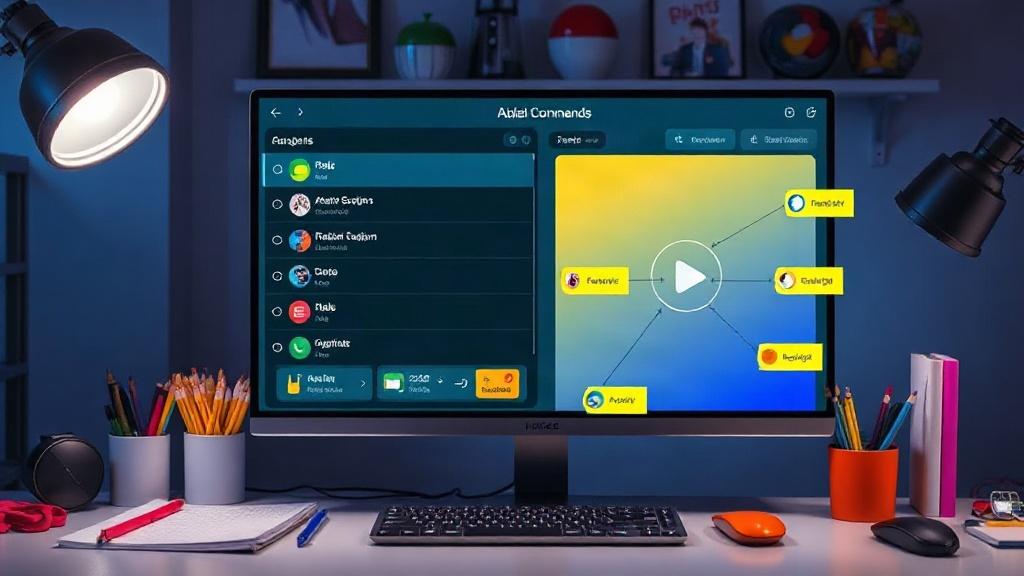
The core innovation lies in its ability to interpret visual cues as direct commands or context for AI agents. Unlike traditional prompting, which relies on natural language processing to decipher user intent from text, visual prompting integrates graphical elements. This can include:
- Direct Selection: Clicking or tapping on specific UI elements, objects in an image, or areas on a screen to designate them for action.
- Annotation and Drawing: Using simple drawing tools to circle, highlight, or draw paths to indicate desired modifications or actions. This is akin to using markup tools in image editing software but with the added layer of AI agent interpretation.
- Screenshot/Recording Integration: Seamlessly incorporating visual state information from applications or simulations, allowing agents to understand the current context without explicit textual description.
The tool's open-source release on GitHub suggests a desire to foster community development and explore its potential across various domains. The developer specifically mentioned its utility in full-stack development, simulations, and robotics, indicating a broad applicability. For a full-stack developer, this could mean visually modifying a webpage’s CSS by selecting an element and then sketching the desired change. In robotics, it might involve pointing at a specific object in a robot’s camera feed and instructing it to manipulate that object.
Implications for AI Agents and User Interfaces
The implications of this visual prompting approach are far-reaching. For AI agents, it means a more robust understanding of tasks that are inherently visual or spatial. Agents can move beyond interpreting abstract commands to acting on concrete visual information, leading to more accurate and efficient execution. This is particularly relevant for the burgeoning field of agentic AI, where agents are designed to perform multi-step tasks autonomously.
Think of it less like a chatbot you text and more like a digital assistant you can point at things. If you’re building a complex UI, instead of writing lines of code to position buttons or change colors, you could theoretically highlight the button in a mockup and tell the agent, "Make this bigger and move it left." The agent, armed with visual context and understanding, could then translate that into the necessary code or actions. This dramatically lowers the barrier to entry for complex software development and design tasks, potentially democratizing capabilities previously requiring specialized skills.
The open-source nature of the tool is also a critical factor. By releasing it on GitHub, the developer invites collaboration and innovation from the broader AI and developer community. This collaborative model is crucial for rapidly iterating on UI/UX paradigms for AI. What functionalities would you add? What platforms would benefit most? These are the questions the release poses to potential users and contributors.
The Future of Agentic Interaction
The success of such a tool hinges on its ability to integrate seamlessly with existing workflows and to provide tangible improvements in efficiency and usability. If it can effectively reduce the time spent on prompt engineering for visual tasks, it could become an indispensable part of the developer toolkit. The potential applications extend beyond software development:
- Robotics: Guiding robots in complex manipulation tasks through visual interfaces.
- 3D Modeling and Design: Directly manipulating 3D assets or environments via visual cues.
- Data Visualization: Interactively refining charts and graphs by pointing at specific data points or axes.
- Accessibility: Offering alternative interaction methods for users who struggle with traditional text-based interfaces.
The developer’s claim that this is the "next UI/UX for agentic AI" is bold but not unfounded. By moving beyond purely text-based interactions, visual prompting offers a more natural and efficient way to communicate complex intentions to AI agents. It transforms the interaction from a linguistic puzzle into a more intuitive, graphical conversation. The real question is how quickly this paradigm will be adopted and what new forms of agentic capabilities it will unlock as developers build upon this foundation.