Veeam Backup & Replication Project: From Trial Download to Monitored Backups
Setting up a robust backup solution from scratch can seem daunting, especially without prior experience. This project details a practical, hands-on approach to deploying Veeam Backup & Replication (VBR) using the trial edition, transforming a blank slate into a functioning, monitored backup environment. The goal was to build a self-contained lab showcasing the end-to-end process, from initial download to verifying successful restores and setting up proactive monitoring.
The Lab Setup: A Single-Server Approach
The core of this lab was designed for simplicity and efficiency, consolidating multiple roles onto a single server. This approach is ideal for learning and testing without requiring extensive hardware. The setup included:
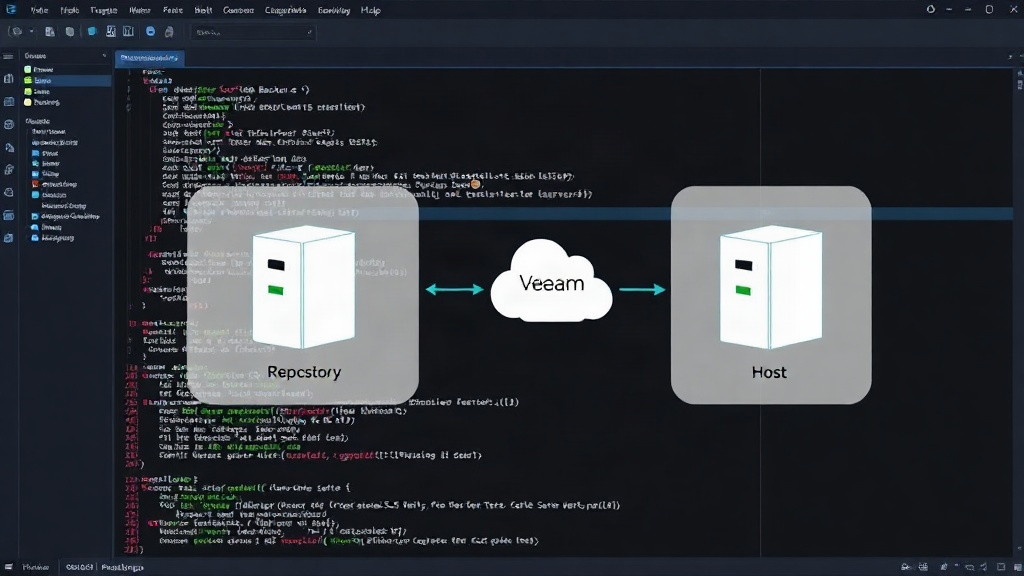
- Veeam Backup Server, Repository, and Veeam ONE Host: A single Windows Server machine (approximately 700GB storage) handled all primary functions. This consolidation simplifies management for a lab environment, though in production, these roles are typically distributed for performance and resilience.
- Virtual Machines for Backup: Four Linux VMs were designated as targets for backup jobs. These VMs represent typical server workloads that would require protection.
- ESXi Host: A bonus phase involved integrating an ESXi host into the backup strategy, demonstrating how Veeam can protect virtualized environments directly.
This single-server architecture, while not production-ready, provided a complete ecosystem for understanding VBR's capabilities and interdependencies.
Core Concepts: Agent vs. Agentless and Protection Groups
A crucial early step was understanding Veeam's protection strategies. VBR offers two primary methods for protecting workloads:
- Agent-Based Backups: This involves installing a Veeam agent directly onto the physical or virtual machine to be backed up. Agents provide granular control and can be effective for workloads not natively supported by hypervisor-level integrations, or when specific application-aware processing is needed at the OS level.
- Agentless Backups: For virtual machines, VBR excels at agentless protection by integrating directly with hypervisor APIs (like VMware vSphere or Microsoft Hyper-V). This method leverages the hypervisor's snapshot capabilities to capture VM data without requiring software installation on the guest OS.
Protection Groups are fundamental to organizing backup jobs. They allow administrators to group machines based on operating system, role, or other criteria. This grouping simplifies the creation and management of backup policies. For instance, all Linux VMs could be placed in a single protection group, allowing a single job definition to apply to all of them. This project utilized protection groups to manage both the Windows Server itself (as a workload) and the four Linux VMs.
The First Job Fails: LVM Snapshot Errors and Firewall Hurdles
The initial attempt to run a backup job immediately hit a snag: an LVM snapshot error. This error, specific to Linux Volume Manager, prevented VBR from creating the necessary snapshot for a consistent backup. Troubleshooting this involved several steps:
- Verifying LVM Configuration: Ensuring LVM was correctly configured and healthy on the target Linux VMs.
- Application-Aware Processing: For applications like SQL Server or Active Directory, VBR can attempt to quiesce the application to ensure transactional consistency. However, for general file system backups, especially with LVM, this can sometimes interfere or fail if not configured correctly.
- Firewall Configuration: A common, yet often overlooked, issue is network connectivity. VBR requires specific ports to be open between the backup server, the repository, and the source machines for data transfer and control. Initial connectivity tests revealed that the Windows firewall on the backup server was blocking necessary communication for the backup agent. Opening the required ports (e.g., 6160 for agent communication, 135 and 445 for SMB/RPC on Windows) resolved this.
The LVM snapshot error was particularly tricky because it only manifested during the backup process itself, not during initial discovery or agent registration. It underscored the importance of testing backup jobs immediately after setup, rather than assuming success.
Restore Testing: The Ultimate Validation
A backup is only as good as its ability to be restored. Veeam's built-in restore verification features are critical here. The project emphasized performing regular restore tests. This involved:
- Full VM Restores: Restoring entire Linux VMs to the lab environment.
- File-Level Restores: Verifying that individual files and folders could be successfully extracted from backup images.
- Instant VM Recovery: Testing the ability to power on a VM directly from its backup file, allowing for immediate access while a full restore is prepared.
Each restore test was meticulously documented, confirming data integrity and the viability of the backup strategy. This step is non-negotiable for any production environment.
Monitoring with Veeam ONE: Alarms and Insights
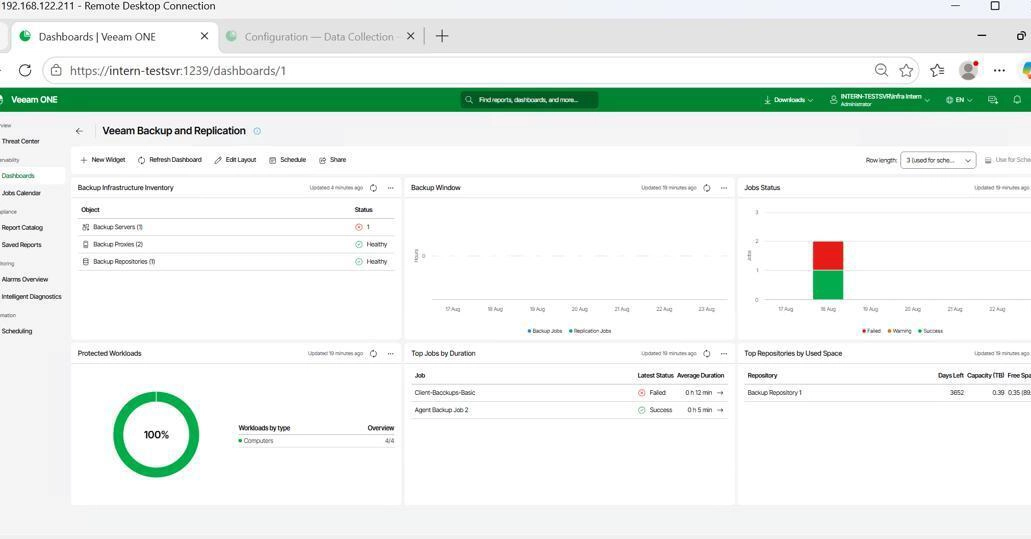
To ensure the backup environment remained healthy and proactive, Veeam ONE was deployed on the same server. Veeam ONE provides comprehensive monitoring for VBR infrastructure, including backup jobs, repositories, and VMs.
- Deployment: Veeam ONE was installed and configured to connect to the VBR server.
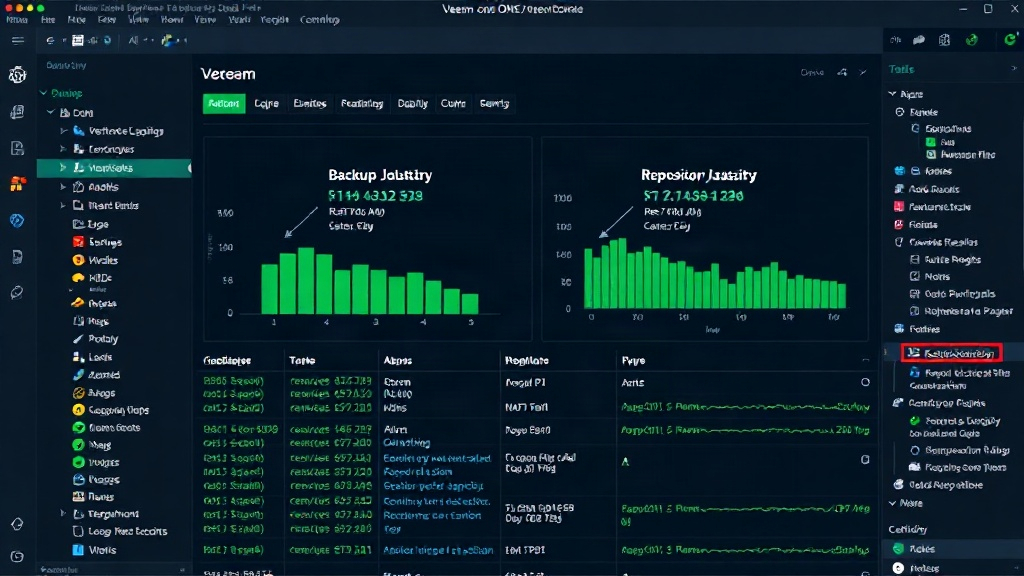
- Key Metrics: It monitors job success/failure rates, repository capacity and performance, and the health of the VBR components themselves.
- Alarms and Notifications: The system was configured with critical alarms for job failures, low repository space, and potential performance degradation. Email notifications were set up to alert administrators immediately of any issues.
The surprising detail here was how quickly Veeam ONE surfaced potential issues. Even before a job failed completely, it could flag performance anomalies or nearing capacity limits on repositories, providing early warning.
Bonus Round: Protecting an ESXi VM
The final phase involved integrating an ESXi host. This demonstrates VBR's core strength in virtual environment protection.
- Adding the Host: The ESXi host was added to the VBR infrastructure via its IP address and vCenter credentials (if applicable).
- Datastore and VM Discovery: VBR discovered the VMs residing on the ESXi datastores.
- Creating a VM Backup Job: A new backup job was created, targeting the specific VMs on the ESXi host. This job leveraged VBR's agentless technology, directly interacting with the ESXi API to orchestrate VM snapshots and data transfer.
- Storage Integration: For optimal performance with large virtual environments, VBR can integrate with various storage systems, but for this lab, a simple backup-to-disk repository was used.
This bonus round confirmed VBR's capability to manage both physical (via agents) and virtual workloads within a unified console, providing a single pane of glass for all backup and recovery operations.
Lessons Learned
This project provided invaluable hands-on experience. Key takeaways include:
- Documentation is Key: Thoroughly documenting every step, configuration change, and encountered error is vital for troubleshooting and future reference.
- Network Ports Matter: Firewall rules are a common culprit for backup failures; understanding and verifying port requirements is essential.
- Test Restores Relentlessly: Never assume backups are good without testing restores.
- Monitoring is Proactive: Veeam ONE transforms backup management from reactive firefighting to proactive health monitoring.
This end-to-end deployment, from trial download to a monitored, tested backup environment, serves as a solid foundation for anyone looking to implement Veeam in their own infrastructure, whether for a lab or a production deployment.