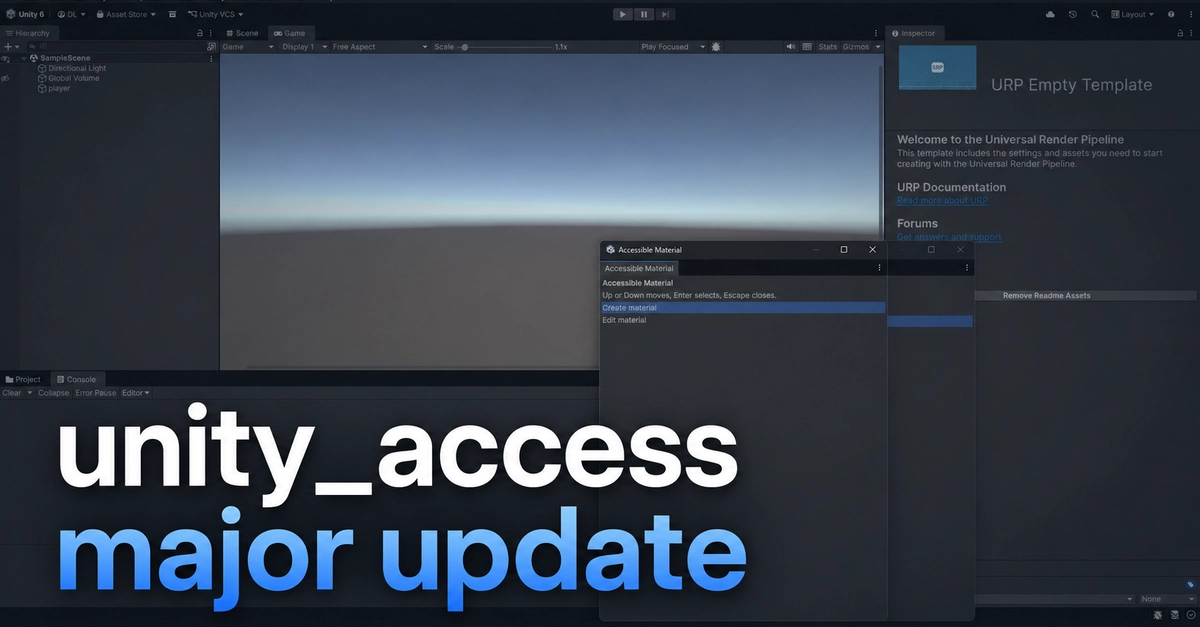
Unity_access: Bridging the Accessibility Gap in the Unity Editor
For the past several weeks, significant development has focused on Unity_access, a crucial plugin designed to make the Unity Editor more accessible to users relying on screen readers. Previously, the Unity Editor presented substantial barriers for these users, effectively locking them out of many core functionalities. Unity_access aims to dismantle these barriers, offering a more inclusive development environment. This update details the major advancements since the last feature showcase, highlighting key improvements to workflow and usability for developers with visual impairments.
Accessible Project Window and Assets Viewer
One of the most persistent limitations within the Unity Editor has been the inaccessibility of its Project Window. This crucial component, where developers manage all their project files and assets, has historically been a black box for screen reader users. Unity_access introduces a new Assets Viewer designed to rectify this fundamental issue. As of the latest update, this viewer empowers users to perform essential file management operations directly through their screen reader. This includes the ability to view files and folders, delete them, move assets between directories, and rename them. These are not trivial additions; they represent the foundational actions necessary for any developer to manage a project effectively. The goal extends beyond mere file exploration; the Assets Viewer is envisioned as a comprehensive asset management tool. Future iterations will incorporate more specialized options tailored to different asset types. For instance, the ability to set an image's Texture Type to Sprite (2D and UI) directly within the Assets Viewer is a prime example of this expanded functionality. This means a developer can import an image, immediately configure its import settings for sprite usage, and manage its location, all without needing to navigate the complex, inaccessible native Unity UI. This granular control over asset properties is a significant step towards parity with sighted developers.
Enhanced Options Menu for Customization
Beyond core asset management, Unity_access is also refining its options menu to offer greater customization and control. The plugin now features a dedicated Options window, allowing users to tailor the Unity_access experience to their specific needs. This includes settings for speech output, such as adjusting the verbosity of announcements, the types of events that trigger spoken feedback, and the ability to enable or disable specific features. For example, users can choose to have the plugin announce changes to the Inspector window, providing real-time feedback as properties are modified. They can also configure how the Hierarchy window is read out, ensuring that the nested structure of game objects is clearly communicated. This level of fine-tuning is critical for creating an efficient workflow. A screen reader user’s experience can vary dramatically based on how information is presented. By offering these granular controls, Unity_access ensures that developers can optimize the plugin for their personal preferences and the specific demands of their current project. The ability to toggle specific accessibility features on or off is also a key component. This allows users to avoid information overload when certain features are not needed for a particular task, streamlining their interaction with the editor.
Future Development and Community Input
The development of Unity_access is an ongoing process, heavily influenced by community feedback. The project is open-source, inviting contributions and suggestions from developers who use or wish to use the Unity Editor with accessibility in mind. The current feature set represents a significant leap forward, but the roadmap includes further enhancements. One key area of focus is improving the accessibility of the Inspector window, allowing users to not only view but also edit component properties more effectively. This involves mapping the various input fields, sliders, and dropdowns within the Inspector to accessible controls that screen readers can interact with. Another planned improvement is the integration with Unity’s animation system. Making the animation timeline and keyframe editor accessible would open up significant creative possibilities for animators using screen readers. The developers are actively seeking input on which editor features are most critical to address next. This collaborative approach ensures that Unity_access evolves to meet the real-world needs of its user base. The project maintainers emphasize that user testing and feedback are paramount. They encourage anyone facing accessibility challenges in the Unity Editor to engage with the project, report bugs, and suggest new features. This iterative development cycle, driven by direct user experience, is what will ultimately make Unity_access a robust and indispensable tool for a wider range of creators.
Conclusion: A More Inclusive Game Development Future
Unity_access represents a vital step towards a more inclusive game development ecosystem. By tackling the long-standing accessibility issues within the Unity Editor, particularly concerning the Project Window and asset management, it empowers a new cohort of developers. The ongoing work on the Options menu and the commitment to community-driven development suggest a bright future for the plugin. As Unity_access continues to mature, it promises to lower the barrier to entry for aspiring game developers who rely on screen readers, fostering greater diversity and innovation within the industry. The ability to manage files, rename assets, and set import properties through an accessible interface is not just a convenience; it is a fundamental enabler of creative work. The project’s focus on expanding these capabilities, alongside a user-centric development philosophy, positions Unity_access as a critical tool for the future of accessible game development.