
The Main Thread Bottleneck in Unity Games
By 2026, player expectations for high-fidelity, responsive game worlds are immense. Many Unity developers, however, find their ambitions limited by a critical bottleneck: the main thread. Relying heavily on MonoBehaviour.Update() for computationally intensive tasks like custom collision detection, advanced pathfinding, or complex flocking behaviors means sacrificing frames and player experience. The sequential nature of Update() prevents games from fully utilizing modern multi-core CPUs. This isn't just an optimization problem; it's an architectural one. Unity's Jobs System and Burst Compiler offer a path to parallelize these heavy computations, moving them off the main thread.
Understanding the Jobs System and Burst Compiler
The Unity Jobs System allows you to write multithreaded code that runs on separate CPU cores. It operates on a data-oriented design principle, meaning it processes large chunks of data efficiently. Jobs are scheduled to run in parallel, and the system manages dependencies between them. This is crucial for physics calculations, which often involve processing many entities and their interactions simultaneously.
The Burst Compiler takes C# code written for the Jobs System and compiles it into highly optimized native machine code. It understands the data-oriented nature of Jobs and applies aggressive optimizations, including SIMD (Single Instruction, Multiple Data) instructions, which allow a single operation to be performed on multiple data points at once. The result is code that runs significantly faster than traditional C# code, often approaching C++ performance levels for specific tasks.
Think of the Jobs System as an efficient assembly line manager who can assign tasks to multiple workers simultaneously. Burst Compiler is like giving those workers super-powered tools that let them complete their assigned tasks in a fraction of the time. Together, they transform how Unity handles complex, repetitive calculations.
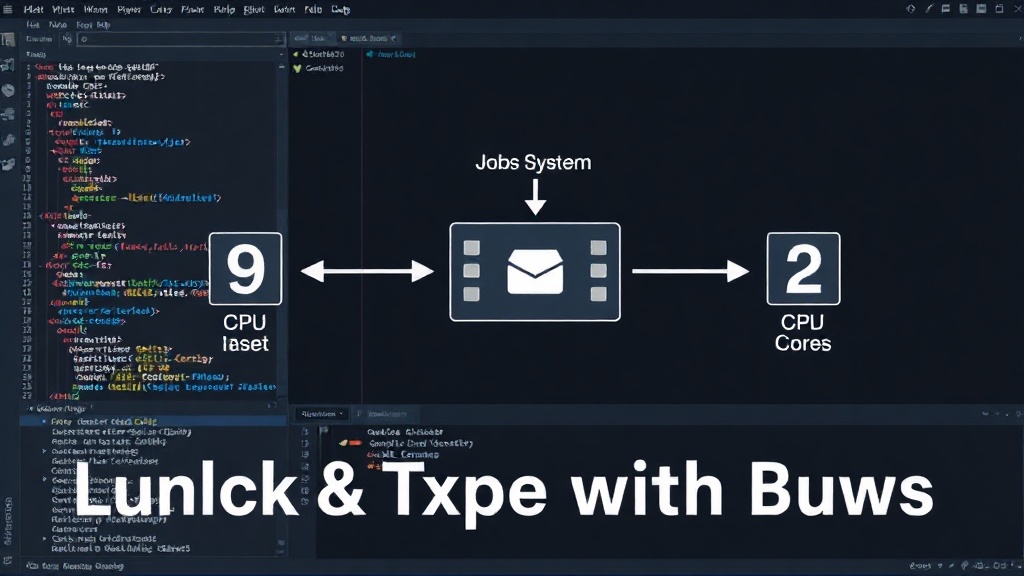
Implementing Parallel Physics
The primary application for the Jobs System and Burst Compiler in physics is to offload calculations from the main thread. Instead of running all physics logic within MonoBehaviour.Update(), you can structure your physics systems to operate on data using these new tools.
Custom Collision Detection: Traditional collision detection often involves iterating through all colliders and checking for overlaps. This can be O(n^2) in the worst case. With the Jobs System, you can partition the colliders into spatial partitions (like octrees or grids) and process potential overlaps in parallel for each partition. Burst-optimized algorithms can then perform the actual intersection tests much faster.
Advanced Pathfinding and AI: For games with many AI agents requiring pathfinding or flocking behaviors, calculating these individually on the main thread is prohibitive. The Jobs System can distribute pathfinding requests or flocking calculations across multiple cores. Burst can then accelerate the underlying algorithms, such as A* or Boids simulations.
Large-Scale Simulations: Games featuring complex environmental simulations, fluid dynamics, or destruction physics can benefit immensely. These simulations often involve many interacting particles or objects. The Jobs System can manage the parallel updates for these entities, while Burst optimizes the per-particle or per-object calculations.
The Workflow: Data Structures and Scheduling
Adopting the Jobs System requires a shift towards data-oriented programming. Instead of object-oriented approaches where data and behavior are tightly coupled within classes, you work with large arrays or structs of data. The Jobs System operates on these data arrays.
You define a IJobParallelFor struct for operations that need to be performed on each element of an array. Inside the Execute() method of this struct, you write the logic that will be run in parallel for each index. You then schedule this job using ScheduleParallel(), passing in the data arrays it needs to access. The system automatically handles distributing the work across available cores.
For physics, this often means restructuring your data. Instead of each physics object having its own MonoBehaviour script with position and velocity properties, you might have a single array of PhysicsComponentData structs, where each struct contains position, velocity, mass, and other relevant physics properties for one object. Your Jobs would then operate on slices of this array.
Potential Pitfalls and Best Practices
While powerful, the Jobs System and Burst Compiler have nuances:
- Data Dependencies: Avoid situations where one job needs the output of another job that hasn't completed yet. The Jobs System provides mechanisms for managing dependencies, but complex interdependencies can negate parallelism benefits.
- Native Containers: Use Unity's native containers (e.g.,
NativeArray,NativeList) for data accessed by Jobs. These containers are designed for multithreaded access and safety. Standard C# collections are not thread-safe. - Burst Compatibility: Not all C# features are supported by the Burst Compiler. You'll need to ensure your Job code adheres to Burst's supported subset of C#. If Burst cannot compile a job, it will fall back to standard C# execution, which is still multithreaded but not as fast.
- Debugging: Debugging multithreaded code can be challenging. Unity's profiling tools are essential for identifying performance bottlenecks and race conditions.
The Future of Unity Physics
As game complexity increases, the demands on CPU resources will only grow. Developers who embrace the Jobs System and Burst Compiler for their physics and other heavy computations will be better positioned to meet these demands. This isn't just about squeezing out a few extra frames; it's about enabling more complex, dynamic, and responsive game worlds that were previously impossible due to single-threaded limitations. If your game's physics feels sluggish or unresponsive, it's time to investigate whether your main thread is the culprit and explore these powerful Unity tools to unlock your game's true potential.