%22%20%2F%3E%0A%20%20%3C%2Fsvg%3E)
Introducing the Unity Command-Line Interface
Unity Technologies has officially launched its Command-Line Interface (CLI), a significant move to empower developers with greater control and efficiency over their game development workflows. The CLI allows developers to manage Unity projects directly from their terminal, bypassing the need to open the full Unity Editor for many common tasks. This offers a more streamlined and automatable approach, particularly beneficial for continuous integration and continuous deployment (CI/CD) pipelines, as well as for developers who prefer a terminal-centric development environment.
The core motivation behind the Unity CLI is to address long-standing developer requests for better automation and scriptability. For years, complex build processes, asset management, and project configuration often required manual intervention within the Unity Editor, creating bottlenecks in development cycles. The CLI aims to shatter these limitations by exposing Unity's powerful features through a set of intuitive commands. This transition marks a strategic shift towards supporting a broader range of development methodologies, acknowledging that not all development work requires a graphical interface.
Key Features and Capabilities
The Unity CLI is designed to be modular and extensible, offering a robust set of commands for common development tasks. Developers can now perform operations such as creating new projects, importing assets, building executables for various platforms, and even running tests, all without launching the Unity Editor GUI. This is particularly impactful for automated build systems where the Unity Editor's graphical interface can be a performance drain or simply unnecessary.
One of the most anticipated features is the enhanced build automation. The CLI allows for precise control over build settings, including target platforms (Windows, macOS, Linux, Android, iOS, WebGL, etc.), build configurations (development, release), and custom scripting symbols. This level of granular control is crucial for teams aiming to optimize their build pipelines for speed and reliability. Imagine setting up a nightly build that compiles your game for PC, Android, and WebGL, all triggered by a single command or a webhook. The CLI makes this a reality.
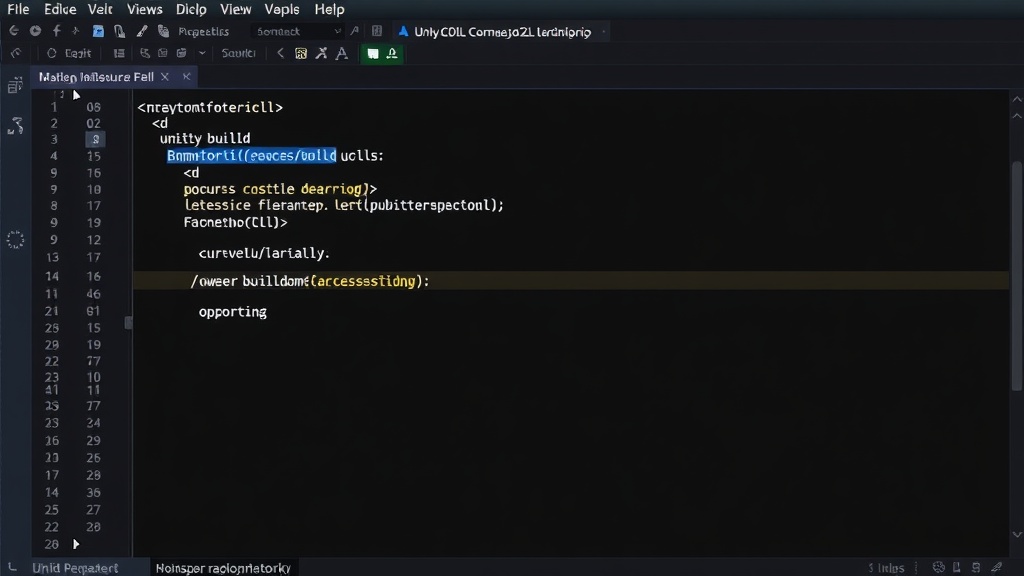
Beyond building, the CLI also provides powerful tools for project management. Developers can use it to initialize new projects from templates, manage project settings, and even perform asset import and processing operations. This is akin to having a project manager that lives in your terminal, ensuring consistency and reducing the chance of configuration drift between different developer machines or build environments. For instance, ensuring all team members use the exact same project settings and asset import pipelines can be enforced via CLI commands executed at project setup or during CI checks.
Performance and Automation Gains
The performance improvements offered by the Unity CLI are substantial. By eliminating the overhead of the Unity Editor's graphical interface, build times can be significantly reduced. This is especially true for CI/CD environments where resources are often constrained and every second counts. Automated builds that previously took tens of minutes might now complete in a fraction of that time, allowing for more frequent testing and faster iteration cycles. This speedup translates directly into developer productivity and reduced operational costs for cloud-based build agents.
The automation potential extends to testing as well. The CLI integrates with Unity's test runner capabilities, enabling developers to execute unit tests and integration tests as part of their automated workflows. This ensures that code changes are validated rigorously and automatically, catching regressions early in the development cycle. Imagine a scenario where a commit to your version control system automatically triggers a build, followed by a suite of automated tests executed via the CLI, with results reported back to the team. This level of automation is a cornerstone of modern, efficient software development.
Developer Experience and Extensibility
Unity has emphasized that the CLI is built with the developer experience in mind. The command structure is designed to be intuitive, with clear syntax and helpful error messages. Extensive documentation and examples are provided to help developers get started quickly. The CLI also supports extensibility, allowing third-party tools and custom scripts to integrate with it, further expanding its capabilities. This open approach ensures that the CLI can adapt to the evolving needs of the Unity development community.
For developers accustomed to working with command-line tools in other ecosystems, the Unity CLI will feel familiar. It adopts common patterns and conventions, making the learning curve less steep. The ability to script complex sequences of operations provides a powerful way to manage intricate project setups or perform repetitive tasks with a single command. This is particularly valuable for large projects with many modules, complex asset pipelines, or diverse platform targets.
What remains to be seen is how deeply the community will embrace and extend the CLI. While the initial feature set is robust, the true power of such a tool often lies in the ecosystem of plugins and custom scripts that emerge around it. The success of the Unity CLI will depend not only on Unity's continued development but also on its adoption and integration by the broader developer community into their bespoke workflows.
Impact on Game Development Workflows
The introduction of the Unity CLI represents a significant step forward for professional Unity development. It democratizes access to powerful automation features that were previously more difficult or cumbersome to implement. Teams can now build more robust, efficient, and reliable development pipelines, leading to faster game releases and higher quality products.
For independent developers and small studios, the CLI offers a way to professionalize their build and deployment processes without requiring extensive infrastructure. For larger enterprises, it provides the tools needed to integrate Unity development seamlessly into existing enterprise-level CI/CD systems. The ability to manage Unity projects without the visual editor is not just a convenience; it's a fundamental shift that enables more scalable and maintainable development practices. This is less about replacing the editor and more about augmenting it with the power and flexibility of the terminal.