The "Unexpected token '<'" Error: A Misdirection
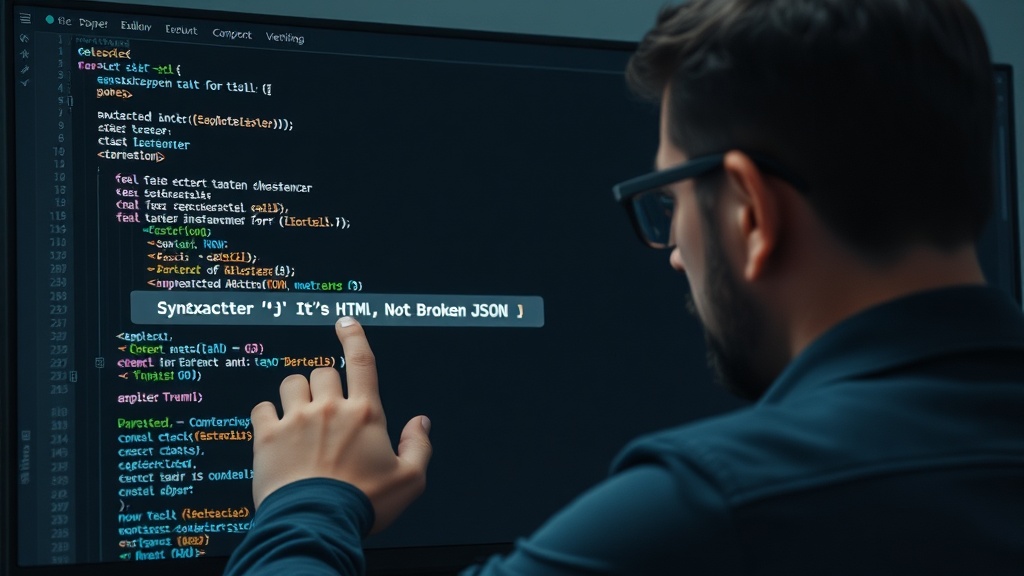
You've written your code, you're expecting a JSON response, and then it happens: SyntaxError: Unexpected token '<', "<!DOCTYPE "... is not valid JSON. This error, often encountered when calling JSON.parse() or a similar method like res.json() in JavaScript, is notoriously misleading. The immediate instinct is to dive deep into your JSON payload, hunting for a misplaced comma, a missing bracket, or an incorrectly quoted key. However, the most frequent culprit has nothing to do with the structure or content of your JSON at all.
The overwhelming majority of these errors signal that the server did not return JSON. Instead, it returned an HTML document. This might be a complete HTML page, a fragment, or even just a simple HTML tag. Your application, expecting structured data, receives markup and attempts to parse it as JSON, leading to the syntax error.
Why Servers Send HTML Instead of JSON
Several common scenarios lead to a server responding with HTML when JSON is expected:
1. Not Found Errors (404)
This is perhaps the most frequent cause. A requested API endpoint might be incorrect, misspelled, or deprecated. Instead of returning a JSON error object (which would be ideal), the server often defaults to serving its standard HTML 404 page. Your client-side code then tries to parse this HTML page as JSON, triggering the error.
2. Authentication and Authorization Redirects
If your API requires authentication and the request lacks valid credentials, or if the user's session has expired, the server might redirect the user to a login page or an authentication gateway. These redirects typically return an HTML response. If the fetch request or HTTP client is not configured to handle redirects properly, or if it blindly attempts to parse the response body, the same Unexpected token '<' error will occur.
3. Server-Side Errors (5xx)
While less common for this specific error message, a server experiencing an internal error (a 5xx status code) might also return an HTML-based error page generated by the web server or framework, rather than a structured JSON error. This can happen if the error occurs before the application logic that is supposed to generate JSON error responses can execute.
4. Security Challenges (e.g., Cloudflare)
Some web application firewalls (WAFs) or content delivery networks (CDNs) like Cloudflare might present an HTML-based challenge page to a client if they detect suspicious activity. This could be a "prove you're human" page, a bot detection screen, or a security configuration error. If your API request is intercepted by such a system, it will receive HTML, not the expected JSON.
5. Incorrect Content-Type Headers
In rarer cases, the server might actually be sending JSON, but it incorrectly sets the Content-Type header to something other than application/json. Some libraries or frameworks might be more strict about parsing based on this header. However, the Unexpected token '<' error specifically points to the content itself being non-JSON, so this is less likely for this particular error.
Debugging the "Unexpected token '<'" Error
The key to fixing this error is to inspect the actual response received from the server, not just assume the JSON is malformed. Here’s a systematic approach:
1. Inspect the Network Tab in Developer Tools
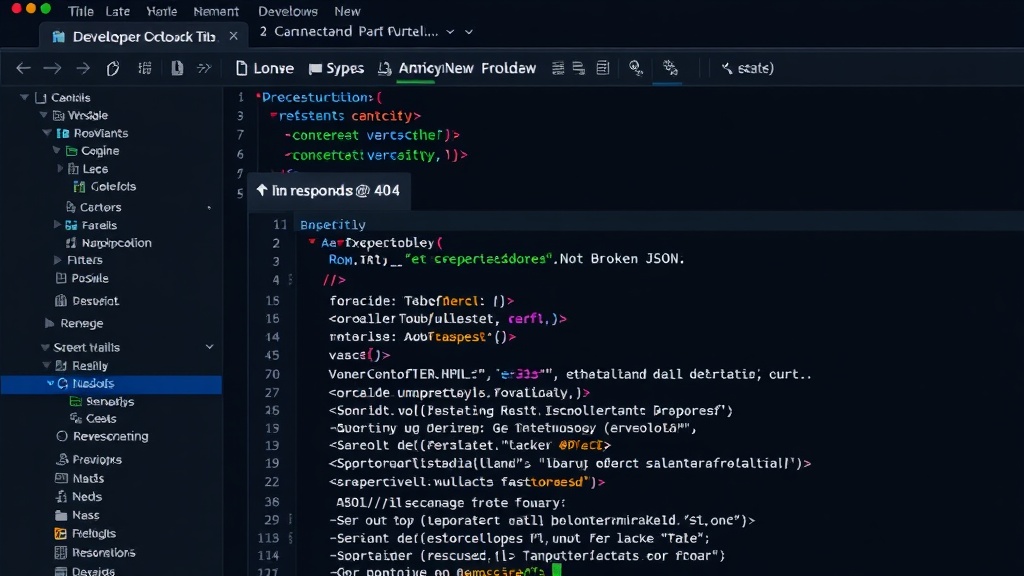
This is your primary tool. Open your browser’s developer tools (usually by pressing F12) and navigate to the "Network" tab. Make the request that causes the error. Locate the specific request in the Network tab. Click on it to see its details:
- Status Code: Check if it's a 200 OK, or if it's a 404, 302 (redirect), or 500 error. A non-200 status code is a strong indicator that you're not getting JSON.
- Response Tab: Look at the "Response" or "Preview" tab for that request. This will show you the raw body of the response. If you see HTML tags (
<html>,<!DOCTYPE html>,<body>), you've found your problem.
2. Log the Raw Response Text
Before attempting to parse the response as JSON, log the raw text of the response body. This is particularly useful in environments where developer tools might not be readily available or for debugging asynchronous operations.
async function fetchData(url) {
  try {
    const res = await fetch(url);
    // Log the status code and check if it's okay
    console.log('Status:', res.status);
    if (!res.ok) {
      // If not OK, try to get text to see the error page
      const errorText = await res.text();
      console.error('Server responded with non-JSON:', errorText);
      // You might want to throw an error here or handle it
      throw new Error(`HTTP error! status: ${res.status}`);
    }

    // If the status is OK, THEN try to parse as JSON
    const data = await res.json();
    console.log('Parsed JSON data:', data);
    return data;
  } catch (error) {
    console.error('Error during fetch or JSON parsing:', error);
    // This catch block will now also catch errors from res.text() if !res.ok
  }
}
3. Verify API Endpoints and Configurations
Double-check the URL you are requesting. Ensure there are no typos. If you are working with a service that manages API keys or authentication tokens, verify that they are correctly included in the request headers or parameters.
4. Handle Non-JSON Responses Gracefully
Your code should anticipate that an API might not always return valid JSON, especially for error conditions. Implement checks for the HTTP status code before attempting to parse the response body.
A common pattern is to check res.ok (which is true for status codes 200-299) and, if false, read the response as text to log or display the error message from the server. This prevents the SyntaxError and provides meaningful feedback about what went wrong.
Conclusion: It's Often a Server, Not Your JSON
The SyntaxError: Unexpected token '<' is a clear signal that your application received HTML, not JSON. The problem lies not in your JSON syntax, but in the server's response. By inspecting the network response, checking status codes, and logging the raw response body, you can quickly diagnose and resolve these issues, saving yourself hours of fruitless JSON debugging.