Understanding MCP in Agent Development
Multi-Agent Communication Protocols (MCP) often sound abstract, bogged down by discussions of standards and intricate architectures. Developers, however, need to grasp the practical application: how does MCP integrate into a real agent's workflow? This guide provides a minimal TypeScript example to illustrate MCP's role within an operational system, focusing on the flow rather than building a complete framework.
The Agent's Goal: A Flight Search
We will construct a straightforward agent designed to handle queries like "Find me flights to New York." This agent will execute a three-step process:
- Identify the necessity of a flight search tool.
- Invoke this tool via an MCP-compliant interface.
- Process and deliver the search results.
The core of this exercise lies in understanding the underlying structure and communication pattern, not the specific functionality of the flight search itself.
Architectural Overview
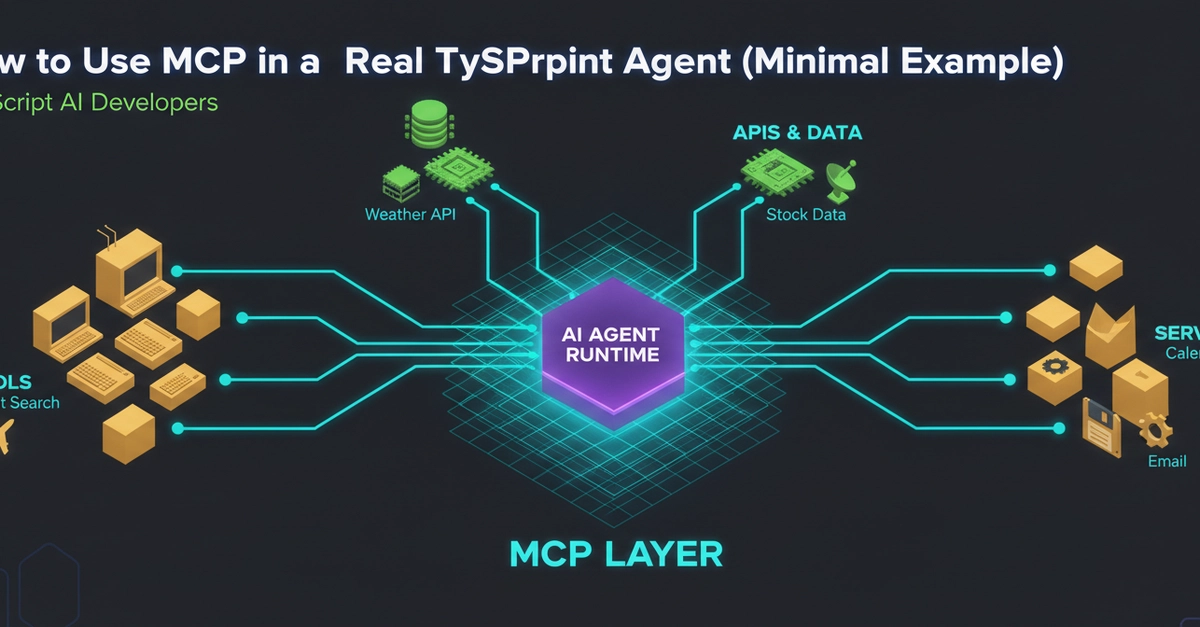
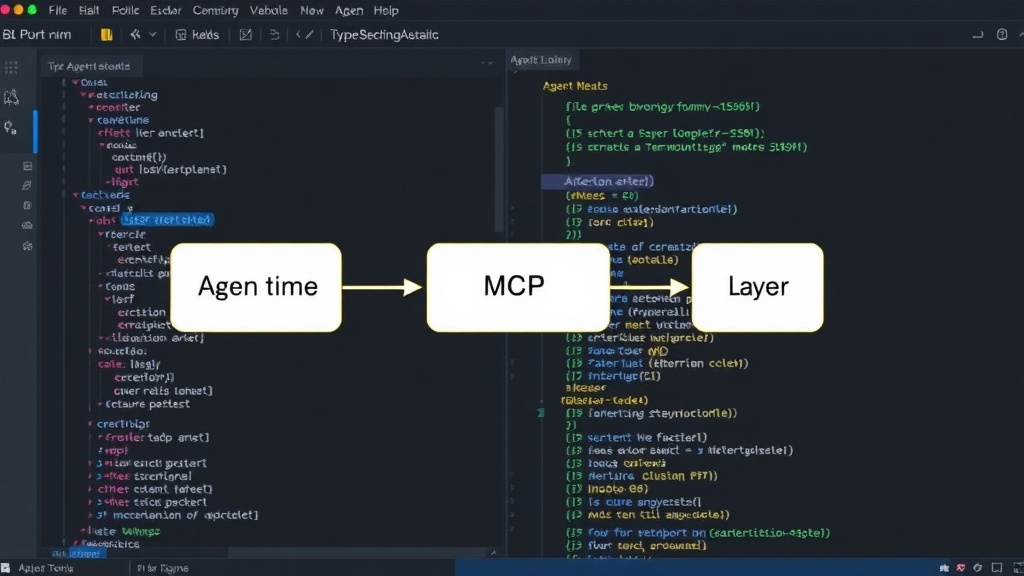
At its heart, the system comprises an Agent Runtime, an MCP Layer, and various Tools. The Agent Runtime initiates a request, which is then passed to the MCP Layer. This layer acts as an intermediary, translating the agent's intent into a format that specific tools can understand and execute. The tools, in turn, process the request and return their output back through the MCP Layer to the Agent Runtime. This layered approach ensures that the agent doesn't need to know the intricate details of each tool's implementation; it only needs to interact with the standardized MCP interface.
Core Components: Agent Runtime
The Agent Runtime is the central orchestrator. It receives user input, determines the necessary actions, and manages the overall execution flow. For our flight search agent, the runtime would first parse the user's request. If it identifies a need for external data or functionality—like finding flights—it delegates this task. The runtime's responsibility is to maintain the state of the conversation and ensure that the final response is coherent and addresses the user's original query. It’s the brain of the operation, deciding what needs to be done and when.
Core Components: The MCP Layer
The MCP Layer is the communication hub. It acts as a translator and router between the agent's core logic and the available tools. When the Agent Runtime decides a tool is needed, it sends a structured request to the MCP Layer. This layer then identifies the appropriate tool based on the request's nature and parameters. It formats the request according to the specific protocol that the chosen tool understands, ensuring that the tool receives the information in a usable format. Conversely, when a tool returns a result, the MCP Layer receives it, potentially performs any necessary transformations, and passes it back to the Agent Runtime. Think of MCP as a universal adapter that allows different electronic devices (the agent and the tools) to communicate seamlessly, regardless of their native connection types.
Core Components: Tools
Tools are the specialized modules that perform specific tasks. In our example, a flight search tool would be responsible for querying flight databases or APIs. Other tools might handle weather forecasts, restaurant recommendations, or calendar management. Each tool must expose an interface that the MCP Layer can interact with. This interface typically defines the inputs the tool expects and the outputs it will produce. The agent doesn't need to know *how* the flight search tool works—whether it uses a proprietary API or scrapes a website—only that it can call it via the MCP Layer and receive a structured response.
Implementing the TypeScript Agent
Let's dive into the code. We'll define interfaces for our agent, the MCP layer, and the tools to ensure type safety and clear contracts.
Agent Interface
The agent itself needs a way to process requests and return responses. We can define a basic interface:
interface Agent {
  processRequest(query: string): Promise<string>;
}
Tool Interface
Each tool will adhere to a common interface, allowing the MCP layer to interact with them uniformly. For a flight search tool, this might look like:
interface FlightSearchTool {
  search(destination: string, date?: string): Promise<FlightResult[]>;
}

interface FlightResult {
  airline: string;
  flightNumber: string;
  departure: string;
  arrival: string;
  price: number;
}
MCP Layer Interface
The MCP layer needs to expose a method to call tools. This method will take a tool identifier and parameters, and return the tool's output.
interface MCPLayer {
  callTool(toolName: string, params: any): Promise<any>;
}
The Minimal Agent Implementation
Now, let's put it together. Our agent will use the MCP layer to call the flight search tool.
Flight Search Tool Implementation
Here’s a mock implementation of the flight search tool:
class MockFlightSearchTool implements FlightSearchTool {
  async search(destination: string, date?: string): Promise<FlightResult[]> {
    console.log(`Searching for flights to ${destination}${date ? ` on ${date}` : ''}...`);
    // Simulate an API call
    await new Promise(resolve => setTimeout(resolve, 500));
    return [
      { airline: 'Air NowRift', flightNumber: 'NR123', departure: '10:00', arrival: '12:00', price: 250 },
      { airline: 'CloudAir', flightNumber: 'CA456', departure: '14:00', arrival: '16:00', price: 300 },
    ];
  }
}
MCP Layer Implementation
The MCP layer will manage a registry of tools and route calls accordingly:
class SimpleMCPLayer implements MCPLayer {
  private tools: Map<string, any> = new Map();

  registerTool(name: string, tool: any): void {
    this.tools.set(name, tool);
  }

  async callTool(toolName: string, params: any): Promise<any> {
    const tool = this.tools.get(toolName);
    if (!tool) {
      throw new Error(`Tool ${toolName} not found.`);
    }

    // Assuming the tool has a method matching the toolName or a generic execute method
    // For simplicity, we'll assume a 'search' method for FlightSearchTool
    if (toolName === 'flightSearch' && typeof tool.search === 'function') {
      return tool.search(params.destination, params.date);
    }

    throw new Error(`Method not implemented for tool ${toolName}`);
  }
}
Agent Runtime Implementation
Finally, the agent that orchestrates the process:
class FlightAgent implements Agent {
  private mcpLayer: MCPLayer;

  constructor(mcpLayer: MCPLayer) {
    this.mcpLayer = mcpLayer;
  }

  async processRequest(query: string): Promise<string> {
    // Simple query parsing: look for keywords
    if (query.toLowerCase().includes('find me flights to')) {
      const destinationMatch = query.match(/find me flights to (.*)/i);
      if (destinationMatch && destinationMatch[1]) {
        const destination = destinationMatch[1].trim().replace('.', ''); // Remove trailing period
        try {
          const results = await this.mcpLayer.callTool('flightSearch', { destination });
          return `Here are some flight options to ${destination}:
${results.map((r: FlightResult) => `- ${r.airline} ${r.flightNumber}: $${r.price}`).join('\n')}`;
        } catch (error) {
          console.error('Error calling flight search tool:', error);
          return 'Sorry, I could not find any flights at the moment.';
        }
      }
    }
    return 'I can only help with flight searches right now.';
  }
}

// Setup and execution
const mcp = new SimpleMCPLayer();
const flightTool = new MockFlightSearchTool();
mcp.registerTool('flightSearch', flightTool);

const agent = new FlightAgent(mcp);

async function runAgent() {
  const query = 'Find me flights to London.';
  console.log(`User query: ${query}`);
  const response = await agent.processRequest(query);
  console.log(`Agent response: ${response}`);

  const query2 = 'What is the weather like?';
  console.log(`User query: ${query2}`);
  const response2 = await agent.processRequest(query2);
  console.log(`Agent response: ${response2}`);
}

runAgent();
The Value of MCP
This minimal example demonstrates how MCP decouples the agent's core logic from the specific implementations of its tools. The agent only needs to know the name of the tool and the expected parameters. The MCP layer handles the complexities of inter-process communication, data serialization/deserialization, and routing. This modularity makes agents more maintainable, scalable, and easier to extend with new capabilities. Developers can swap out tools, add new ones, or even change the underlying communication mechanisms without altering the agent's primary decision-making logic. This structure is akin to how a modern web application uses an API gateway to manage communication between microservices; the gateway abstracts the network complexity, allowing frontend and backend services to focus on their core responsibilities.
Future Considerations
While this example is minimal, real-world agents would require more robust error handling, sophisticated query parsing, dynamic tool selection based on context, and potentially more complex communication patterns like asynchronous messaging or streaming results. The MCP protocol itself might evolve to support richer interactions, such as tool chaining or agent-to-agent communication. The key takeaway remains the value of a structured communication layer for managing complexity in multi-agent systems.