
Accelerating Desktop Workflows with Voice
TypeDash emerges as a new desktop application designed to streamline user interactions with their computers. Its core proposition is simple yet powerful: leverage voice commands for both dictation and application control. This approach aims to bypass the keyboard and mouse for certain tasks, potentially offering a significant speed boost for users who find themselves typing or navigating repetitive menus frequently.
The tool operates on the principle of customizability. Users can define their own voice shortcuts to trigger specific actions within any desktop application. This is not limited to simple text expansion; TypeDash allows for the creation of complex command sequences. For instance, a single spoken phrase could initiate a series of actions like opening a specific project file, launching a set of development tools, and even navigating to a particular section within an application. This level of granular control means users can tailor the software to their unique workflows, whether they are developers, writers, designers, or any other professional who relies heavily on desktop software.
Dictation is another key feature. TypeDash integrates voice-to-text capabilities, allowing users to dictate notes, emails, code snippets, or any other text directly into active applications. The goal is to make dictation as seamless as possible, reducing the friction often associated with traditional voice input methods. This could be particularly beneficial for tasks requiring extensive writing or for individuals who prefer verbal communication over typing.
Customization and Control at its Core
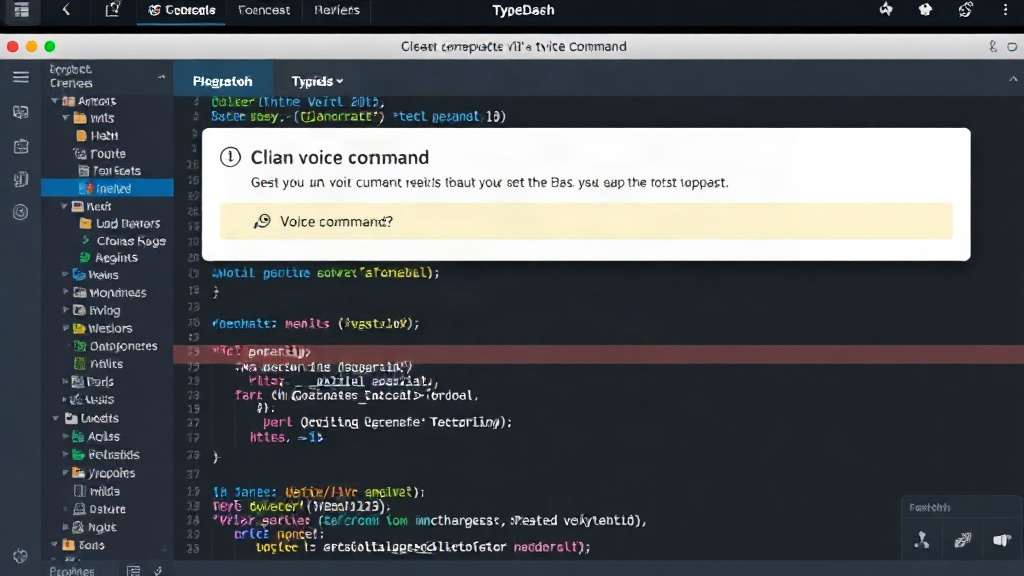
The power of TypeDash lies in its extensive customization options. Unlike generic dictation software, TypeDash focuses on enabling users to create bespoke command sets for virtually any application. This is achieved through an intuitive interface that allows users to map spoken phrases to keyboard shortcuts, menu commands, or even custom scripts. This flexibility means that a developer could, for example, set up a voice command to run a build script, commit code to a repository, or open a specific debugging tool, all without touching their keyboard.
Consider the common task of managing multiple browser tabs or windows. With TypeDash, a user could create a shortcut like "Show project tabs" that automatically brings all relevant browser windows for a specific project to the forefront. Similarly, for design software, a command like "New layer group" could instantly create a properly named folder structure within the layer panel. This ability to abstract complex sequences into simple voice commands is where TypeDash aims to deliver its most significant value.
The dictation engine itself is designed for accuracy and speed. While the specifics of the underlying technology are not detailed, the emphasis is on providing a reliable way to convert spoken words into text across different applications. This includes support for various punctuation commands and formatting, allowing for more natural and less error-prone dictation. The system learns from user input, aiming to improve accuracy over time for individual voices and common phrases.
Potential and Unanswered Questions
TypeDash enters a market with existing dictation tools and automation software. However, its unique selling proposition is the deep integration of voice control across *any* desktop application, combined with its custom shortcut creation. This dual functionality could appeal to power users seeking to optimize every aspect of their digital workflow.
The success of TypeDash will likely hinge on several factors. Firstly, the accuracy and responsiveness of its voice recognition system are paramount. Any significant lag or misinterpretation of commands could quickly negate the perceived speed benefits. Secondly, the ease with which users can create and manage custom commands will determine its adoption rate. A steep learning curve for setting up shortcuts could deter less technical users.
What nobody has addressed yet is the long-term impact on user muscle memory. If users become heavily reliant on voice commands for tasks previously performed with keyboard shortcuts or mouse gestures, how will this affect their proficiency when using systems without such voice integration? Will it lead to a new form of cognitive load, or will it truly liberate users from repetitive physical actions?
Furthermore, the security implications of an application that can control any desktop function via voice command warrant consideration. While the company emphasizes local processing where possible, the potential for unauthorized access or accidental triggering of sensitive commands needs to be robustly addressed. The ability to execute arbitrary commands, even if user-defined, carries inherent risks that users and developers must navigate.
The Future of Input?
TypeDash represents an intriguing step towards more natural and efficient human-computer interaction on the desktop. By combining robust dictation with highly customizable voice-activated shortcuts, it offers a compelling proposition for anyone looking to reduce their reliance on traditional input methods and accelerate their digital tasks. As voice technology continues to mature, tools like TypeDash may become increasingly integral to how we interact with our computers, blurring the lines between spoken intent and digital action.
The platform is available for macOS and Windows, positioning itself as a cross-platform solution for a broad range of users. Early adopters will be key in shaping its future development, providing feedback that will undoubtedly refine its capabilities and expand its potential applications. The journey from a novel tool to an indispensable part of a professional's toolkit is a challenging one, but TypeDash is making a bold bid for that position.