
The Case Against Invasive Monitoring
The pursuit of browser productivity often clashes with fundamental privacy concerns. For leaders managing engineering teams, especially in remote settings, the instinct to monitor employee activity can be strong. However, invasive employee monitoring is not just counterproductive; it actively erodes trust, a cornerstone of high-performing teams. This approach breeds resentment and a culture of suspicion, ultimately hindering the very productivity it aims to enhance. Before considering any form of tracking, especially for others, it's crucial to establish a baseline of ethical practice and demonstrable value. The focus must shift from surveillance to enablement and genuine insight.
Self-Monitoring: The Ethical Starting Point
The most effective and least ethically fraught method for understanding browser productivity begins with self-tracking. By monitoring your own usage patterns, you gain firsthand insight into what data is truly valuable and how it can be leveraged for improvement. This personal exploration serves as a proof of concept, demonstrating the utility of such tracking without imposing it on others. It allows you to identify your own bottlenecks, optimize your workflows, and understand the tools that genuinely contribute to your output. This initial step is critical for building a framework that values both efficiency and individual autonomy. It’s about understanding your own digital habits before even considering the broader implications for a team.
Leveraging Browser Extensions for Personal Insight
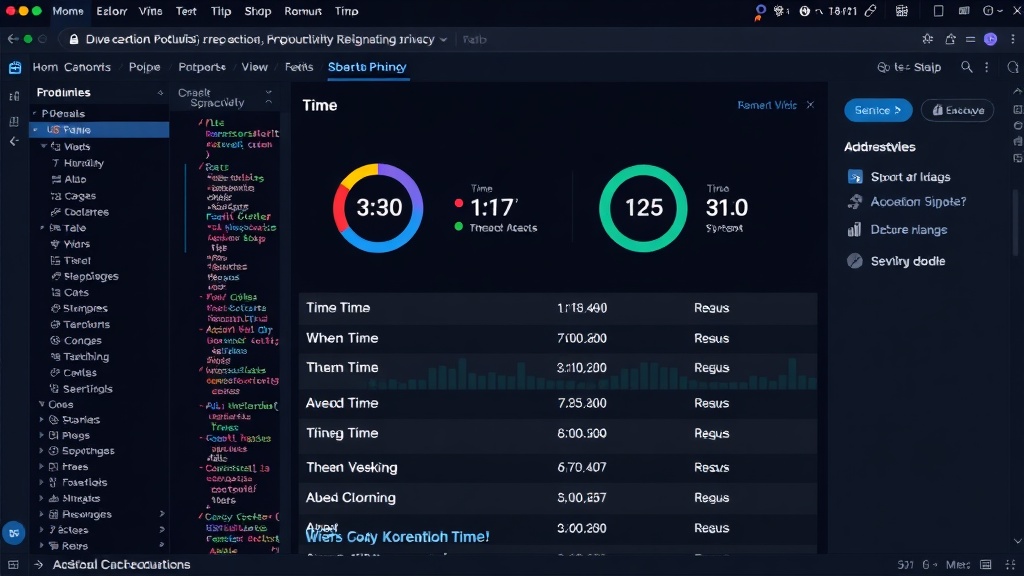
Several browser extensions can provide powerful insights into personal productivity. These tools offer a granular view of time spent on various websites and applications, helping to identify time sinks and productive periods. For instance, extensions like RescueTime, Clockify, or Forest can track active time spent on specific domains, categorize activities, and provide detailed reports. This data is invaluable for self-assessment. You can see where your attention drifts, which tools facilitate deep work, and which websites are merely distractions. The key is to use this data constructively – not for self-recrimination, but for informed adjustments to your daily routine and toolset. Think of it less like a digital report card and more like a personal analytics dashboard for your workflow.
Identifying Workflow Bottlenecks
Beyond simple time tracking, understanding browser productivity involves identifying specific workflow bottlenecks. This requires a more nuanced approach than just measuring time on task. It involves analyzing the sequence of actions, the tools used, and the transition times between different stages of a project. For developers, this might mean tracking how long it takes to switch between an IDE, documentation sites, Stack Overflow, and communication platforms. Are there repetitive tasks that consume excessive time? Are certain tools hindering rather than helping? Self-monitoring can reveal these friction points. For example, you might notice that context switching between too many open tabs significantly reduces your focus. The solution might be as simple as adopting a tab management strategy or using dedicated browser profiles for different projects.
Security Compliance: A Legitimate Use Case
While productivity is a primary driver, ensuring security compliance is another legitimate reason for monitoring browser activity. This isn't about watching what developers are doing but ensuring they adhere to security policies. For example, monitoring access to sensitive internal systems or tracking usage of unapproved third-party applications can be critical for risk management. This type of monitoring must be transparent and narrowly defined, focusing solely on compliance rather than general productivity. Tools can be configured to flag access to specific high-risk sites or to audit downloads from untrusted sources. This approach shifts the focus from individual performance to organizational security, a different but equally important aspect of browser usage management. It's vital to communicate clearly why such monitoring is in place and what specific behaviors are being audited.
Building Trust Through Transparency
The absolute prerequisite for any team-level monitoring, even for productivity, is transparency and trust. If you are considering implementing any form of tracking for your team, the conversation must start with open dialogue. Explain the 'why' behind the initiative, focusing on shared goals like improving team efficiency, identifying systemic issues, and enhancing overall workflow. Clearly define what data will be collected, how it will be used, and who will have access to it. Crucially, ensure that the tools used are not intrusive and that the data is aggregated or anonymized where possible to protect individual privacy. When teams understand the purpose and feel their privacy is respected, they are more likely to engage positively with the process. Invasive surveillance, conversely, guarantees resistance and distrust. Developers, in particular, value autonomy and are highly sensitive to micromanagement. Building a culture where productivity is discussed openly, with data used as a tool for collective improvement rather than individual judgment, is paramount.
Ethical Considerations and Best Practices
When implementing any form of browser tracking, ethical considerations must guide every decision. The