
Tailwind CSS v4: A Major Overhaul
Tailwind CSS v4 marks the most substantial rewrite since its inception, fundamentally changing how developers configure and use the popular utility-first CSS framework. The headline change is the shift from a JavaScript-based configuration file, tailwind.config.js, to a CSS-first approach. This means configuration details like theme extensions, plugins, and content paths now live directly within your CSS files, using a new @theme directive. Under the hood, Tailwind v4 leverages the Lightning CSS engine for significantly faster build times. Container queries are also now a first-class citizen, eliminating the need for plugins. However, this sweeping overhaul introduces a steeper upgrade curve than typical version bumps, with the author migrating two production projects and encountering several breaking changes and limitations in the automated upgrade tools.
The v3 configuration lived in a JavaScript file, dictating theme extensions, plugins, and content paths. Version 4 moves this entirely into CSS. A new @import "tailwindcss"; directive at the top of your main CSS file serves as the entry point, followed by custom configuration under the @theme block.
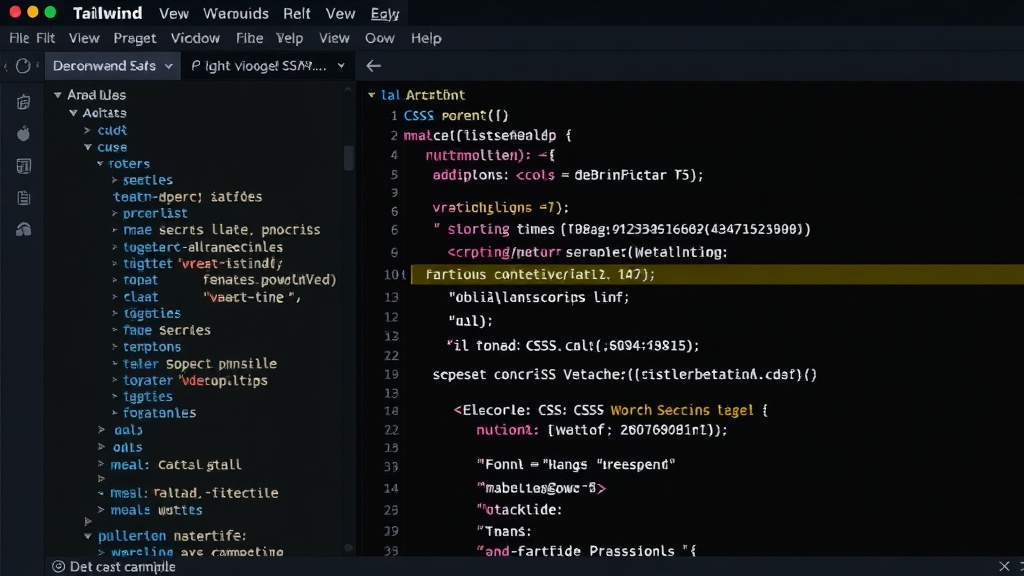
Configuration Shift: From JS to CSS
In Tailwind v3, all customization — from extending the default theme and adding custom colors to defining breakpoints and integrating plugins — was managed within the tailwind.config.js file. This provided a familiar JavaScript environment for developers to hook into the framework's behavior. Tailwind v4 discards this model entirely. The new system embeds configuration directly into your CSS. You begin by importing Tailwind using @import "tailwindcss";. Following this, custom settings are defined within a @theme block. This block acts as the new hub for all customization, replacing the previous JavaScript configuration. For instance, defining new colors or extending the spacing scale now happens within this CSS directive. While this approach aims for a more unified styling experience, it represents a significant paradigm shift for developers accustomed to the JavaScript configuration.
Performance Gains with Lightning CSS
A core component of the v4 upgrade is the adoption of the Lightning CSS engine. This is a significant performance improvement, especially for larger projects. Lightning CSS, developed by the team behind Parcel, is a CSS parser, transformer, and minifier written in Rust. Its integration means that Tailwind's build process is now substantially faster. This translates to quicker development iterations, reduced CI/CD times, and a generally smoother developer experience, particularly when dealing with extensive stylesheets or complex design systems. The author notes that the build times saw a dramatic reduction, making the upgrade worthwhile from a performance perspective alone.
Built-in Container Queries
Previously, implementing container queries in Tailwind required the use of third-party plugins. These plugins enabled styles to be applied based on the size of a parent container rather than the viewport. In Tailwind v4, container query support is built directly into the framework. This means developers can now leverage container query classes like container-normal and container-xs without any additional setup or plugin installation. This simplification streamlines the process of creating responsive components that adapt their styles based on their immediate parent's dimensions, offering more granular control over component-level responsiveness.
Migration Challenges and What Broke
Despite the performance and feature enhancements, migrating existing projects to Tailwind CSS v4 is not a trivial task. The author migrated two production projects and identified several areas where the automated upgrade tool fell short and manual intervention was necessary. One significant hurdle was the complete overhaul of the configuration syntax. While the @theme directive is the new standard, translating complex tailwind.config.js setups, especially those involving custom plugins or intricate theme extensions, required careful manual refactoring. The tool could handle basic transformations but struggled with more nuanced configurations.
Another issue encountered was with specific utility classes. Some classes were deprecated, renamed, or their behavior subtly altered with the new CSS engine. For example, changes in how arbitrary values were handled or how certain spacing utilities behaved necessitated adjustments. The author found that a thorough review of the official migration guide and extensive testing were critical to identify and fix these issues. The lack of direct backward compatibility for certain configurations meant that simply running the upgrade command was insufficient for a seamless transition. Developers need to be prepared to revisit their CSS architecture and utility class usage.
The author's experience highlights that while Tailwind v4 offers compelling advantages, the migration process demands attention to detail. The automated tooling provides a starting point, but a deep understanding of the changes in configuration, syntax, and utility behavior is essential for a successful upgrade. For projects with extensive custom configurations or reliance on older plugin patterns, the manual effort could be substantial.
What the Upgrade Tool Misses
The official migration tool, while helpful for common cases, doesn't cover every scenario. It can reliably convert standard configurations and basic utility class usage. However, it often fails to address:
- Complex custom configurations: Deeply nested theme extensions or intricate JavaScript logic within
tailwind.config.jsoften require manual rewriting. - Plugin compatibility: While some plugins may have been updated for v4, others might not be, or their integration might change due to the new CSS-first architecture. The tool doesn't automatically refactor plugin usage.
- Arbitrary value syntax changes: Subtle shifts in how arbitrary values are parsed or applied can be missed by the tool, leading to unexpected styling.
- Deprecations and renames: The tool might not always flag or convert all deprecated utilities, requiring developers to consult the release notes and manually update their code.
This means developers must approach the migration with a critical eye, treating the tool's output as a first pass and conducting thorough code reviews and testing to catch any remaining discrepancies. The author specifically noted that custom CSS variables and complex JIT (Just-In-Time) mode configurations from v3 needed significant manual rework.
Is it Worth the Upgrade?
For new projects, Tailwind CSS v4 is an easy choice. The performance benefits from Lightning CSS and the built-in container queries are significant advantages. For existing projects, the decision hinges on the complexity of the current setup and the team's capacity for migration. The faster build times and streamlined features offer compelling reasons to upgrade. However, the migration effort should not be underestimated, especially for large, highly customized codebases. Developers should budget time for manual adjustments and rigorous testing. The shift to CSS-first configuration is a major architectural change that, while potentially more intuitive for styling concerns, requires a mental model adjustment. Ultimately, the long-term benefits of improved performance and modern features likely outweigh the short-term migration pain for many teams.