
Effortless Peripheral Switching for Mac Users
Managing multiple Macs has always presented a unique set of challenges, especially when it comes to input devices. Users often find themselves with a dedicated set of peripherals for each machine, or resorting to cumbersome manual switching. Switchy for Mac aims to solve this problem, offering a streamlined solution for sharing a single Magic Keyboard, Trackpad, and Mouse across several macOS devices. This utility allows for instant toggling, eliminating the need to re-pair or replug devices.
The core functionality of Switchy is its ability to create a shared pool of Bluetooth peripherals that can be accessed by multiple Macs. Instead of each Mac having its own set of accessories, one set can now serve them all. This is particularly beneficial for professionals who use multiple Macs for different tasks, such as a primary workstation and a secondary development or testing machine, or for users with a Mac Pro and a MacBook Pro.
How Switchy Works
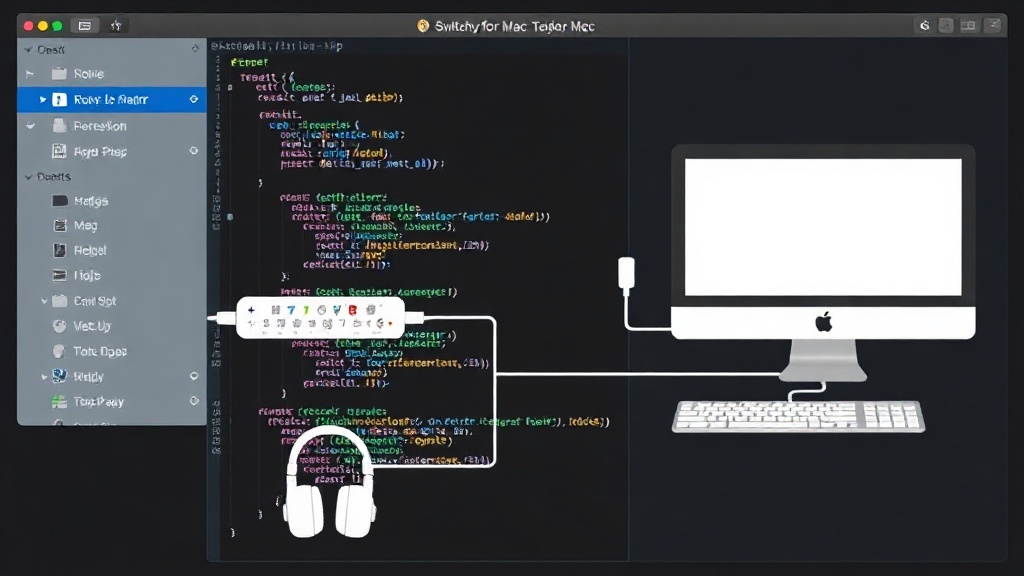
Switchy operates by leveraging your Mac's Bluetooth capabilities and a user-friendly interface. Once installed on each Mac that will share the peripherals, users connect their keyboard, trackpad, and mouse to one of the Macs. Switchy then facilitates the switching process. A simple keyboard shortcut or a click within the app's menu bar icon allows users to instantly transfer control of the connected peripherals to another Mac on the network. This process is designed to be as seamless as possible, mimicking the experience of using a single computer.
The underlying technology likely involves sophisticated Bluetooth device management and network communication between the Macs. While the exact technical implementation is proprietary, the user experience suggests a system that quickly disconnects the peripherals from one Mac and reconnects them to another, all without manual intervention. This is a significant improvement over traditional methods, which often involve unplugging USB receivers or manually disabling and re-enabling Bluetooth connections.
Key Features and Benefits
Switchy for Mac offers several compelling features for users with multiple Macs:
- Seamless Device Sharing: The primary benefit is the ability to use one set of Apple's Magic Keyboard, Magic Trackpad, and Magic Mouse across multiple Macs without physical replugging or complex re-pairing.
- Quick Switching: Users can switch control of peripherals between Macs with a simple keyboard shortcut or a menu bar click, saving considerable time and reducing frustration.
- Simplified Setup: The application is designed for ease of use, with a straightforward installation and configuration process. Once set up, it runs in the background, ready to facilitate quick switches.
- Reduced Clutter: By eliminating the need for multiple sets of peripherals, users can reduce desk clutter and maintain a cleaner workspace.
- Cost Savings: For users who might otherwise purchase separate peripheral sets for each Mac, Switchy can offer a cost-effective solution by enabling the use of a single, premium set.
The convenience factor cannot be overstated. For developers who frequently move between a powerful desktop Mac and a portable MacBook, or for designers who use different Macs for different stages of their workflow, the ability to keep their preferred input devices connected and instantly switchable is a major productivity enhancer. It removes a friction point that many multi-Mac users have learned to live with.
Target Audience and Use Cases
Switchy for Mac is ideally suited for:
- Developers: Those who maintain separate machines for coding, testing, and deployment.
- Designers and Creatives: Professionals who use different Macs for different software or stages of a project (e.g., one for graphic design, another for video editing).
- Power Users: Individuals who own multiple Macs for personal and professional use, or for specific tasks like media consumption and productivity.
- Anyone with Two or More Macs: The simplicity of the solution makes it attractive to a broad range of Mac users experiencing the common problem of peripheral management.
Consider a graphic designer who uses a Mac Studio for heavy lifting in Photoshop and Illustrator, and a MacBook Pro for client meetings and on-the-go work. Instead of carrying a separate keyboard and mouse, or constantly pairing and unpairing, they can simply use Switchy to instantly transfer their trusted Magic Keyboard and Trackpad from the Studio to the MacBook Pro when they need to leave the office. This fluid transition ensures their workflow remains uninterrupted.
Comparison to Alternatives
While other solutions exist for managing multiple computers with a single set of peripherals, Switchy for Mac focuses specifically on the Apple ecosystem and Bluetooth peripherals. KVM switches are a common alternative, but they typically require physical connections via cables and are not ideal for wireless setups. Software solutions like Universal Control offer some similar functionality for Apple devices but are limited to devices within the same Apple ID and often require devices to be in close proximity and on the same network. Synergy and Barrier offer cross-platform mouse and keyboard sharing but usually involve software-level interaction rather than direct hardware switching, which can sometimes introduce lag or connectivity issues. Switchy's approach of directly managing the Bluetooth connection for Apple's own peripherals offers a potentially more robust and integrated experience for Mac users.
The surprising detail here is how late a dedicated, polished software solution like Switchy has arrived for this specific niche. While Apple's own Continuity features have improved inter-device functionality, direct peripheral sharing across multiple *independent* Macs has remained a gap that users have had to patch with workarounds or less elegant solutions. Switchy fills this gap directly.
Future Implications and Potential
The success of Switchy for Mac could pave the way for similar solutions targeting other ecosystems or expanding its own functionality. As more users adopt multi-device workflows, the demand for seamless peripheral management will only grow. Future versions might include support for more types of peripherals, enhanced network protocols for even faster switching, or integration with device management platforms. For now, Switchy offers a compelling, focused solution for Mac users looking to simplify their workspace and boost productivity.