
Introduction
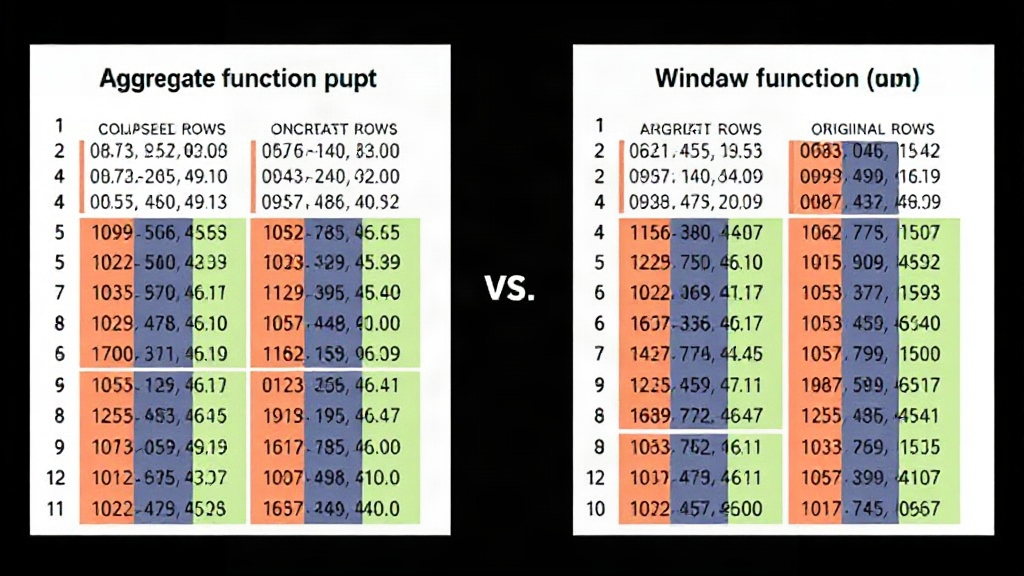
SQL is far more than a data retrieval language; for data professionals, it's a potent analytical engine. It transforms raw event data into metrics, comparisons, rankings, cohorts, trends, and features for downstream modeling. Among the most crucial tools in this analytical arsenal are aggregate functions and window functions. The fundamental distinction lies in their output: aggregate functions condense multiple rows into a single summary value, while window functions compute summaries across a set of rows related to the current row, critically preserving all original rows. This subtle yet profound difference dictates query design, result interpretation, and the avoidance of common analytical pitfalls.
Aggregate Functions: Summarizing Data by Collapsing Rows
Aggregate functions are the workhorses for data summarization in SQL. They take a set of input rows and return a single scalar value representing a summary of those rows. Common examples include COUNT(), SUM(), AVG(), MIN(), and MAX(). When you use an aggregate function, the original detail of the individual rows is lost; you are left only with the summary. This is ideal for tasks where you need a high-level overview, such as calculating the total sales for a product category or the average customer rating across all reviews.
Consider a table of sales transactions. If you use SUM(amount) without a GROUP BY clause, you get a single number: the total sales across the entire table. If you use SUM(amount) GROUP BY product_category, you get one row per product category, each showing the total sales for that category. The original individual transaction details are gone. This row-reduction characteristic is the defining feature of aggregate functions.
The syntax for aggregate functions typically involves the function itself, often with a GROUP BY clause to define the sets of rows to aggregate. For instance:
SELECT
    product_category,
    SUM(sales_amount) AS total_sales,
    AVG(sales_amount) AS average_sale
FROM
    sales_transactions
GROUP BY
    product_category;
This query returns one row for each distinct product_category, showing the total and average sales for that category. The individual sales transactions are not visible in the output.
Window Functions: Summarizing While Keeping the Detail
Window functions, on the other hand, perform calculations across a set of table rows that are somehow related to the current row. This set of related rows is called a "window." Unlike aggregate functions, window functions do not collapse the rows of the source data. Instead, they return a value for each row based on the window defined for that row. This allows you to perform complex calculations like running totals, rankings, or comparisons against group averages, all while retaining the original row-level detail.
The key to understanding window functions is the OVER() clause. This clause specifies the "window" or set of rows over which the function operates. The OVER() clause can include:
PARTITION BY: Divides the rows into partitions (groups). The window function is applied independently to each partition. This is analogous to theGROUP BYclause in aggregate functions but does not collapse rows.ORDER BY: Specifies the order of rows within each partition. This is crucial for functions that depend on order, like running totals or ranking.- Window Frame: Further refines the set of rows within a partition to be included in the calculation (e.g., rows from the start of the partition up to the current row, or a sliding window of a fixed size).
Let's revisit the sales transaction example. Suppose you want to see each individual sale, but also want to know the total sales for its product category and the percentage that individual sale contributes to that category's total. An aggregate function alone cannot achieve this because it would collapse the individual sales.
Here's how a window function would work:
SELECT
    transaction_id,
    product_category,
    sales_amount,
    SUM(sales_amount) OVER (PARTITION BY product_category) AS category_total_sales,
    (sales_amount * 100.0 / SUM(sales_amount) OVER (PARTITION BY product_category)) AS percentage_of_category_sales
FROM
    sales_transactions;
This query returns every single row from sales_transactions. For each row, it calculates and displays the total sales for its product_category and its contribution percentage. The original rows are intact, augmented with the calculated window values. This is the power of window functions: analytical context without data loss.
When to Use Which Function
The choice between aggregate and window functions hinges entirely on whether you need to preserve the original rows.
Use Aggregate Functions When:
- You need a single summary value for a group of rows (e.g., total revenue, overall average score, count of unique users).
- You want to reduce the number of rows in your result set to simplify reporting or prepare data for certain types of analysis that operate on aggregated data.
- The detailed row-level information is not required in the final output.
Use Window Functions When:
- You need to perform calculations that require context from other rows within the same partition (e.g., running totals, moving averages, year-over-year comparisons, rankings, percentiles).
- You want to compare individual row values against group aggregates (e.g., showing each employee's salary alongside the average salary for their department).
- You are creating analytical views or features that combine detailed data with contextual summaries.
- You need to avoid the row-collapsing effect of
GROUP BYwhile still performing group-based calculations.
Think of aggregate functions as boiling down a pot of soup to a single, concentrated broth. You get the essence, but the individual ingredients are indistinguishable. Window functions, conversely, are like adding a flavorful garnish to each bowl of soup. The soup remains intact, but each serving is enhanced with context. The decision is about whether you want the broth or the garnished soup.
Common Pitfalls and How to Avoid Them
A common mistake is trying to achieve row-level context with aggregate functions and GROUP BY. For example, wanting to see each sale and its category's total sales. A naive approach might be:
-- Incorrect: This query will only return one row per category
SELECT
    product_category,
    sales_amount, -- This column is problematic here
    SUM(sales_amount) AS category_total_sales
FROM
    sales_transactions
GROUP BY
    product_category;
This query will fail or produce unexpected results because sales_amount is not in the GROUP BY clause and is not an aggregate function. If you were to add sales_amount to the GROUP BY, you would end up with one row per unique combination of category and sales amount, which is not what you want. The correct way, as shown earlier, is to use a window function.
Another pitfall involves understanding the scope of the OVER() clause. Without PARTITION BY, the window function operates over the entire result set of the query (or the entire table if there's no WHERE clause). With PARTITION BY, it operates within each partition independently. Forgetting to specify ORDER BY when it's logically required (e.g., for running totals) can lead to nonsensical results.
Conclusion
Both aggregate and window functions are indispensable tools for data analysis in SQL. Aggregate functions are for summarization and reduction, collapsing data into fewer, more generalized rows. Window functions are for contextual analysis, allowing calculations across related rows while preserving the original data granularity. Mastering the distinction and knowing when to apply each function unlocks deeper insights and more sophisticated data transformations directly within your SQL queries.