The Ghosting Bot Problem
The familiar dread of a Slack bot going silent after a prompt is a UX nightmare developers know too well. You send a command, perhaps for your AI assistant Claude, and then... nothing. The void stares back. Is it processing? Did the server hiccup? Is the AI silently critiquing your query? This lack of feedback breeds anxiety and inefficiency. The common workaround, a deluge of discrete status messages like "Claude is thinking...", "Claude is running a command...", "Claude is scratching its nose...", only turns the thread into a chaotic, unreadable mess. This is not a productive interaction model for sophisticated AI tools.
The team behind the claude-slack-bridge project encountered this exact problem. They realized that simply having a chatbot interface wasn't enough. Users needed a more integrated, transparent, and interactive experience, akin to a local development environment. This realization led to a significant pivot in their approach, transforming the bot from a mere messaging interface into something far more powerful: a local terminal within the Slack workspace itself.
Slack as an Integrated Development Environment
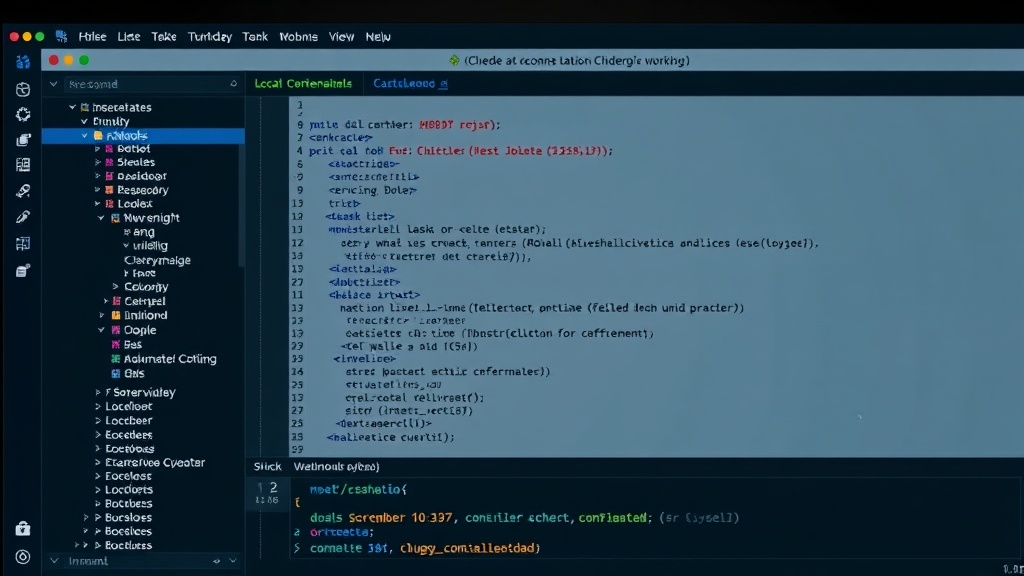
The core innovation is the re-imagining of Slack as an IDE for interacting with Claude. Instead of abstracting away the AI's internal processes, the updated claude-slack-bridge exposes them. This means users can see, in real-time, what the AI is doing. When you send a prompt, you're not just waiting for a final output. You're seeing the AI execute commands, process data, and generate intermediate results, much like you would in a local terminal session. This transparency is key to building trust and understanding how the AI arrives at its conclusions. It demystifies the AI's operation, turning a black box into an observable process.
This new paradigm shifts the user experience dramatically. Imagine asking Claude to analyze a dataset. Instead of a single, delayed response, you might see the AI first loading the necessary libraries, then parsing the data file, followed by executing specific analytical functions. Each step is visible, and crucially, can be interacted with. This allows for a more dynamic workflow. If an intermediate step fails, or if the AI starts down an undesirable path, the user can intervene, correct the course, or even execute alternative commands directly within the Slack thread. It’s like having a direct command line into the AI's execution environment, but with the rich context and collaboration features of Slack.
Bridging the Gap: Technical Implementation
The technical challenge lies in effectively translating the AI's internal state and execution flow into a Slack-native interface. The claude-slack-bridge achieves this by leveraging Slack's Block Kit UI framework. This allows for rich, interactive message layouts that go beyond simple text. Instead of just sending text messages, the bot constructs complex message blocks that represent different stages of the AI's operation. These can include code snippets, command outputs, status indicators, and interactive buttons.
For example, when Claude needs to execute a Python script, the bot can display the script content within a collapsible code block. It can then show the output of that script, again in a distinct, formatted block. If the script requires user input or confirmation, interactive buttons can be presented directly alongside the output, allowing the user to proceed, cancel, or modify the request without leaving the Slack interface. This creates a seamless loop between user instruction and AI execution.
The system essentially treats Slack messages as both input prompts and output terminals. User messages are parsed and sent to Claude. Claude's responses, which can include code, data, or commands, are then intercepted by the bridge and rendered as interactive UI elements within Slack. This is a significant departure from traditional chatbot architectures, which typically only handle discrete inputs and outputs. Here, the conversation becomes a continuous, observable stream of execution, much like a live terminal session.
Implications for AI Interaction
This approach has profound implications for how developers and users interact with AI models like Claude. The ghosting bot problem is not unique to Slack; similar issues exist across various platforms and AI assistants. By offering a transparent, IDE-like interface, this project sets a new standard for AI tool UX. Developers gain a deeper understanding of their AI's behavior, enabling faster debugging and more precise control.
For non-technical users, the benefit is equally significant. Seeing the AI's steps can make complex tasks more approachable. It provides a visual confirmation that the AI is actively working and allows users to follow along with the process. This transparency can build confidence and reduce the perception of AI as an opaque, magical black box. It democratizes the understanding of AI operations, making them more accessible and less intimidating.
The project also highlights a broader trend: the convergence of communication platforms and development tools. As AI becomes more integrated into workflows, the lines between chat applications, code editors, and command-line interfaces blur. Slack, with its robust API and UI capabilities, is proving to be a fertile ground for developing sophisticated AI tools that enhance productivity directly within existing team communication channels. This makes sophisticated AI accessible without requiring users to context-switch to separate applications.
The Future of AI Chatbots
The claude-slack-bridge project offers a compelling vision for the future of AI chatbots. By treating Slack not just as a messaging app but as an interactive terminal and IDE, it solves the critical problem of AI opacity. The direct, observable execution flow empowers users with control and understanding. This shift from passive waiting to active observation and interaction is crucial for making AI tools more reliable, trustworthy, and ultimately, more useful in professional environments. If other AI interfaces adopt similar transparency and interactivity, the era of the