
Shopify's Native GA4 Integration: A Solid Foundation
For many Shopify store owners, the default answer to integrating with Google Analytics 4 (GA4) has long been to install Google Tag Manager (GTM). This approach, while functional, often introduces complexity. However, Shopify itself provides a surprisingly robust native integration through its Google & YouTube sales channel. Once connected, this channel automatically emits a comprehensive set of GA4 e-commerce events, requiring no further configuration and taking mere minutes to set up. This native capability covers essential events like page_view, view_item, add_to_cart, and begin_checkout, laying a strong groundwork for analytics.
The native integration simplifies the initial setup considerably. Events such as page_view, view_item, add_to_cart, and begin_checkout are fired automatically. For purchases, the purchase event is also natively supported, transmitting crucial data like transaction ID, revenue, currency, and item details. This covers the majority of standard e-commerce tracking needs, providing a clear picture of customer interactions directly within GA4.
Addressing the Client-Side Event Loss Gap
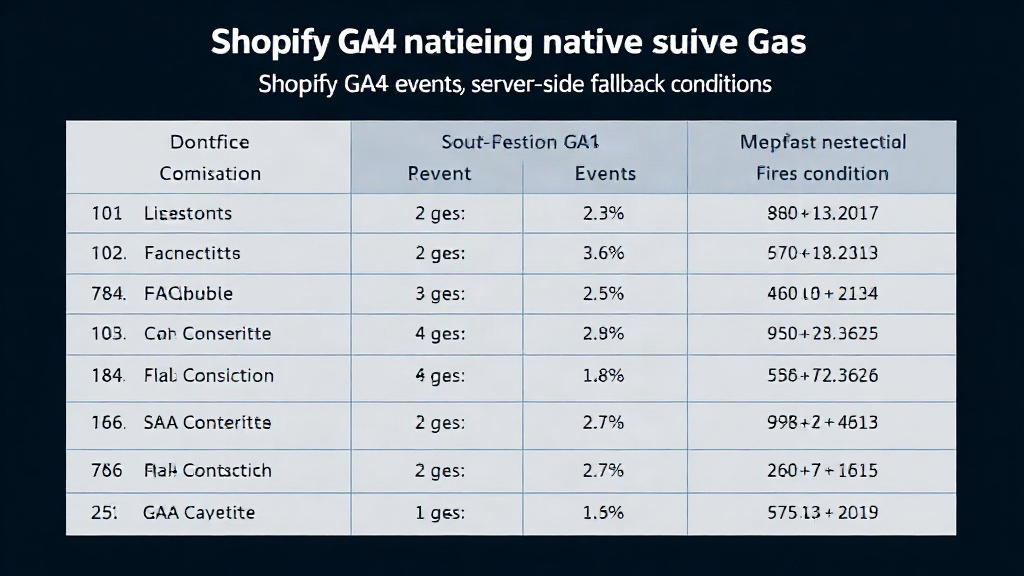
Despite the native integration's strengths, a persistent issue arises after setup: a noticeable discrepancy between Shopify's order count and GA4's purchase count. This gap isn't a configuration error; it's a symptom of browser-side event loss. Factors like Intelligent Tracking Prevention (ITP), aggressive ad blockers, and privacy settings on iOS devices can prevent these events from ever leaving the user's browser. No amount of client-side tag management can fix an event that never makes it out of the browser.
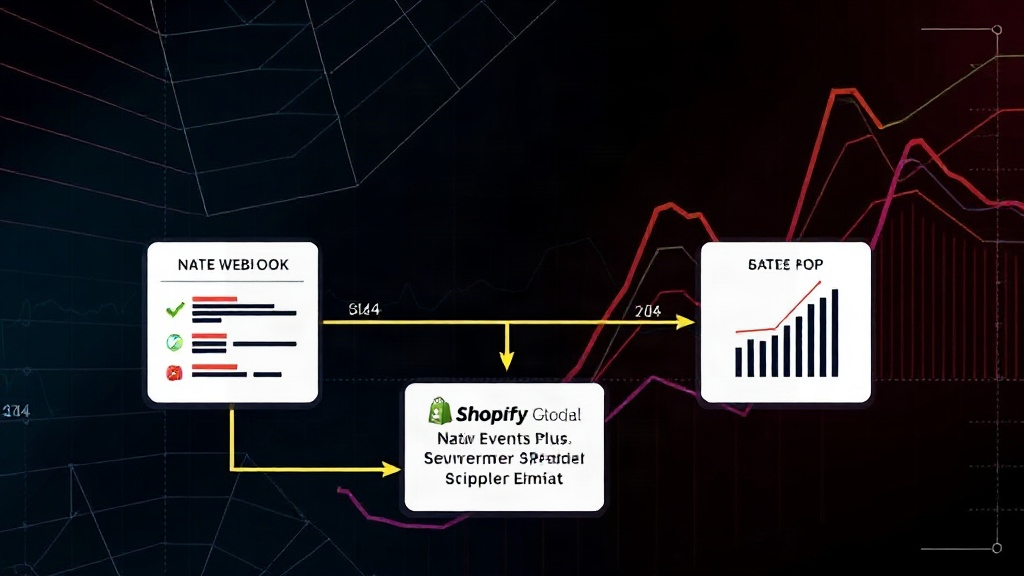
The solution lies in a server-side approach. By implementing a webhook from Shopify that triggers a server-side event to hit GA4's Measurement Protocol, you create a reliable fallback. This ensures that every purchase recorded in Shopify is also sent to GA4, regardless of client-side limitations. This server-side layer acts as a safety net, guaranteeing data integrity and providing a more accurate view of sales performance.
Implementing the Server-Side Measurement Protocol Fallback
To build this fallback, you'll leverage Shopify's webhooks and GA4's Measurement Protocol. The process involves creating a webhook that fires on the 'Order Creation' event within Shopify. This webhook will then send a POST request to a custom endpoint. This endpoint, which you'll need to host yourself (e.g., using a serverless function on AWS Lambda, Google Cloud Functions, or Vercel), will receive the order data. Upon receiving this data, your endpoint will transform it into the specific format required by GA4's Measurement Protocol and send it as a purchase event.
The key is to structure the data correctly. The Measurement Protocol expects specific parameters, including a client_id or user_id (if available from the client-side session), the event name (purchase), and the detailed transaction information. For e-commerce, this includes parameters like transaction_id, value (total revenue), currency, and an items array, where each item has properties like item_id, item_name, and price. Properly formatting this payload ensures GA4 accurately processes the server-sent event.
Benefits Beyond Data Accuracy
Implementing this server-side fallback offers more than just accurate purchase counts. It provides a more resilient tracking system, less susceptible to the whims of browser privacy features. This enhanced reliability is critical for making informed business decisions based on sales data. Furthermore, by consolidating the core e-commerce tracking within Shopify's native capabilities and supplementing it with a server-side fallback, you can potentially eliminate the need for GTM altogether for many standard e-commerce analytics needs. This simplification reduces maintenance overhead and potential points of failure.
The native integration handles events like page_view, view_item, add_to_cart, and begin_checkout. The server-side Measurement Protocol fallback specifically addresses the purchase event. This layered approach ensures that even if the client-side event is lost due to ad blockers or privacy settings, the purchase data is still reliably captured. This is particularly important for understanding the true conversion rate and revenue generated by the store.
Considerations for Advanced Tracking
While this setup covers essential e-commerce events, advanced tracking scenarios might still benefit from GTM or a more sophisticated Customer Data Platform (CDP). For instance, capturing highly granular user interaction events beyond standard e-commerce, implementing complex remarketing tags, or A/B testing different tracking strategies might necessitate additional tools. However, for the core task of accurately tracking sales and understanding the customer journey through to purchase, the native Shopify integration combined with a server-side Measurement Protocol fallback presents a powerful, GTM-free solution.
The decision to move away from GTM for core e-commerce tracking hinges on balancing simplicity with data completeness. For many Shopify merchants, the native integration provides 80% of the value with 20% of the effort. The server-side fallback then addresses the critical 20% gap in purchase data accuracy, bringing the total value proposition significantly higher without the added complexity of GTM. This strategy streamlines operations and enhances data reliability, making it a compelling option for data-conscious merchants.