
The Stealthy Cost of Slow Software
Security is binary: you're either protected or you're exposed. A vulnerability means users are at risk, and the consequences are immediate and severe. Performance, however, operates in shades of gray. A dashboard that takes four seconds to load doesn't immediately break the application. It doesn't trigger alarms or prompt urgent CVE patches. Instead, it quietly erodes user trust, drives away potential customers, and leads to unfiled support tickets. This slow leakage of users is often more damaging in the long run than a sudden security breach.
This focus on performance is a critical step in building a robust SaaS product, following the foundational work on choosing the right tech stack. It’s the second-to-last checkpoint before a final readiness review, ensuring the application is not just functional and secure, but also a pleasure to use. The common misconception is that only truly complex or data-intensive applications require performance tuning. This is a dangerous assumption. Even seemingly simple SaaS products can suffer from performance bottlenecks that go unnoticed until user churn becomes a tangible problem.
Identifying Performance Bottlenecks
The first step in tuning is identifying where the slowdowns are occurring. This isn't about premature optimization; it's about understanding the current state of the application under realistic load conditions. For most early-stage SaaS products, the primary culprits are often:
- Database Queries: Inefficient SQL queries, missing indexes, or poorly structured database schemas can cripple application speed. A single query that takes milliseconds on a local machine can take seconds under load when dealing with thousands of records or concurrent requests.
- API Latency: If your SaaS relies on external APIs, slow responses from those services directly impact your user experience. Network latency, inefficient API design on the third-party side, or rate limiting can all contribute.
- Frontend Rendering: Large JavaScript bundles, unoptimized images, excessive DOM manipulation, or inefficient component rendering can make the user interface feel sluggish, even if the backend is performing well.
- Server-Side Processing: Complex business logic, inefficient algorithms, or inadequate server resources can lead to slow response times for API endpoints.
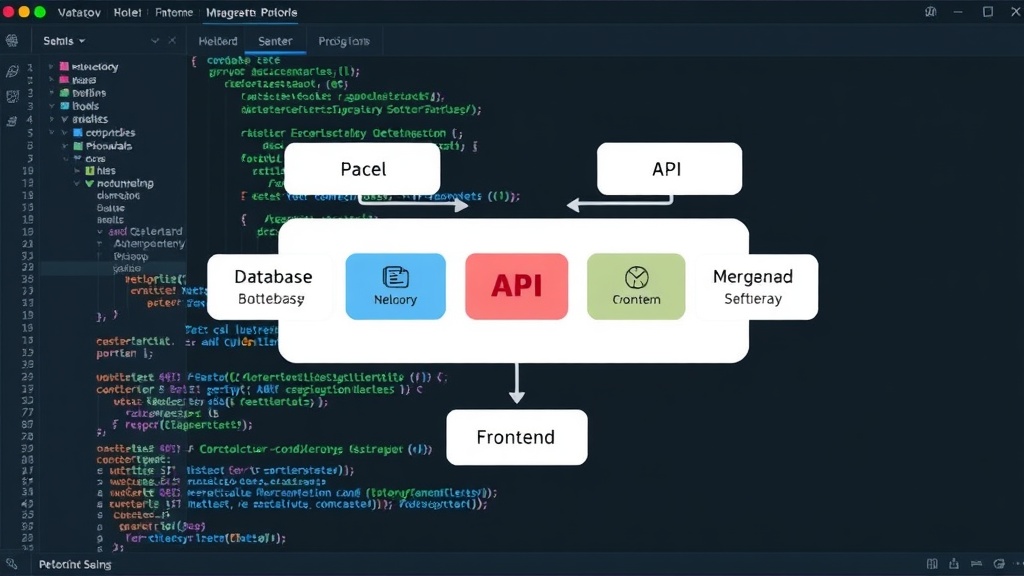
Think of your application like a restaurant kitchen. Each station – the prep area (database), the order window (API gateway), the plating station (frontend), and the cooks (server-side logic) – must operate efficiently. If the cooks are slow, or if the orders aren't passed from the window to the kitchen quickly enough, the entire dining experience suffers, even if the plating is exquisite.
Practical Tuning Strategies
Once bottlenecks are identified, targeted strategies can be applied. The key is to focus on high-impact changes that provide the most significant improvements without introducing undue complexity or technical debt.
Database Optimization
This is often the lowest-hanging fruit. Regularly analyze your database query performance. Use tools like EXPLAIN in SQL to understand query execution plans. Ensure appropriate indexes are in place for frequently queried columns. Avoid N+1 query problems by fetching related data efficiently. For relational databases, consider denormalization for read-heavy operations if performance dictates, but do so cautiously. Caching frequently accessed, relatively static data at the application level can also drastically reduce database load.
API Integration
When interacting with third-party APIs, implement smart caching strategies for responses that don't change frequently. Use asynchronous operations so that slow API calls don't block your main request threads. Implement robust error handling and retries with exponential backoff to manage transient network issues or API rate limits gracefully. If possible, negotiate better SLAs or explore alternative providers if a critical API consistently underperforms.
Frontend Performance
Optimize asset delivery. Compress images, use modern image formats like WebP, and implement lazy loading for images and other non-critical resources. Code splitting for JavaScript bundles ensures users only download the code they need for the current view. Tree-shaking unused code from libraries can significantly reduce bundle sizes. Server-side rendering (SSR) or pre-rendering can improve initial page load times and SEO, while client-side hydration ensures interactivity. Performance monitoring tools for the frontend, like Lighthouse or WebPageTest, can reveal areas for improvement.
Backend Efficiency
Profile your server-side code to identify CPU-intensive operations or memory leaks. Optimize algorithms and data structures. Consider using more efficient programming languages or frameworks for specific high-performance tasks if necessary. Implement background job queues for long-running processes that don't need to be completed within the user's request cycle. Effective caching at the application level, using tools like Redis or Memcached, can serve frequently requested data without hitting the database or recalculating expensive results.
The Role of Load Testing
While identifying bottlenecks is crucial, simulating real-world usage through load testing is paramount before launch. Load testing reveals how your application behaves under stress. It helps determine:
- Concurrency Limits: How many users can your application handle simultaneously before performance degrades?
- Scalability: Can your infrastructure scale up (or down) effectively to meet demand?
- Resource Utilization: Are you over-provisioning or under-provisioning server resources (CPU, memory, network I/O)?
- Failure Points: Under extreme load, where does the system fail first? This could be a specific database table, an external API, or a particular API endpoint.
Tools like k6, JMeter, or Locust can be used to simulate user traffic. Running these tests in an environment that closely mirrors your production setup is essential for accurate results. The goal is not to eliminate all latency, but to ensure that latency remains within acceptable thresholds for a positive user experience, even during peak usage.
Performance as a Feature
Ultimately, performance is not just a technical concern; it's a core product feature. A fast, responsive application directly contributes to user satisfaction, retention, and conversion rates. Conversely, a slow application is a constant source of frustration, leading to negative reviews and missed opportunities. By treating performance tuning as a non-negotiable part of the pre-launch process, SaaS founders can build a solid foundation for growth and avoid the silent killer of user churn.