
The Familiar Headache: Stale Context and Frozen Hooks
Many React developers encounter a subtle but frustrating bug: stale context values or hooks that appear to freeze until a manual refresh. This isn't random; it stems from a misunderstanding of React's internal rendering process. To truly master React development and tackle these issues head-on, one must look beyond the component tree and understand how React schedules updates, propagates context, and executes hooks.
Consider a common scenario: a ThemeContext managing a mode that toggles between 'light' and 'dark'. A component consuming this context might unexpectedly render with an outdated mode, even after the context provider has updated. Similarly, a custom hook might seem to hold onto stale state, resisting the expected updates. These are symptoms of a deeper architectural interplay.
Understanding React's Render Phases
React's rendering process isn't a monolithic event. It's divided into distinct phases, primarily the render phase and the commit phase. The render phase is where React calculates the necessary changes to the UI. It's a pure, interruptible process where components are evaluated. This is where hooks like useState and useEffect are called, and context values are read.
The commit phase, conversely, is when React applies these calculated changes to the actual DOM. This phase is synchronous and cannot be interrupted. Understanding this division is crucial because side effects (like data fetching or DOM manipulation) should generally occur in the commit phase (via useEffect), not during the render phase itself. Hooks, by their nature, are executed during the render phase, meaning they must adhere to its constraints – no conditional calls, no early returns within the hook execution block.
Context Propagation: A Deep Dive
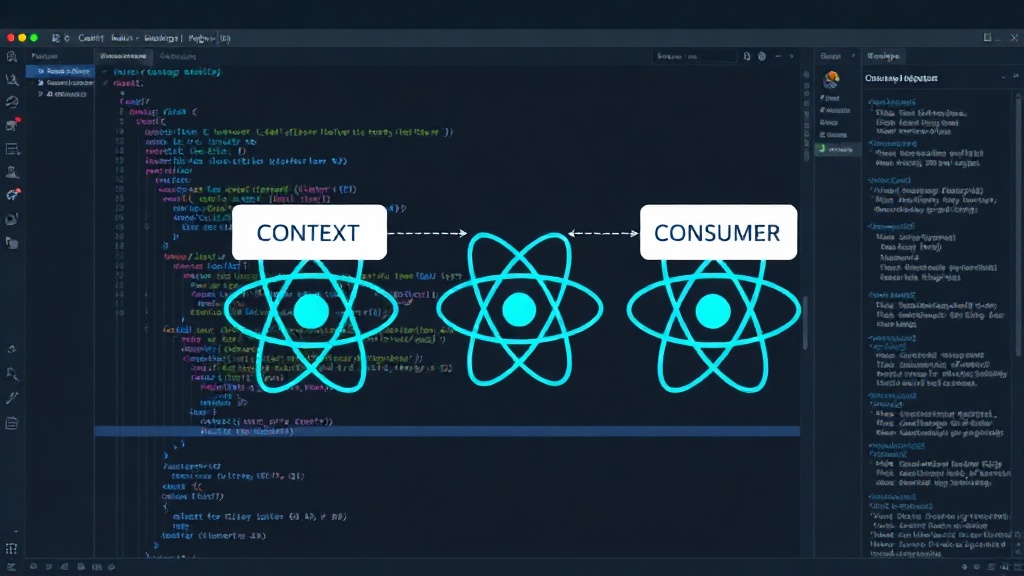
React's Context API provides a way to pass data through the component tree without having to pass props down manually at every level. However, its propagation is tied to the rendering process. When a context provider's value changes, React re-renders all components that consume that context. The key here is that the update propagates downwards from the provider. If a consumer component reads the context value during its render phase, it will receive the most up-to-date value *available at that moment*.
The confusion often arises when a component tries to read a context value that was just updated within the same render cycle, or when multiple components update context simultaneously. React's reconciliation algorithm determines the order of these updates. A common pitfall is updating context in response to a user interaction, and then immediately trying to read that updated context within the same event handler's execution flow in a component. The component might have already rendered with the old value before the context update was fully processed and propagated.
Think of context propagation like ripples in a pond. When you drop a pebble (update context), the ripples spread outwards. Components closer to the drop point (consumers higher up the tree) might perceive the ripple sooner than those further away. If a component tries to measure the water level *while* the ripple is still forming around it, it might get an inaccurate reading.
Hooks: The State and Lifecycle Management Powerhouse
Hooks like useState and useEffect are fundamental to modern React development, but their behavior is deeply intertwined with the render phases. useState manages state within a component. When you call setMyState(newValue), you're not immediately updating the state for the current render. Instead, you're scheduling a re-render. React queues this update and will re-run the component's render function with the new state value.
useEffect, on the other hand, is designed for side effects. It runs *after* the commit phase – meaning, after React has updated the DOM. This is why useEffect is the correct place for operations like fetching data, setting up subscriptions, or manually manipulating the DOM. Placing side effects directly within the component's render body (outside of useEffect) can lead to unpredictable behavior, race conditions, and performance issues, as they might run multiple times or in an unexpected order.
The rule of hooks is paramount: hooks can only be called at the top level of a React function component or another custom hook. They cannot be called inside loops, conditions, or nested functions. This is because React relies on the *order* in which hooks are called during each render to correctly associate state and effects with the corresponding hook calls. If the order changes, React loses track.
Debugging Strategies for Context and Hooks
When faced with stale context or hook behavior, the first step is to verify the component structure and the timing of updates. Ensure that context providers are placed correctly in the tree, above the consumers that need the data. Use React DevTools to inspect the current context values and component state. You can also strategically use console.log statements within the render phase and within useEffect callbacks to observe the exact timing and values at different points.
For stale context, confirm that the consumer component is indeed re-rendering when the provider's value changes. Sometimes, a component might be memoized (e.g., with React.memo) in a way that prevents it from re-rendering even when its props or context change. For hook-related issues, double-check that state updates are scheduled correctly using the setter function provided by useState, and that side effects are confined to useEffect.
What nobody has fully addressed yet is the long-term impact on developer productivity as React's internal abstractions become more complex. Will future versions require even deeper dives into these rendering mechanics, or will higher-level abstractions emerge to shield developers from these intricacies?
Conclusion: Mastering React's Architecture
Understanding React's render phases, context propagation, and the lifecycle of hooks transforms debugging from guesswork into a systematic process. It allows developers to write more predictable, performant, and maintainable applications. By internalizing these architectural principles, you move beyond simply composing components to truly architecting robust React applications.