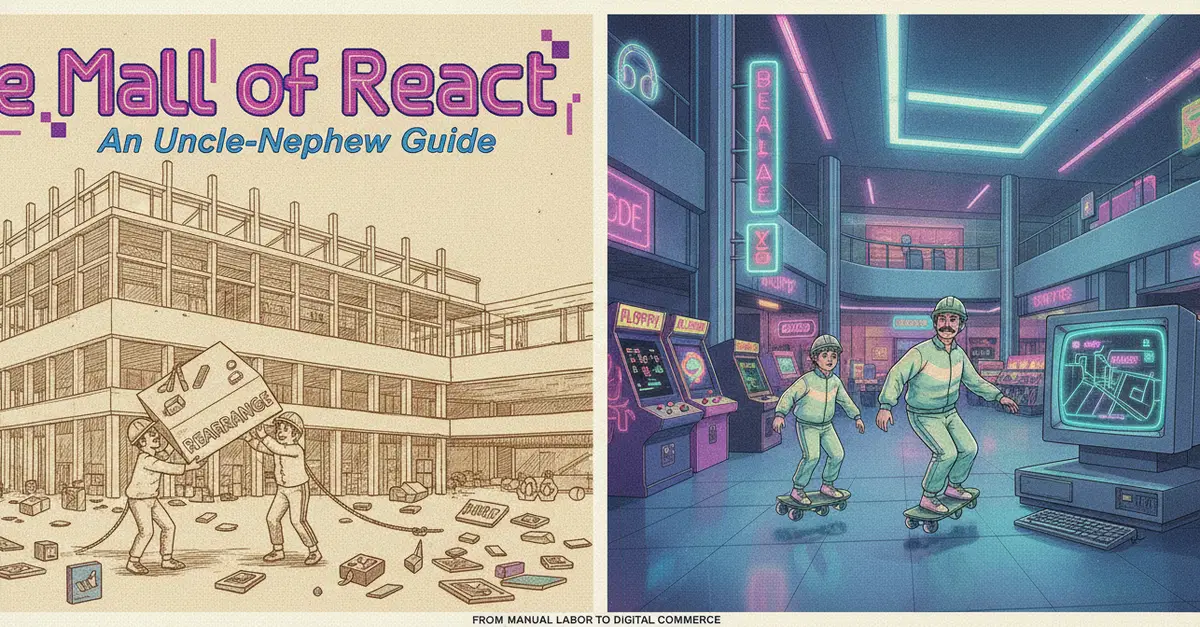
The Mall of React: An Uncle-Nephew Guide
Nephew: Uncle, I use React every day, but if someone asks me how it actually works inside, I go blank.
Uncle: Then let's fix that with one picture in your head: a big shopping mall. Every React idea maps to something in this mall. Keep this table nearby.
| In the Mall | In React |
|---|---|
| The mall building | The web page, the browser |
| Mall Management | React itself |
| The floor plan / store layout instructions | Your code |
| Individual shops | Components |
| Merchandise Management supplies to a shop | Props |
| A shop's own private cash register | State |
| Customers visiting the mall | Users interacting with the application |
| A customer asking for a specific item | An event |
| The mall's security guard | Keys (for lists) |
| The mall's announcement system | Context API |
| The mall's delivery service | Refs |
| The mall's renovation team | Reconciliation (the process of updating the DOM) |
| The mall's electricity provider | The JavaScript engine |
| The mall's plumbing | The DOM |
| The mall's official map | The Virtual DOM |
| The mall's parking lot | The browser's memory |
From Manual Layouts to Smart Malls: React's Evolution
Imagine the early days of the web. Building a dynamic interface was like rearranging a physical mall by hand. Every time a customer bought something or a new display was added, you'd have to manually shift every other item on the floor to make space. This was inefficient and prone to errors, much like manually manipulating the browser's Document Object Model (DOM).
React emerged as a solution to this chaos. It introduced the concept of a Virtual DOM, which is like the mall's official map. Instead of directly moving merchandise (updating the real DOM), developers update the map (the Virtual DOM). React's 'Mall Management' (React itself) then compares this new map to the old one, identifies only the specific sections that need changing, and sends the renovation team (the reconciliation process) to update only those parts of the physical mall (the real DOM).
This process is incredibly efficient. Think of it like a mall manager who doesn't rebuild the entire mall when a new shop opens. Instead, they meticulously plan the expansion on paper (Virtual DOM), figure out precisely which walls need moving and where, and then instruct the construction crew to make only those specific, necessary changes to the physical structure (real DOM). This prevents unnecessary disruption and speeds up the entire process.
Components: The Shops of the Mall
At the heart of any mall are its individual shops. In React, these are your Components. Each shop is a self-contained unit, responsible for its own merchandise and presentation. A clothing store, a bookstore, a food court stall – each operates independently but contributes to the overall mall experience. Similarly, React components are modular pieces of UI that manage their own logic and appearance. You can build complex applications by assembling these smaller, reusable components, much like constructing a mall from various shop units.
Props and State: Managing Shop Inventory and Cash Registers
How does merchandise get into a shop, and how does a shop track its sales? This is where Props and State come in.
Props are like the merchandise management supplies sent from the mall's central distribution center (or a supplier) to an individual shop. They are data passed down from a parent component to a child component. The shop (child component) receives these supplies (props) and displays them. Critically, a shop cannot change the supplies it receives from the outside; it can only display them. This ensures that data flow is predictable, originating from higher levels and cascading downwards.
State, on the other hand, is like a shop's own private cash register. It holds information that is specific to that shop and can change over time – inventory levels within the shop, the current sale being offered, or the number of customers currently inside. When a shop's state changes (e.g., an item is sold, a discount is applied), the shop re-renders to reflect this change. This internal, dynamic data is managed solely by the component itself.
Events and Keys: Customer Interactions and Efficient Navigation
A mall isn't static; it's a place of interaction. Customers browse, ask for items, and make purchases. In React, these actions are Events. When a user clicks a button, types in an input field, or submits a form, an event is triggered. These events are handled by specific components, much like a shop assistant responding to a customer's request.
When displaying a list of items – say, all the shops in a particular section of the mall – React needs a way to efficiently track each item. This is where Keys come in. A key is like a unique security guard assigned to each shop in a row. When the mall management needs to reorder the shops or remove one, the security guard helps them quickly identify which shop is which, preventing confusion. Without keys, React might struggle to identify individual elements in a list, leading to performance issues and bugs, especially when the list changes.
Context API and Refs: Announcements and Special Deliveries
Sometimes, the mall management needs to make an announcement to all shops simultaneously, perhaps about a new security policy or a special event. Manually informing each shop owner would be tedious. The Context API acts like the mall's public announcement system. It allows data to be passed down through the component tree without having to pass props down manually at every level. This is perfect for global data like user authentication status or theme preferences.
Then there are special deliveries or urgent needs. A shop might need a specific piece of equipment from the central warehouse delivered directly to its back room. Refs in React serve a similar purpose. They provide a way to access a DOM node or a component instance directly. This is useful for managing focus, triggering imperative animations, or integrating with third-party DOM libraries, acting like a direct delivery service bypassing the usual merchandise flow.
Reconciliation: The Renovation Team at Work
The process of updating the user interface when state or props change is called Reconciliation. This is the job of React's 'renovation team'. When the mall management (React) updates the official map (Virtual DOM), the renovation team compares the new map with the old one. They then figure out the most efficient way to update the physical mall (the real DOM). This involves identifying exactly which shops need new displays, which need to be moved, or which need to be removed. By minimizing direct manipulation of the real DOM, React ensures that updates are fast and performant, preventing the entire mall from grinding to a halt during renovations.
The Underlying Infrastructure: Plumbing and Electricity
Beneath the surface of the mall, essential infrastructure keeps everything running. The DOM is like the mall's plumbing – the underlying structure that holds everything together and allows for water (or information) to flow. React doesn't replace this plumbing; it works with it.
The JavaScript engine is the mall's electricity provider. It powers all the operations, from lighting up the shops to running the cash registers. React relies on this engine to execute its code and manage the application's logic.
Finally, the browser's memory can be thought of as the mall's parking lot. It's where resources are temporarily stored while the mall is in operation. React manages its own internal state and data structures within this memory, ensuring that components have access to the information they need when they need it.
Conclusion: A Smarter Way to Build
By mapping React concepts to the familiar structure of a shopping mall, we gain a clearer understanding of how it operates. From the modularity of components to the efficiency of reconciliation, each element plays a crucial role in building modern, dynamic web applications. This analogy helps demystify React's internals, making it easier to grasp its core principles and apply them effectively in your development work. The next time you're building a React app, remember the mall – it's a surprisingly effective blueprint.