The Friction of Local File Sharing
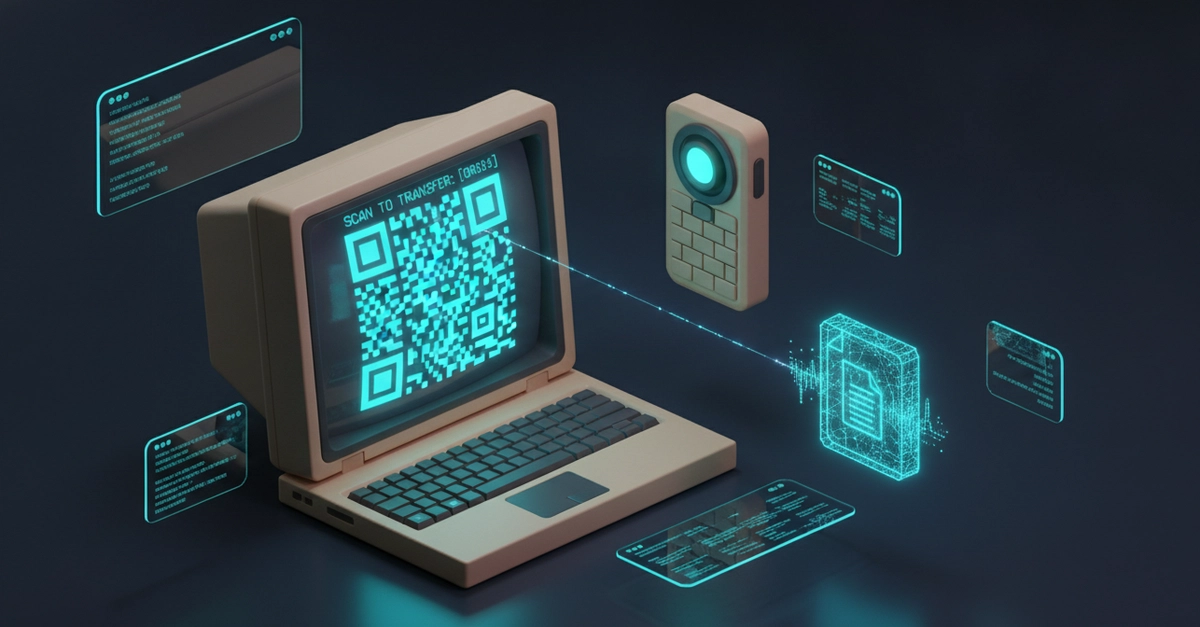
Every developer has faced it: an APK, a config file, a PDF invoice, or a video clip sitting on their desktop machine, urgently needed on their phone. The common solutions involve unnecessary detours. Emailing the file to yourself, sending it via a cloud-synced chat like Telegram, or uploading it to Google Drive or Dropbox all mean your local file traverses the internet and external cloud servers, only to travel a few feet back across your local Wi-Fi. This process is inefficient and introduces potential privacy concerns for sensitive data.
To solve this, Mahdy Yarmonfared developed QuickShare-QR, a zero-setup Node.js command-line interface (CLI) tool. It spins up a secure, ephemeral local HTTP server and directly outputs a scannable ASCII QR code into the terminal. This allows for near-instantaneous file transfer from a development machine to a mobile device without any cloud intermediaries.
How QuickShare-QR Works
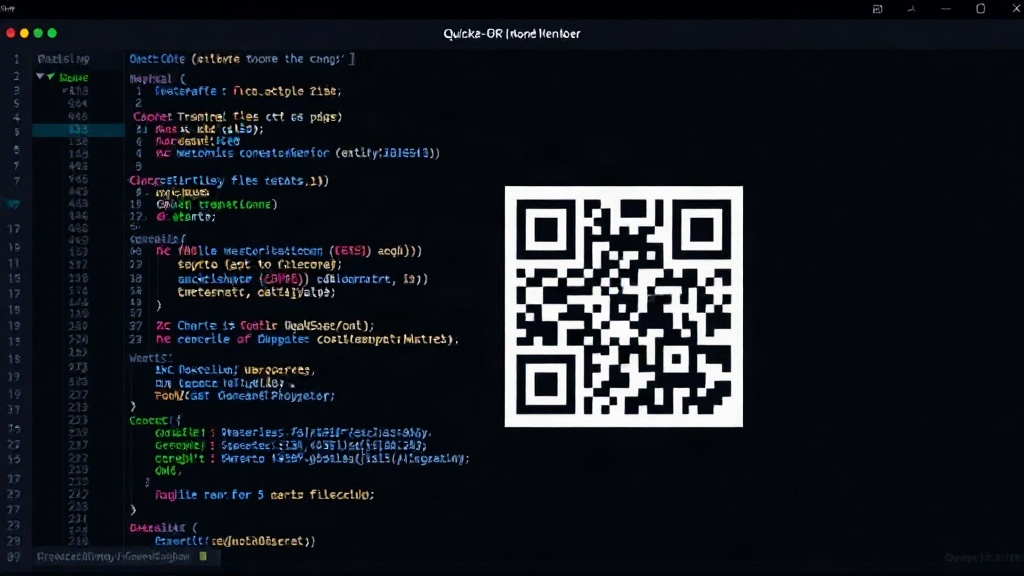
The core mechanism of QuickShare-QR is elegantly simple. When you run the tool with a file as an argument, it first determines the file's MIME type and size. It then starts a lightweight HTTP server on a random, available local port. This server is configured to serve the specified file. Crucially, QuickShare-QR generates a QR code containing the full URL to access the file via the local server. This URL includes the local IP address of the machine and the randomly assigned port. The QR code is rendered directly in the terminal using ASCII characters, making it easily scannable by any smartphone camera.
The process is as follows:
- The user executes
quickshare-qr <file_path>in their terminal. - QuickShare-QR identifies the file, its MIME type, and its size.
- It initiates a local HTTP server on an available port.
- It constructs a URL pointing to the file on the local server (e.g.,
http://192.168.1.100:54321/your_file.apk). - It generates an ASCII QR code representing this URL.
- The QR code is displayed in the terminal.
- The user scans the QR code with their phone.
- The phone's browser connects to the local IP address and port.
- The HTTP server on the developer machine serves the file directly to the phone.
Once the file is downloaded, the HTTP server automatically shuts down, ensuring the ephemeral nature of the connection. This design minimizes the attack surface and prevents lingering processes. The tool is built with Node.js, leveraging its asynchronous capabilities for efficient server management and file handling.
Technical Implementation Details
QuickShare-QR utilizes several key Node.js modules. The http module is fundamental for creating the local web server. Libraries like qrcode are employed to generate the ASCII QR code from the URL string. To find an available port dynamically, the tool might use modules that can probe network ports or simply attempt to bind to a port and handle potential errors, falling back to another if the first is occupied. Determining the local IP address is achieved using modules that can inspect network interfaces, ensuring the generated URL is correct for the local network.
The choice of Node.js is strategic. Its event-driven, non-blocking I/O model is well-suited for handling network requests efficiently, even with simple servers. This means QuickShare-QR can serve files quickly without requiring complex multi-threading or process management. The CLI nature of the tool means it's designed to be invoked from the command line, taking file paths as arguments and printing output directly, fitting seamlessly into developer workflows.
Security is addressed through the ephemeral nature of the server and the reliance on the local network. Because the server only runs while a file is being transferred and then immediately shuts down, the window of vulnerability is extremely small. Furthermore, it operates strictly within the local network, meaning the file is not exposed to the public internet. The QR code itself is simply a URL; the transfer relies on standard HTTP protocols, which can be secured with TLS if needed, though for typical local use cases, unencrypted HTTP is often sufficient and simpler.
Use Cases and Benefits
The primary benefit of QuickShare-QR is the elimination of friction and unnecessary cloud usage. For developers, this translates to faster workflows, especially when dealing with large files that would otherwise take time to upload and download from cloud services. It's particularly useful for:
- Sharing build artifacts: Quickly transfer compiled apps (APKs, IPAs) or executables to a test device.
- Distributing configuration files: Send sensitive or large configuration snippets to a server or another machine.
- Transferring media: Move videos, images, or audio files from a development machine to a phone for review or editing.
- Sending documents: Share invoices, reports, or other PDFs directly without a cloud step.
The zero-setup requirement means developers can start using it immediately if they have Node.js installed. There's no need to configure cloud storage, create accounts, or manage complex sync settings. The ASCII QR code output is universally compatible with smartphone cameras and QR code scanning apps. This makes the transfer process incredibly straightforward: scan, download, and the server disappears.
The Surprise: Simplicity as a Feature
What's surprising is not the technical sophistication of QuickShare-QR, but its deliberate embrace of simplicity as a core feature. In a world increasingly dominated by cloud-based everything, where even simple file transfers often involve multiple external services, QuickShare-QR offers a refreshing return to direct, local, and immediate data exchange. It demonstrates that sometimes, the most effective solutions are those that strip away complexity and leverage existing tools—in this case, the terminal, a local HTTP server, and the ubiquitous smartphone camera.
The tool addresses a common pain point with a solution that is both technically sound and incredibly user-friendly. It’s a testament to how understanding developer friction can lead to elegant, practical tools. The implications for developers are clear: a faster, more private, and less complicated way to move files when it matters most.