
Deploying to Cloudflare Pages Without Node.js
For Python-centric development pipelines generating static sites, deploying to Cloudflare Pages has presented a minor hurdle: the official tooling, Wrangler, relies on Node.js. This creates an unnecessary dependency for teams committed to a Python-only ecosystem. The good news is that this dependency can be bypassed entirely by interacting directly with Cloudflare's API. This approach re-implements the core functionality of Wrangler's direct upload process using Python's standard `http.client` library, offering a cleaner, more integrated deployment solution.
The process involves a sequence of four distinct HTTP calls. While seemingly straightforward, a significant challenge lies in the API's behavior: three of these four stages can return an HTTP 200 OK status code even when the operation fails, providing no explicit error message and silently doing nothing. This makes debugging and initial implementation more complex than anticipated, requiring careful observation of the API's responses and state changes.
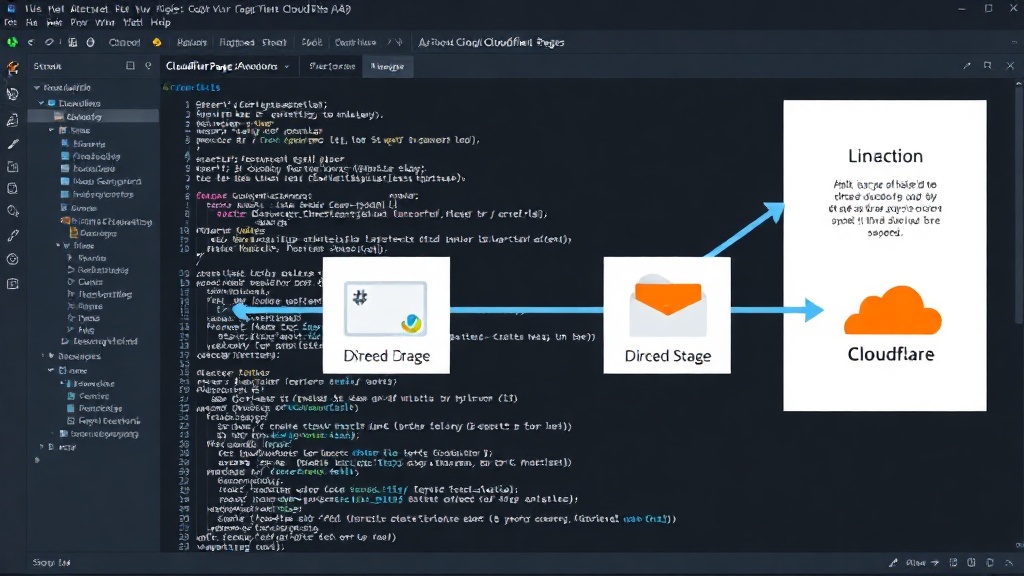
The Four Stages of Direct Upload
Cloudflare's direct upload mechanism for Pages is designed as a four-step process, each requiring a specific HTTP request. Understanding these stages and their respective API endpoints is crucial for a successful Python-based implementation.
Stage 1: Initialize Upload
The first step is to initiate the upload process. This involves sending a POST request to the /accounts/{account_id}/pages/projects/{project_name}/uploads endpoint. This request typically includes metadata about the deployment, such as the branch name and commit hash. The response from this call will contain an upload_id, which is essential for subsequent steps.
Stage 2: Upload Files (in chunks)
Following initialization, the actual site files are uploaded. This is usually done in chunks to manage large deployments efficiently. Each chunk requires a PUT request to an endpoint provided in the response of the initialization stage. The endpoint structure for these requests differs from the initial setup endpoint. For example, it might look like /accounts/{account_id}/pages/projects/{project_name}/uploads/{upload_id}/chunks/{chunk_id}. The successful upload of each chunk is confirmed by a 200 OK status. However, as noted, a silent failure is possible here, meaning a 200 response doesn't guarantee the chunk was processed correctly.
Stage 3: Finalize Upload
Once all file chunks have been uploaded, the upload process needs to be finalized. This is another POST request, this time to the /accounts/{account_id}/pages/projects/{project_name}/uploads/{upload_id}/commit endpoint. This signals to Cloudflare that all data has been sent and is ready for processing. Again, a successful HTTP 200 response is expected, but the possibility of silent failure means this step might not always complete as intended without further checks.
Stage 4: Deploy
The final step is to trigger the actual deployment. This involves a POST request to /accounts/{account_id}/pages/projects/{project_name}/deployments. This request often includes information about the deployment's source, such as the Git commit details. A successful response here initiates the build and deployment process on Cloudflare's infrastructure. This is the most critical stage, as its success ultimately determines whether the site goes live.
Implementing the API Calls in Python
To replicate Wrangler's functionality, one can leverage Python's built-in `http.client` module. This library provides a low-level interface for making HTTP requests, allowing for precise control over headers, methods, and payloads.
The process would involve:
- Obtaining necessary credentials: Cloudflare API tokens with appropriate permissions for Pages deployments.
- Constructing each HTTP request for the four stages:
- POST to initialize upload, capturing the `upload_id`.
- PUT requests for each file chunk, targeting the specific chunk upload URL. This requires iterating through the static site's files, potentially chunking larger ones.
- POST to commit the upload using the `upload_id`.
- POST to create a new deployment linked to the committed upload.
- Handling responses: Carefully parsing JSON responses to extract IDs and check for success, while being mindful of the potential for HTTP 200 with no actual operation performed.
Libraries like `requests` could simplify the HTTP communication, but the core logic of understanding the four stages and their failure modes remains the same. The key is to implement robust error checking and retry mechanisms, especially given the API's tendency for silent failures.
Why This Matters for Python Developers
This direct Python approach eliminates the need for a Node.js runtime and `npm` or `yarn` just to manage deployments. For organizations that have standardized on Python for their entire development and CI/CD pipeline, this is a significant simplification. It reduces build times, minimizes the attack surface by removing unnecessary dependencies, and streamlines the deployment process. Developers can integrate static site deployments into existing Python scripts or workflows seamlessly, ensuring a consistent and efficient development environment.
The surprising detail here is not the complexity of the API itself, but the prevalence of HTTP 200 responses for failed operations across multiple stages. This behavior necessitates a more diligent approach to validation than one might expect when interacting with a cloud API. It's a reminder that even well-established platforms can have subtle quirks that require deep dives into their specific implementations.
If you run a Python-only CI/CD pipeline that needs to deploy static assets to Cloudflare Pages, you now have a clear path to achieve this without introducing a Node.js toolchain. This allows for unattended, scheduled deployments driven entirely by Python scripts.