The AI Git Blind Spot
Handing over Git commit and push operations to AI agents like Claude Code offers undeniable convenience. However, it introduces significant risks that manual checks often miss. The primary dangers are twofold: the AI might carelessly sweep up sensitive API keys or entire .env files into commits, and it could push these changes to an unintended repository. These aren't issues that careful human oversight can reliably prevent; they require a more robust, mechanical safeguard.
While some AI code environments include hooks that scan for secrets during file edits (the "Edit/Write" phase), this protection is incomplete. The critical vulnerability lies in the subsequent git commit and git push commands, which typically pass through a Bash shell. These commands are the exit points where sensitive data can leak or unintended targets can be hit. To address this, implementing a PreToolUse hook directly on the machine provides a necessary layer of defense.
Implementing a PreToolUse Hook
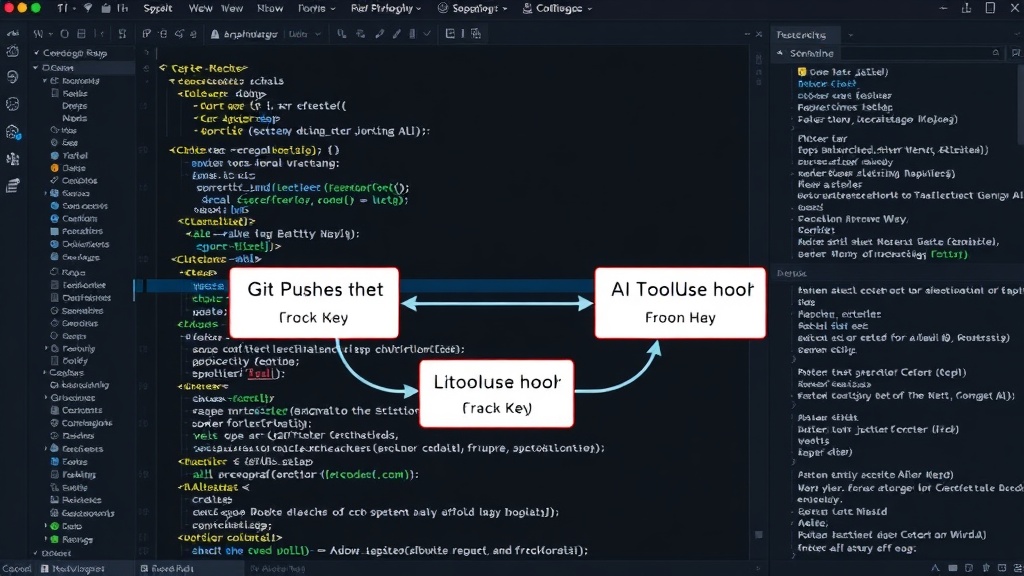
A PreToolUse hook operates before the AI agent can execute a tool, including Git commands. This hook acts as a gatekeeper, inspecting the arguments and context of the impending command. For Git operations, this means scrutinizing the commit message for keywords indicating secrets and verifying the target repository before allowing the command to proceed.
The hook can be configured to intercept Git commands and perform checks. For instance, when git commit is invoked, the hook can scan the staged files and the commit message itself for patterns commonly associated with API keys (e.g., specific formats, keywords like "API_KEY", "SECRET"). If suspicious content is detected, the hook can halt the commit process, alerting the user and preventing the inclusion of sensitive information.
Similarly, for git push, the hook can examine the remote repository URL. If the URL does not match a predefined list of authorized repositories or if it points to a known public or personal repository where sensitive data should never reside, the hook can block the push. This prevents accidental exposure of code or credentials to insecure locations.
Customizing the Hook for Specific Workflows
The effectiveness of this approach hinges on customization tailored to individual development workflows and project requirements. Developers can define specific patterns to look for in commit messages and staged files. This might include regular expressions for known secret formats, lists of sensitive filenames (like .env, config.json), or even specific strings that should never appear in a commit.
For repository validation, the hook can maintain a whitelist of approved remote URLs or repository names. This ensures that pushes are only permitted to designated project repositories. The hook can also be configured to prompt the user for confirmation when a push is attempted to a repository not on the whitelist, providing an additional layer of human verification without completely sacrificing automation.
Consider the scenario where an AI agent, having completed a coding task, generates a commit message like "feat: Implement user auth, including API key handling." A naive system might allow this. However, a well-configured PreToolUse hook could flag "API key handling" and potentially scan the staged changes for actual API key patterns, preventing a leak even if the AI's intent was benign.
Beyond Basic Secret Scanning
While preventing accidental commits of API keys and environment variables is a primary concern, the PreToolUse hook can extend its protection to other critical areas. For example, it can be used to enforce commit message formatting standards, ensuring consistency across a team's codebase. It can also prevent the accidental inclusion of large binary files or generated artifacts that should not be part of version control.
Furthermore, the hook can be instrumental in preventing pushes to branches that are designated for specific purposes, such as main or production branches, unless certain conditions are met. This adds a layer of safety against premature or incorrect deployments driven by AI suggestions.
The surprising detail here is not the complexity of the hook itself, but its placement at the PreToolUse stage. This timing is crucial because it intercepts the command *before* it's executed by the AI, acting as a fundamental machine-level control rather than relying on the AI's potentially flawed understanding of security best practices during its generation phase.
The Unanswered Question: Scalability and Integration
What nobody has addressed yet is how these machine-level hooks scale across diverse development environments and team sizes. While a personal setup is manageable, integrating and enforcing such hooks consistently across an organization's Git infrastructure, especially when multiple AI agents or platforms are in play, presents a significant challenge. Ensuring these safeguards don't impede legitimate workflows while remaining effective against AI-driven errors requires careful thought and robust tooling.
Conclusion
By implementing a PreToolUse hook, developers can create a powerful, automated defense against common AI-driven Git accidents. This mechanical safeguard protects sensitive credentials and prevents pushes to the wrong repositories, offering peace of mind when leveraging AI for code management. It transforms the AI's convenience into a safer, more controlled process.