The Privacy Problem with Online Signing
The common experience of signing digital documents often involves a trade-off between convenience and privacy. When a user needs to sign a PDF, like a rental agreement or a contract, the immediate impulse is to use an online tool. However, this convenience comes with an inherent risk: uploading sensitive personal information, including addresses, ID details, and signatures, to third-party servers. This practice raises significant privacy alarms, especially when the platform demands account creation and subscription fees for a single signature after the document is already uploaded.
This exact scenario prompted developer Mirza Munawar to build his own solution: MyDigitSign. The core principle behind MyDigitSign is to eliminate the need for server uploads entirely. It functions as a 100% private, client-side PDF signer, ensuring that all document processing and signing occur within the user's browser. This approach directly tackles the privacy concerns associated with traditional online signing services and bypasses the often-frustrating paywall barriers.
How MyDigitSign Works: Client-Side Processing
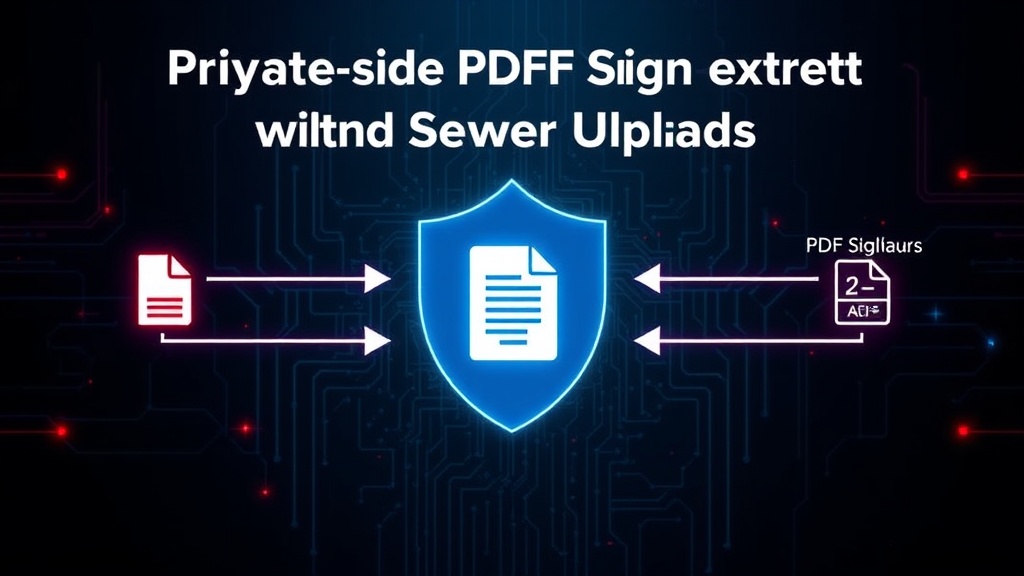
MyDigitSign leverages modern web technologies to perform PDF signing directly in the user's browser, without any data leaving their device. The process begins when a user uploads a PDF document. Instead of sending this file to a remote server, the application uses JavaScript libraries to manipulate the PDF directly within the browser environment. This involves several key steps:
Firstly, the PDF is parsed on the client-side. This allows the application to identify the pages, extract text and image data, and determine where a signature can be placed. Libraries such as PDF-lib or similar JavaScript PDF manipulation tools are crucial for this step. These libraries enable the browser to act as a mini-PDF processor, capable of reading, modifying, and writing PDF structures.
Once the document is parsed and the desired signing location is identified, the signature itself is applied. This can be done in a few ways. A user might draw their signature directly in the browser, which is then rendered as an image. Alternatively, they might upload a pre-existing signature image. This image is then embedded into the PDF document at the specified coordinates, again, all within the browser.
The final step involves saving the modified PDF. The client-side application generates a new PDF file, incorporating the applied signature, and prompts the user to download it. At no point is the original document or the signature data transmitted to any external server. This client-side architecture ensures end-to-end privacy, as the document's sensitive contents never leave the user's control.
The Technology Stack
MyDigitSign was built using Next.js, a popular React framework that facilitates serverless deployments and efficient front-end development. The choice of Next.js allows for a streamlined development experience, enabling rapid prototyping and deployment. For the core PDF manipulation, a JavaScript library like PDF-lib is instrumental. PDF-lib provides a robust API for creating and modifying PDF documents programmatically. It allows developers to draw text, shapes, and embed images into PDFs, making it ideal for adding signatures.
The serverless architecture means that while Next.js can handle server-side rendering and API routes, MyDigitSign intentionally avoids using any backend APIs for the core signing functionality. Any serverless functions, if used, would be for non-sensitive tasks like analytics or user management, but the signing itself remains purely client-side. This architecture not only enhances privacy but also offers scalability and cost-effectiveness, as there are no dedicated servers to maintain for the signing process.
Addressing Potential Challenges and Future Development
While a client-side PDF signer offers significant privacy advantages, there are potential challenges. One concern is the robustness of client-side PDF parsing and manipulation across different browsers and devices. Ensuring consistent performance and compatibility is crucial. Furthermore, handling very large PDF files could present performance limitations within the browser's memory and processing capabilities.
Another aspect to consider is the legal validity of digitally signed documents. While MyDigitSign provides a secure and private method for applying a signature image, it's important to distinguish this from more advanced cryptographic digital signatures that embed certificates and verifiable trust chains. For many common use cases, however, an embedded signature image suffices. Munawar's approach prioritizes the immediate need for a private, no-upload solution, which is a significant step for users wary of data exposure.
The developer's decision to make this tool open and accessible reflects a broader trend towards user-centric privacy solutions. By sharing the methodology, Munawar empowers other developers to build similar tools, fostering a more privacy-aware digital landscape. The focus remains on empowering the user with control over their data, directly challenging the business models of many existing online document services.