
The Challenge of Unattended AI Scraping
Building a comprehensive research database often involves scraping data from multiple online communities. For one developer aiming to expand a research corpus from a single subreddit to ten communities focused on AI tools and automation, the initial cost estimate was steep: around $118. The goal was to grow the dataset from approximately 1,000 data chunks to over 5,846, a task accomplished overnight while the developer slept.
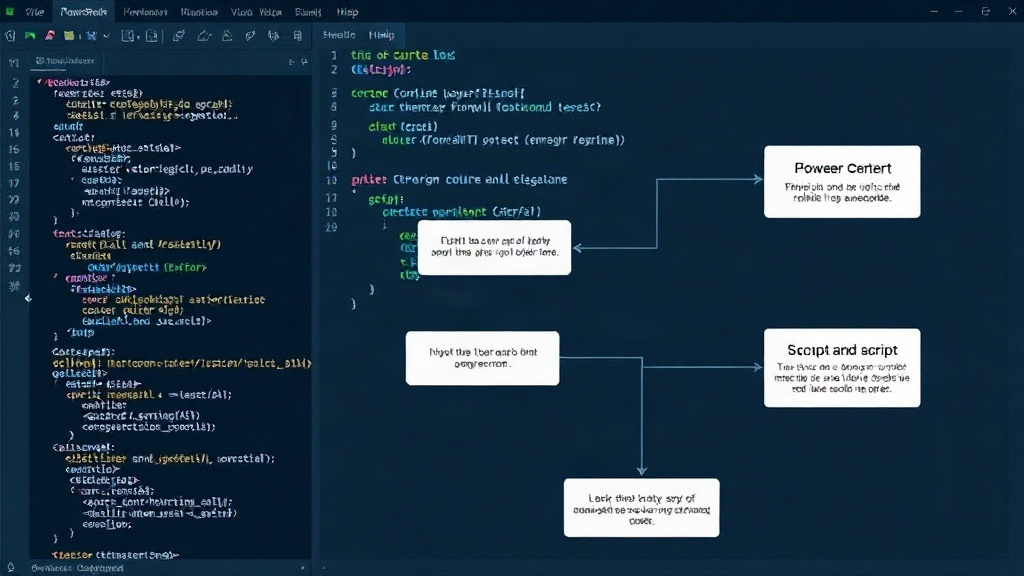
The core scraping operation utilized Apify, a paid service that charges based on delivered records. The subsequent data cleaning, tagging, and indexing were handled by custom Python scripts. However, the critical component that enabled this overnight success was not the scraping agent itself, but a robust PowerShell script acting as a wrapper. This script is the key to making AI agents reliable for unattended, long-running tasks. The difficulty lies not in making an agent perform impressively under direct supervision, but in creating a system that can operate safely and autonomously for extended periods.
Implementing Resumability Across All Phases
The cornerstone of a reliable unattended script is its ability to resume operation from where it left off. The PowerShell wrapper meticulously tracks its state. This includes details like the specific data chunks processed, those yet to be processed, the expenditure incurred at the start and end of each phase, and a record of successfully recovered data versus any that could not be retrieved. This state information is established before any work begins and is read again upon completion or interruption. This ensures that if the script stops – whether due to a network blip, a service outage, or a scheduled restart – it knows precisely where to pick up without redoing completed work or losing progress.
Consider the process as filling a large digital bucket with water. Instead of pouring water until the bucket is full, you have a system that remembers how much water is already in the bucket and how much more you need. If the tap turns off unexpectedly, you don't restart filling from an empty bucket; you simply turn the tap back on and add the remaining water. This state management is crucial for long-running jobs that cannot afford to fail and restart from scratch. Each iteration of the scraping, cleaning, or indexing process is designed to be independently resumable, minimizing wasted resources and time.
Error Handling and Retry Logic
Beyond simple state tracking, the wrapper incorporates sophisticated error handling and retry mechanisms. When an API call fails, or a data processing step encounters an issue, the script doesn't immediately terminate. Instead, it logs the error, identifies the specific operation that failed, and queues it for a retry. The number of retries is configurable, allowing for different strategies based on the criticality of the task and the expected frequency of transient errors. For instance, a network timeout might warrant a short delay and immediate retry, while a persistent API error might require more retries with increasing backoff intervals.
This retry logic is not infinite. A maximum retry count prevents the script from getting stuck in an endless loop on a fundamentally broken task. Once the maximum retries are exhausted for a specific item or phase, the script escalates the issue. This might involve logging a critical alert, sending an email notification, or moving the problematic item to a separate error queue for manual inspection. This ensures that the main process can continue, gathering as much data as possible, while highlighting specific failures that require human intervention. It’s like a diligent assistant who tries multiple times to reach someone, and if unsuccessful, leaves a detailed note for their boss rather than abandoning the task entirely.
Resource Management and Cost Control
Running automated tasks, especially those involving cloud services or paid APIs, necessitates careful resource management and cost control. The PowerShell wrapper includes features to monitor and limit resource consumption. For services like Apify, which charge per record, the script tracks the cumulative cost. It can be configured with a maximum budget, halting operations if projected costs exceed this limit. This prevents unexpected bills from accumulating due to runaway scripts or unforeseen data volumes.
Furthermore, the script can implement throttling mechanisms. If the target APIs have rate limits, the wrapper ensures these are not exceeded by introducing delays between requests. This not only prevents being blocked by the service provider but also ensures the longevity of the scraping operation. By respecting API limits and monitoring costs, the developer can confidently leave the script running overnight, knowing that it is operating efficiently and within defined financial and operational boundaries. The total cost for this extensive scraping job, thanks to this careful management, was a mere $34, a fraction of the initial estimate.
The Broader Implications for AI Automation
The success of this PowerShell wrapper highlights a critical gap in many AI agent development workflows. While building sophisticated agents capable of complex tasks is becoming more accessible, ensuring their reliability for long-term, unattended execution remains a significant challenge. The principles demonstrated – state management, resumability, robust error handling, and resource control – are not unique to this specific scraping task. They are foundational requirements for any production-ready AI automation.
As AI agents become integrated into more business processes, the need for such robust wrappers will only grow. Developers building AI-powered applications must consider not just the intelligence of the agent, but the infrastructure that supports its reliable operation. This includes everything from basic scripting for task orchestration to more complex monitoring and alerting systems. The $34 solution, built with a Claude-assisted PowerShell script, offers a compelling blueprint for making AI automation practical and cost-effective for everyday use cases.