
Mac Control from Your Pocket
PhoneDeck, a new application available on Product Hunt, promises to transform your iPhone into a versatile controller for your Mac. The core functionality allows users to manage their Mac remotely, leveraging the familiar interface of their smartphone for tasks that might otherwise require direct interaction with the computer.
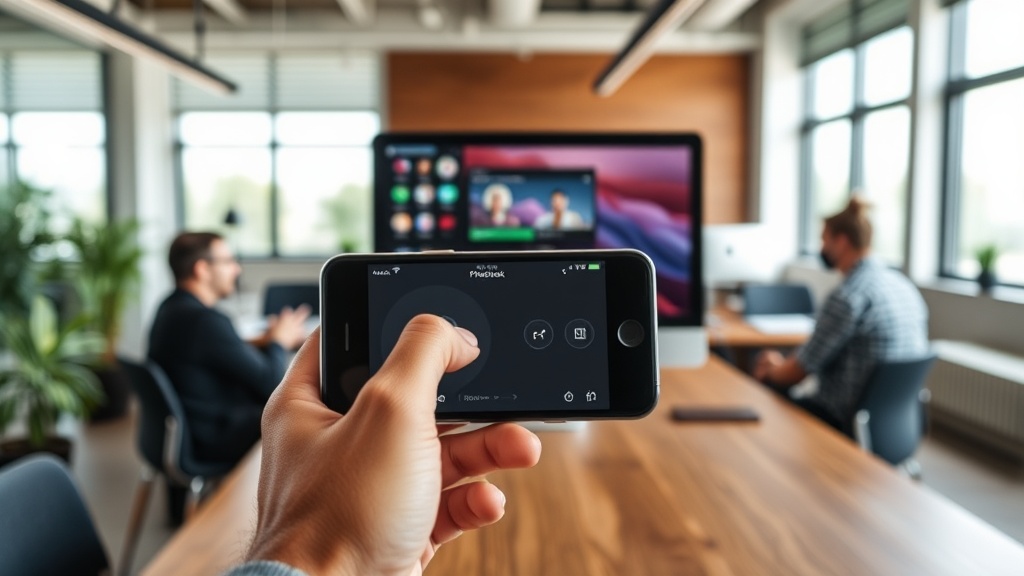
The app positions itself as a convenient solution for a range of scenarios. Imagine giving a presentation and needing to advance slides without being tethered to your laptop, or controlling media playback from across the room. PhoneDeck aims to streamline these actions by providing a wireless bridge between your iPhone and your Mac. This isn't about replacing your keyboard and mouse entirely, but rather augmenting your workflow with a more accessible, mobile control surface.
The developers highlight the free nature of the application as a key differentiator. In a market where many such utility apps come with a price tag or subscription model, PhoneDeck's free offering makes it an attractive option for users looking for a simple, no-cost solution to enhance their Mac productivity.
Key Features and Use Cases
While the initial announcement is brief, the concept of a phone-based Mac controller opens up several potential use cases. The most immediate application is likely presentation control. Users can stand at the front of a room, advance slides, and perhaps even highlight elements on screen without needing to return to their computer. This frees up the presenter to engage more directly with their audience.
Beyond presentations, PhoneDeck could be invaluable for media consumption. Controlling music or video playback from a couch or a different area of a room, adjusting volume, or pausing content becomes effortless. For developers or designers working on large displays, the ability to make minor adjustments or trigger actions without physically moving to the machine could save significant time and effort throughout the day.
The technical implementation likely involves a client app on the iPhone and a server or background process on the Mac. Communication would typically occur over a local Wi-Fi network, ensuring a stable and responsive connection. The simplicity of the concept suggests that the user experience would be paramount – a clunky interface would negate the benefits of wireless control.
The developers have not yet detailed the full spectrum of controls available. However, common features in similar applications include basic navigation (mouse cursor control, clicks), keyboard input simulation, media playback controls, and application switching. The success of PhoneDeck will hinge on how intuitively these controls are mapped to the iPhone's touchscreen and how reliably they function.
The Landscape of Mac Control Apps
PhoneDeck enters a space that is not entirely new. For years, developers have sought ways to bridge the gap between mobile devices and desktop operating systems. Apps like Remote Mouse, Unified Remote, and LogMeIn have offered varying degrees of control, often with robust feature sets but sometimes at a cost or with a steeper learning curve. These applications often provide a full virtual trackpad and keyboard, essentially turning the phone into a complete input device.
What distinguishes PhoneDeck, based on its initial announcement, is its specific focus on Mac and its free-to-use model. This suggests a potentially more streamlined, purpose-built solution for Mac users. The challenge for PhoneDeck will be to offer enough functionality to be genuinely useful without becoming overly complex. Think of it less like a Swiss Army knife and more like a highly polished, single-purpose tool that does one thing exceptionally well.
The market for such utilities is driven by a desire for convenience and efficiency. As workflows become more dynamic and users spend more time away from their primary workstations, the need for remote control solutions grows. PhoneDeck's success will likely depend on its ability to deliver a stable, user-friendly experience that directly addresses common pain points for Mac users.
What's Next for PhoneDeck?
The initial launch on Product Hunt is just the beginning. The real test for PhoneDeck will be its adoption and the feedback it receives from early users. Developers will need to monitor bug reports, feature requests, and user reviews closely. Expanding the control capabilities, improving responsiveness, and ensuring compatibility with future macOS updates will be crucial for long-term viability.
One lingering question is the extent of customization offered. Will users be able to create their own custom control layouts or macros? Such features could significantly broaden the app's appeal to power users. Furthermore, the security implications of such an app are always a consideration. Users will want assurance that their Mac is not being exposed to undue risk by running the PhoneDeck server component.
For now, PhoneDeck offers a compelling proposition: free, wireless control of your Mac from your iPhone. Its ability to carve out a niche will depend on execution and ongoing development. If it delivers a seamless experience, it could become an indispensable tool for many Mac users seeking greater flexibility in their daily computing tasks.