
The Hidden Cost of PDF Uploads to LLMs
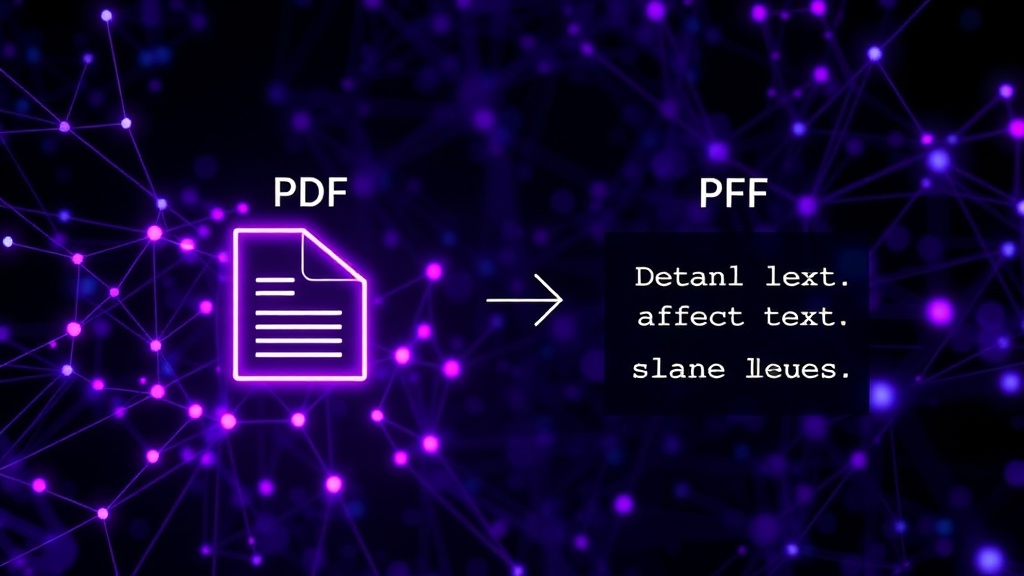
You've probably experienced it. You upload a PDF to your favorite AI chatbot, ask a single question, and watch your token count vanish. This isn't magic; it's a fundamental limitation in how Large Language Models (LLMs) process documents. The issue lies in the inherent complexity of the PDF format. PDFs are not just plain text. They contain rich formatting, layout information, embedded fonts, images, and often, metadata that the LLM must parse. When you feed a PDF into an LLM, it doesn't just read the words. It must first process all these underlying structural elements. This extensive parsing translates directly into a significantly higher token consumption than you would expect from the raw text alone. Think of it like trying to understand a book by first dissecting the paper, ink, and binding – it's a lot of extra work before you even get to the story.
Understanding Tokenization and PDF Complexity
Tokens are the basic units of text that LLMs process. A token can be a word, part of a word, or punctuation. For example, the word "tokenization" might be broken down into "token", "ization". The cost of using an LLM is often tied to the number of tokens processed, both for input (prompt) and output (completion). PDFs, designed for fixed layout and presentation across different devices, are inherently verbose in their structure. They contain instructions on where to place text, how to render fonts, and the spatial relationships between elements. When an LLM's processing pipeline encounters a PDF, it needs to extract the meaningful text content while discarding or interpreting the formatting instructions. This extraction process often involves libraries that, in turn, break down the PDF's internal components into smaller pieces, many of which are then converted into tokens. This means that a single page of text within a PDF might consume dozens, if not hundreds, of tokens just to represent its structure and layout, before any actual semantic understanding even begins.
The Microsoft PowerToys PDF Utility: A Token Saver
The good news is that a solution has been available for some time, residing within Microsoft's PowerToys suite. PowerToys is a set of utilities for Windows power users. Among these utilities is a PDF utility designed to convert PDFs into plain text files. This tool is crucial because it performs the heavy lifting of extracting only the textual content, stripping away all the complex formatting, layout data, and metadata. By converting your PDF into a clean `.txt` file using this utility, you are providing the LLM with a much more streamlined input. The LLM no longer needs to parse the PDF's intricate structure. It receives a direct stream of text, which is then tokenized much more efficiently. This dramatically reduces the number of tokens required to represent the document's content, leading to substantial cost savings, especially when dealing with large or numerous documents.
How to Use the PowerToys PDF Utility
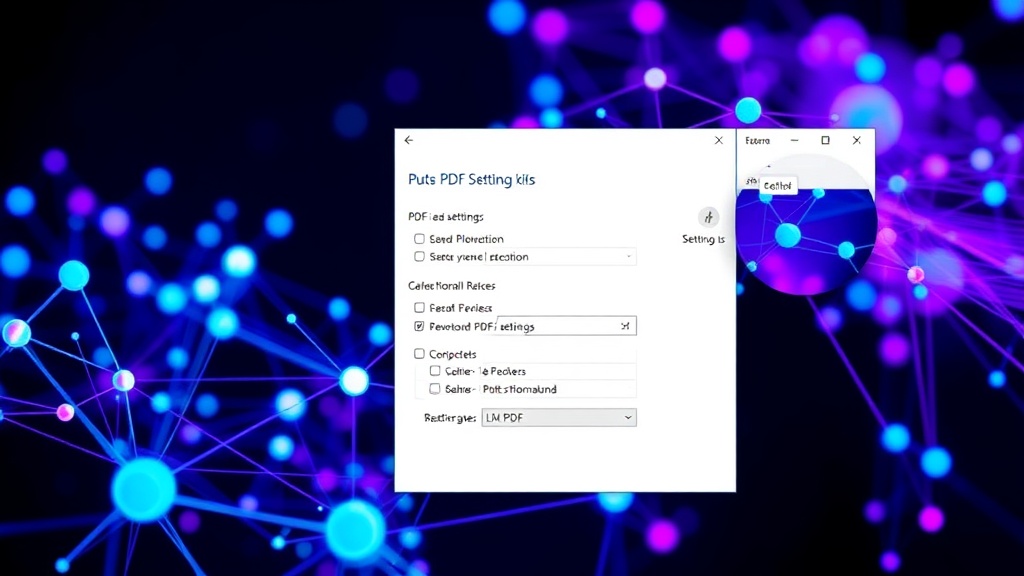
Getting started is straightforward. First, ensure you have Microsoft PowerToys installed on your Windows machine. If not, you can download it from the Microsoft Store or its official GitHub repository. Once installed, open PowerToys Settings. Navigate to the 'PDF' utility. You will find options to configure its behavior, but the core functionality is its ability to convert PDFs to text. Typically, you can right-click on a PDF file in File Explorer and select an option like "Convert to Text" or "Extract Text" if the utility is configured to add context menu entries. Alternatively, you can drag and drop PDFs into the PowerToys PDF utility interface if it runs as a standalone application or is accessed through its settings panel. The output will be a clean `.txt` file containing only the extracted text. This text file can then be uploaded or pasted into your LLM prompt, consuming a fraction of the tokens compared to uploading the original PDF.
Practical Implications for Developers and Users
For developers building applications that leverage LLMs with document processing capabilities, this is a critical optimization. Instead of directly feeding user-uploaded PDFs into an LLM API, you can implement a pre-processing step using the PowerToys PDF utility (or a similar text extraction library). This pre-processing significantly reduces API costs and can also speed up response times, as the LLM has less data to process. For individual users interacting with AI chatbots, this method offers a direct way to manage their token budgets and avoid unexpected charges. It turns a potentially expensive operation into a cost-effective one. The process is analogous to compressing a large file before sending it over a slow network – you're making the data more efficient for transmission and processing. If you're frequently working with documents in AI applications, integrating this text extraction step is not just a good idea; it's essential for efficient and economical usage.
The Future of Document Processing with LLMs
While tools like the PowerToys PDF utility offer an immediate and practical solution, the broader challenge of efficient document processing by LLMs remains an active area of research. Future LLM architectures might incorporate more sophisticated native PDF parsing capabilities, reducing the need for external pre-processing. Techniques like Retrieval-Augmented Generation (RAG) are already improving how LLMs access and utilize information from documents, but the initial ingestion and tokenization remain a bottleneck. As LLMs become more integrated into workflows that involve complex document types, optimizing this input phase will be key to scalability and accessibility. For now, however, leveraging existing tools to clean and simplify document inputs is the most pragmatic approach to saving tokens and costs.