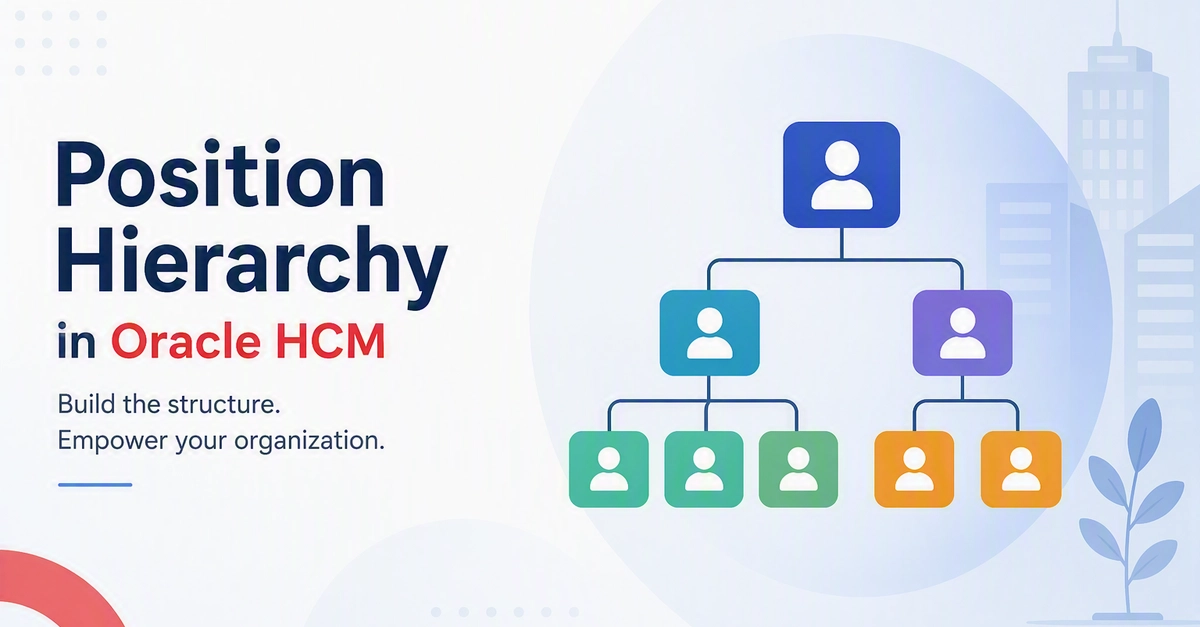
Introduction to Oracle HCM Position Hierarchies
Oracle Human Capital Management (HCM) offers robust tools for managing organizational structures. While many are familiar with manager-employee reporting lines, Oracle HCM also utilizes Position Hierarchies. Initially, the need for a separate hierarchy might seem redundant, especially when direct reporting relationships already exist. However, digging deeper reveals that Position Hierarchies address a distinct business requirement: modeling the organization's structure itself, independent of the individuals currently occupying roles.
Instead of stating 'Employee A reports to Employee B,' a Position Hierarchy asserts that 'Position A reports to Position B.' This fundamental difference provides significant advantages. It allows organizations to maintain a stable and accurate structural representation, even when employees change roles, leave the company, or are hired into new positions. This article will demystify Oracle HCM Position Hierarchies, explain their purpose, outline the setup process, and detail how to load this data using HCM Data Loader (HDL).
The core value proposition of a Position Hierarchy lies in its ability to separate the 'job' from the 'person.' In many organizations, especially larger ones, roles and the reporting lines between them are more static than the individuals filling them. For instance, a 'Head of Marketing' position will likely always report to a 'VP of Sales and Marketing' position, regardless of who is currently acting as Head of Marketing. This separation is crucial for strategic workforce planning, budgeting, and understanding the flow of authority and responsibility within the organization.
Why Use Position Hierarchies?
The primary driver for implementing Position Hierarchies is to create a blueprint of the organization's reporting structure that is resilient to personnel changes. Consider a scenario where a manager resigns. In a system relying solely on direct reporting lines, updating the hierarchy involves reassigning all subordinates to a new manager. This can be a manual, time-consuming, and error-prone process. With a Position Hierarchy, if the manager's position is vacant, the subordinates' positions continue to report to the manager's superior position. When a new person fills the manager's position, the reporting lines automatically re-establish without manual intervention for each subordinate.
This structural stability is invaluable for several key business functions:
- Organizational Design and Restructuring: Easily visualize and modify the reporting lines between positions to model proposed organizational changes before implementing them with actual employees.
- Workforce Planning: Identify reporting gaps, spans of control, and potential bottlenecks in the organizational structure. This helps in planning for future hiring needs and leadership development.
- Budgeting and Costing: Assign costs and budgets to positions rather than individuals. This ensures that financial responsibilities remain tied to specific organizational units and roles, even if personnel change.
- Approval Workflows: Route transactions, such as expense reports or purchase requisitions, based on the position's place in the hierarchy, ensuring approvals follow the established structural authority.
- Talent Management: Facilitate succession planning by identifying potential successors for key positions and understanding the reporting relationships they would inherit.
Essentially, Position Hierarchies provide a strategic layer of organizational intelligence that complements the operational view of direct employee reporting. They are less about who does what today and more about how the organization is designed to function tomorrow.
Setting Up Position Hierarchies in Oracle HCM
Configuring Position Hierarchies involves several key steps within Oracle HCM, primarily focusing on defining the structure and then populating it with data. The process typically begins with defining the hierarchy itself and then associating positions with it.
1. Define Hierarchy Levels and Relationships:
Before creating any hierarchy, you need to define the types of relationships that will exist. Oracle HCM uses predefined relationship types, but you can also configure custom ones if needed. For Position Hierarchies, the key is defining the 'reports to' relationship between positions. This is often managed through configuration settings that dictate how positions can be linked.
2. Create Positions:
Positions are the building blocks of the hierarchy. Each position must be defined with essential attributes such as:
- Position Code: A unique identifier for the position.
- Position Title: The name of the position (e.g., 'Software Engineer', 'Marketing Manager').
- Department: The department the position belongs to.
- Job: The job associated with the position.
- Location: The primary work location.
- Manager Flag: Indicates if this position can be a manager.
- Approval Authority: If the position has specific approval rights.
These positions are then linked to form the hierarchy. A position might be designated as the 'top' of a particular hierarchy branch, or it might be linked to another position that acts as its manager.
3. Define the Hierarchy Structure:
Within Oracle HCM, you can define one or more position hierarchies. Typically, organizations will have a primary hierarchy that reflects the overall reporting structure. When setting up a hierarchy, you specify:
- Hierarchy Name: A descriptive name (e.g., 'Global Operations Hierarchy').
- Start Date: When the hierarchy becomes effective.
- Hierarchy Type: In this case, 'Position Hierarchy'.
Once the hierarchy is defined, you begin associating positions. A position can be linked to another position as its direct superior. This creates the parent-child relationship that forms the tree structure. For example, the 'Marketing Manager' position would be linked to the 'Director of Marketing' position, which in turn might be linked to the 'VP of Marketing' position.
4. Effective Dating:
All configuration and data within Oracle HCM are effectively dated. This means that changes to positions or their place in the hierarchy can be made prospectively. For instance, you can define a new reporting line that will only take effect next quarter, ensuring continuity and proper planning.
Loading Position Hierarchy Data with HCM Data Loader (HDL)
For organizations that need to load or update large volumes of position and hierarchy data, HCM Data Loader (HDL) is the most efficient tool. HDL uses simple, delimited text files to load data into Oracle HCM Cloud.
The process involves creating specific HDL files for:
- Defining Positions: Using the
PER_POSITIONS_INTERFACEfile. This file contains records for each position, including its code, title, department, job, location, and other attributes. You would specify theMANAGER_FLAGand potentially other fields that influence hierarchy placement. - Defining Hierarchy Definitions: Using the
PER_ORG_STRUCTURE_VERSIONS_INTERFACEandPER_ORG_STRUCTURE_INSTANCES_INTERFACEfiles. These define the hierarchy itself, its effective dates, and its type. - Linking Positions in the Hierarchy: Using the
PER_POSITION_RELS_INTERFACEfile. This is the crucial file for building the hierarchy. Each record in this file defines a relationship between two positions. You specify thePOSITION_CODE, theMANAGER_POSITION_CODE(the superior position), theRELATIONSHIP_TYPE(e.g., 'REPORTS_TO'), and the effective dates for this relationship.
A sample HDL snippet for linking positions might look like this:
METADATA::PER_POSITION_RELS_INTERFACE

-- Position Relationship: Marketing Manager reports to Director of Marketing

SourceSystemId,SourceSystemOwner,PositionCode,ManagerPositionCode,RelationshipType,StartDate,EndDate,EffectiveEndDate