ChatGPT Work: A New Frontier for AI Operations
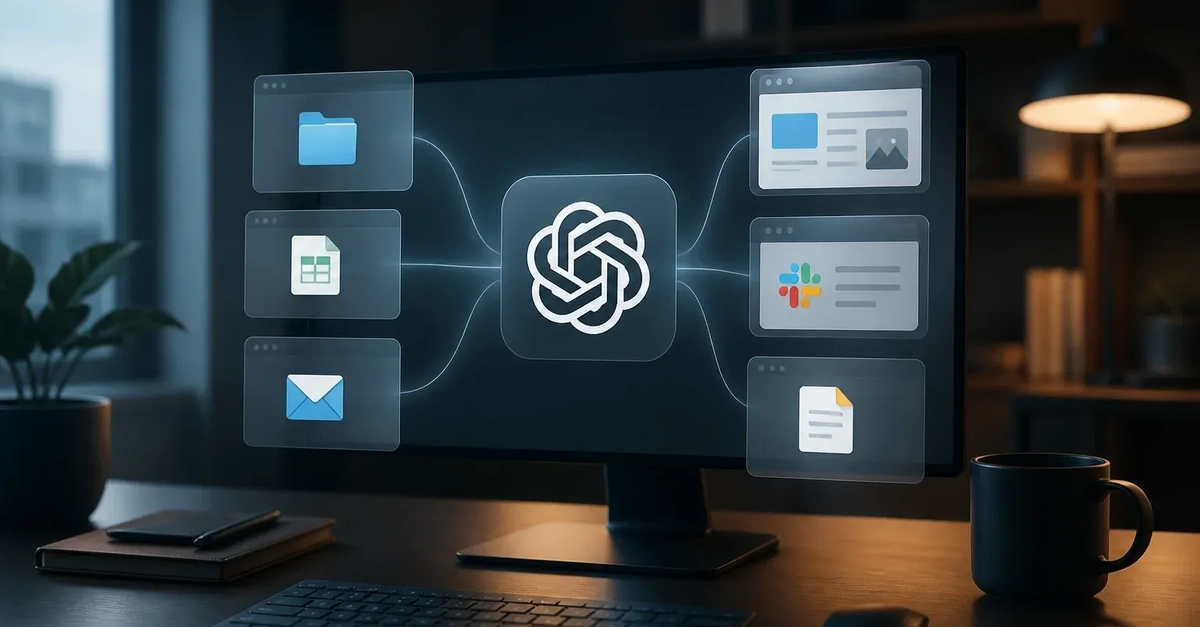
OpenAI is fundamentally shifting ChatGPT’s role from a conversational assistant to an active participant in users’ workflows. The introduction of ChatGPT Work, a cross-platform desktop environment, signifies a move beyond mere text generation and explanation into direct operational execution. This new paradigm allows ChatGPT to interact with local applications, files, and browser content, effectively bridging the gap between AI assistance and tangible task completion on a user's computer.
The implications are profound. Instead of just outlining steps for a complex task, ChatGPT Work can now potentially perform those steps. Imagine an AI that not only tells you how to organize your project files but also moves them, renames them, and sets up the necessary documents. This is the operational shift OpenAI is enabling. The company’s official announcement highlights a unified experience across web, mobile, and desktop, with the desktop app consolidating Chat, Work, and Codex functionalities. The integrated browser and local computer access are key to supporting more contextual, end-to-end work sessions.
Persistent Memory and Contextual Understanding
A critical component of ChatGPT Work is its enhanced memory capability. Traditional AI interactions are often stateless; each query is treated in isolation unless explicitly linked by the user. ChatGPT Work introduces a concept called “Computer History,” which aims to maintain context and recall past actions and information. This persistent memory allows the AI to build upon previous interactions, understand the ongoing state of a project, and retain details across sessions. This is akin to having a digital assistant that remembers what you were working on yesterday, what files were involved, and what the ultimate goal was, rather than starting from scratch every time.
This persistent memory is not just about recalling facts; it's about understanding the workflow. For developers, this means an AI that can track the progress of coding tasks, remember specific libraries or APIs used, and even anticipate the next logical step in a complex development cycle. For content creators, it could mean an AI that remembers brand guidelines, past campaign assets, and the specific tone of voice required for ongoing projects. This level of contextual awareness is what transforms an AI from a tool into a collaborator that truly understands the user's objectives over time.
Desktop Automation: Interacting with the Local Environment
The ability to interact with local applications and files is perhaps the most tangible advancement. ChatGPT Work acts as a desktop agent, capable of performing actions that were previously exclusive to human users. This includes launching applications, manipulating files (copying, moving, deleting, renaming), interacting with web browser elements (filling forms, clicking buttons, scraping data), and executing scripts. This capability moves AI from the realm of information processing into the realm of task execution.
Consider the process of setting up a new development environment. Previously, a user would follow a series of instructions, manually downloading software, configuring settings, and running commands. With ChatGPT Work, an AI could potentially automate much of this process. It could identify the necessary software, download installers, execute them with appropriate parameters, and verify the installation—all based on a natural language request. Similarly, for administrative tasks, an AI could manage calendars, send emails, process invoices, or generate reports by interacting directly with relevant desktop applications like Outlook, Excel, or custom business software.
Governance and Security Considerations
With increased operational capabilities comes a heightened need for governance and security. OpenAI acknowledges this by integrating features that aim to provide transparency and control over the AI’s actions. The concept of “Computer History” not only aids memory but also serves as an audit trail, detailing what the AI has done, when it did it, and what data it accessed. This is crucial for understanding AI behavior, debugging issues, and ensuring compliance with internal policies or external regulations.
The ability for an AI to access and manipulate local files and applications raises significant security questions. How will ChatGPT Work handle sensitive data? What safeguards are in place to prevent unauthorized access or malicious actions, either by the AI itself or by actors who might compromise the AI’s access? OpenAI’s approach suggests a focus on user-controlled permissions and clear logging. However, the full scope of security implications, especially in enterprise environments with strict data handling policies, remains an area requiring deep investigation and robust solutions. For businesses, the governance aspect—ensuring AI actions align with corporate policies and data privacy laws—will be as important as the automation itself.
The Future of AI in Operational Workflows
ChatGPT Work represents a significant evolutionary step for AI assistants. By integrating desktop automation, persistent memory, and governance features, OpenAI is positioning ChatGPT as a powerful operational tool. This move challenges existing automation platforms and opens new possibilities for how individuals and organizations leverage AI. The ability to handle end-to-end tasks, remember project context, and operate directly on local systems could redefine productivity, particularly in knowledge work and software development. As this technology matures, its impact on workflows, job roles, and the very nature of human-computer collaboration will undoubtedly be substantial.