AI's New Frontier: Office Document Automation
AI coding assistants have become remarkably proficient, but they still falter when tasked with interacting with one of the most ubiquitous business file formats: Microsoft Office documents. Historically, enabling an AI agent to edit an Excel spreadsheet, draft a Word report, or generate a PowerPoint presentation required complex programming libraries or a full Microsoft Office installation. This limitation has created a significant bottleneck for AI-driven automation in many professional workflows. Enter OfficeCLI, a new tool designed to bridge this critical gap.
OfficeCLI empowers AI agents with the ability to directly interact with and automate tasks within Word, Excel, and PowerPoint. This is achieved by providing a programmatic interface that AI models can leverage, effectively giving them 'eyes' and 'hands' for these complex document formats. The project aims to democratize AI's capabilities, making it accessible for automating routine office tasks without the need for specialized software or intricate coding knowledge on the part of the AI itself.
How OfficeCLI Works
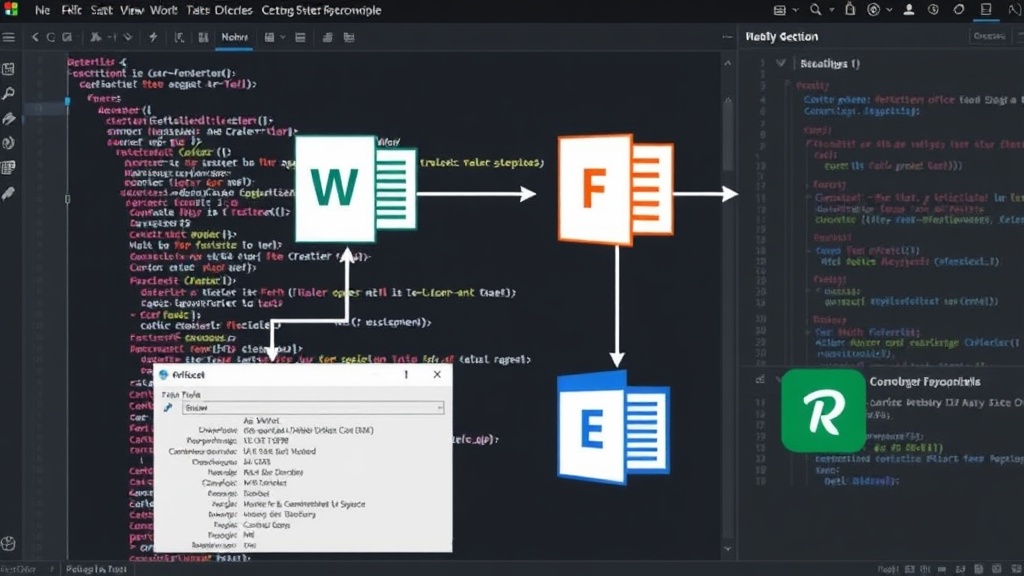
The core innovation behind OfficeCLI lies in its ability to translate natural language commands or structured AI outputs into actions that Office applications can understand. Instead of requiring developers to write Python scripts using libraries like python-docx or openpyxl, or embedding a full Office suite within an AI agent's environment, OfficeCLI acts as an intermediary. It exposes a command-line interface (CLI) that AI agents can call. These commands are then interpreted and executed against the target Office application.
For example, an AI agent tasked with generating a financial report could be instructed to use OfficeCLI to create a new Excel file. It could then issue commands to add specific columns, input data points, apply formatting, and even generate charts. Similarly, for a Word document, an agent could use OfficeCLI to insert text, format paragraphs, create tables, or even manage document properties. For PowerPoint, the possibilities include creating new slides, adding text and images, and applying themes.
This approach significantly lowers the barrier to entry for AI automation within the Microsoft Office ecosystem. It means that AI models, particularly large language models (LLMs) that excel at understanding and generating text, can now be directed to perform complex document manipulation tasks. The CLI interface is designed to be straightforward, allowing AI agents to send instructions and receive feedback or results. This makes it a natural fit for integration into existing AI agent frameworks and workflows.
Key Features and Capabilities
OfficeCLI is being developed with a focus on providing a comprehensive set of tools for automating common Office tasks. While the project is still evolving, the initial focus areas include:
- Excel Automation: Reading data from cells, writing data to cells, creating new worksheets, applying basic formatting (bold, italics, colors), and potentially generating simple charts. This capability is crucial for tasks involving data analysis, report generation, and spreadsheet management.
- Word Automation: Inserting and manipulating text, creating and formatting tables, managing paragraphs and headings, and potentially working with document styles. This is vital for report writing, document creation, and content generation.
- PowerPoint Automation: Creating new slides, adding text boxes and images, applying basic layouts, and managing presentation structure. This feature is key for automated slide deck creation and presentation content generation.
The tool aims to abstract away the complexities of the underlying Office file formats and application APIs. Developers and AI engineers can interact with OfficeCLI using simple, human-readable commands, which are then parsed and executed. This means an AI doesn't need to 'understand' the intricacies of OLE automation or COM interfaces; it simply needs to know how to call a CLI command with the correct parameters.
The Developer and AI Agent Perspective
For developers building AI agents or integrating AI into existing workflows, OfficeCLI represents a significant simplification. Instead of spending time wrestling with complex Office automation libraries, which often have steep learning curves and platform dependencies, they can leverage OfficeCLI's straightforward command-line interface. This allows them to focus on the AI's logic and the desired outcome, rather than the mechanics of document manipulation.
Consider an AI agent designed to process customer feedback. This agent might need to compile survey responses from an Excel sheet into a Word report, complete with summary statistics and key quotes. With OfficeCLI, the AI could be programmed to: 1. Read data from the Excel file using a specific OfficeCLI command. 2. Process this data to extract insights and quotes. 3. Use another OfficeCLI command to write these findings into a Word document, applying appropriate formatting and structure. This entire process can be orchestrated by the AI agent without human intervention beyond the initial prompt.
The project's reliance on a CLI makes it highly compatible with various AI agent architectures. Whether using frameworks like LangChain, Auto-GPT, or custom-built agents, the ability to execute external commands is a fundamental capability. OfficeCLI plugs directly into this by providing a specialized command set for Office document tasks. This makes it a versatile tool for enhancing the practical utility of AI agents in business environments.
Broader Implications for Business Automation
The potential impact of OfficeCLI extends beyond individual developer productivity. By enabling AI agents to automate tasks within Word, Excel, and PowerPoint, it opens up new avenues for business process automation. Routine tasks that currently consume significant employee time—such as generating weekly sales reports, compiling meeting minutes, creating standard presentation templates, or updating financial spreadsheets—can now be delegated to AI.
This could lead to substantial efficiency gains, reduced operational costs, and improved accuracy. Furthermore, it allows human employees to focus on higher-value, strategic work that requires critical thinking, creativity, and interpersonal skills, rather than being bogged down by repetitive document management tasks. The democratization of Office automation through AI agents means that even small businesses or teams with limited IT resources can harness powerful automation capabilities.
What remains to be seen is the extent of OfficeCLI's ambition. Will it support macros, complex scripting within Office documents, or advanced features like pivot tables and complex chart types? The current focus appears to be on foundational capabilities, but the trajectory suggests a path towards more sophisticated automation. The success of OfficeCLI will hinge on its ability to keep pace with the evolving capabilities of AI models and the increasing demand for seamless integration between AI and productivity software.