Introducing Nexus System Manager
Independent developer Rilind Bytyqi has released Nexus System Manager, a new open-source desktop utility aimed at optimizing Windows performance. Built entirely from scratch using Python and the PyQt6 framework, the application offers a suite of tools for system cleaning and tweaking. Bytyqi recently compiled the project into standalone executable binaries using Nuitka and has made the first release available on GitHub under the GPL-3.0 license.
The project represents a significant effort by a solo developer to create a comprehensive system management tool that is both functional and user-friendly. Nexus System Manager's core purpose is to provide users with advanced control over their Windows environment, enabling deeper system cleaning and performance optimizations than typically available through standard operating system tools. The choice of Python for development suggests a focus on accessibility and ease of modification for contributors, while PyQt6 ensures a modern and responsive graphical user interface (GUI).
Key Features and Technical Underpinnings
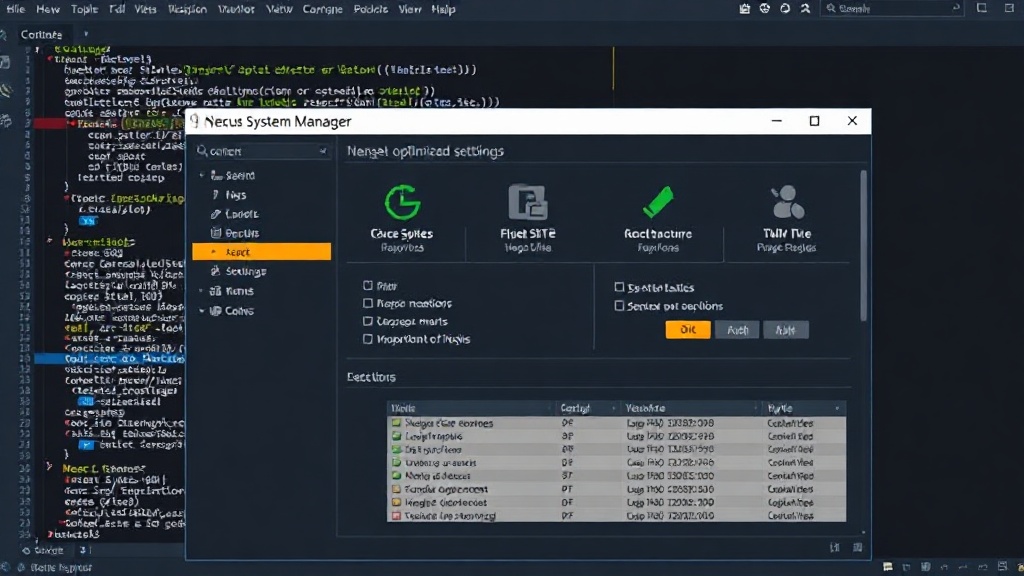
Nexus System Manager is designed with three primary feature sets in mind:
Advanced Windows Tweaks and System Cleaning
At its heart, the tool provides a range of advanced performance optimizations and deep system cleaning utilities. These features are intended to help users reclaim disk space, improve boot times, and generally enhance the responsiveness of their Windows machines. The specifics of these tweaks are not detailed in the initial announcement, but they likely encompass common optimization strategies such as disabling unnecessary startup programs, managing background services, clearing temporary files, and potentially more granular registry adjustments. The system cleaning aspect would typically involve removing cached data, old log files, and other digital detritus that accumulates over time.
Modern and Responsive User Interface
The user experience is a central focus, with the interface built using PyQt6. This Python binding for the Qt application framework allows for the creation of sophisticated, cross-platform GUIs. Bytyqi emphasizes that the UI is fully responsive and clean, suggesting a design that is intuitive and visually appealing. This is crucial for a system management tool, as users need to easily understand the impact of the actions they are taking. A well-designed GUI can demystify complex system operations and make powerful optimization tools accessible to a wider audience.
Standalone Executable Distribution
To ensure ease of deployment and a professional user experience, Nexus System Manager has been compiled into standalone executable binaries using Nuitka. Nuitka is a Python compiler that translates Python code into efficient C code, which can then be compiled into a standalone executable. This process eliminates the need for users to install Python or any specific libraries on their system to run the application. It also offers a layer of security, as the source code is not directly exposed in the distributed binary. The compilation into a .exe file makes it directly usable on any compatible Windows system, mirroring the distribution model of traditional Windows applications.
Development Philosophy and Community Engagement
The decision to make Nexus System Manager open-source under the GPL-3.0 license signals a commitment to transparency and community collaboration. The GPL-3.0 license ensures that the software remains free and open, allowing users to view, modify, and distribute the source code. This is particularly valuable for a system utility where understanding exactly what actions are being performed on the operating system is paramount for user trust and security.
Bytyqi specifically appeals to the developer community on DEV.to for technical feedback on the codebase, structure, and features. This indicates an open approach to development, inviting contributions and constructive criticism to improve the project. For developers interested in system utilities, GUI development with Python, or the intricacies of Windows optimization, Nexus System Manager presents an opportunity to examine a real-world application built with modern Python tools. The project's structure and implementation details, once available on GitHub, will offer insights into how to effectively manage system resources and build user-friendly desktop applications in Python.
The choice to build such a tool from scratch, rather than relying on existing frameworks or wrappers, suggests a desire to have complete control over the functionality and to potentially explore novel optimization techniques. As an independent developer, launching such a project is a significant undertaking, and the call for feedback highlights the challenges and rewards of building and maintaining open-source software.
Future Potential and Implications
The launch of Nexus System Manager as an open-source project has several implications. For users, it offers a free, transparent alternative to commercial system optimization software, which can sometimes be opaque in their operations or include bundled adware. For developers, it provides a concrete example of how Python and PyQt6 can be leveraged to create powerful desktop applications. The project's success will depend on its ability to deliver tangible performance improvements and maintain user trust through ongoing development and community engagement.
The project's future roadmap is not yet detailed, but potential areas for expansion could include more sophisticated diagnostics, integration with Windows security features, or even cross-platform compatibility if the underlying principles can be adapted. The success of such a tool often hinges on its ability to stay current with Windows updates and to offer genuinely useful optimizations that go beyond what the OS provides by default. The open-source nature, however, means that the community itself can play a vital role in ensuring its longevity and relevance.