Eliminating the Download Cycle for Web Applications
Web-based text and configuration editors have long suffered from a cumbersome user experience: the perpetual download cycle. Every save, every minor edit, often necessitates clicking a download button, resulting in files like config (3).json cluttering the user's downloads folder. This friction point significantly degrades the usability of otherwise powerful web tools.
Modern browsers offer a solution through the File System Access API. This powerful browser standard allows web applications to interact directly with a user's local file system, enabling true read and write operations. However, implementing this API in a React application involves considerable boilerplate code. Developers must manage file handles, track loading and saving states, handle asynchronous operations, and gracefully manage user cancellations, all of which can quickly become complex and error-prone.
To streamline this process, the latest release of react-hook-lab introduces the useFileSystem hook. This hook aims to abstract away the complexities of the File System Access API, providing a declarative and type-safe interface for React developers.
Understanding the useFileSystem Hook
The useFileSystem hook acts as a robust wrapper around the browser's native File System Access API. Its primary goal is to simplify the developer experience when building applications that require direct file manipulation on the user's local machine. This includes functionalities such as prompting users to open existing files, reading their content, and writing modified data back to the original file or a new one.
At its core, the hook provides state management for file operations. It tracks whether a file is currently open, whether its content is being read or written, and any errors that may occur during these processes. Developers can use these states to provide visual feedback to users, such as loading spinners or error messages, enhancing the application's responsiveness and clarity.
The hook exposes several key functions and state variables:
openFilePicker(): Triggers the browser's native file picker, allowing the user to select one or more files.readFile(): Reads the content of an opened file. It returns the file's content as a string or ArrayBuffer, depending on the specified type.writeFile(): Writes new content to the currently opened file or prompts the user to save to a new file.fileHandle: The reference to the opened file on the user's system.fileContent: The current content of the opened file.isReading: A boolean indicating if a file read operation is in progress.isWriting: A boolean indicating if a file write operation is in progress.error: Any error encountered during file operations.
Building a Direct-to-Disk Editor
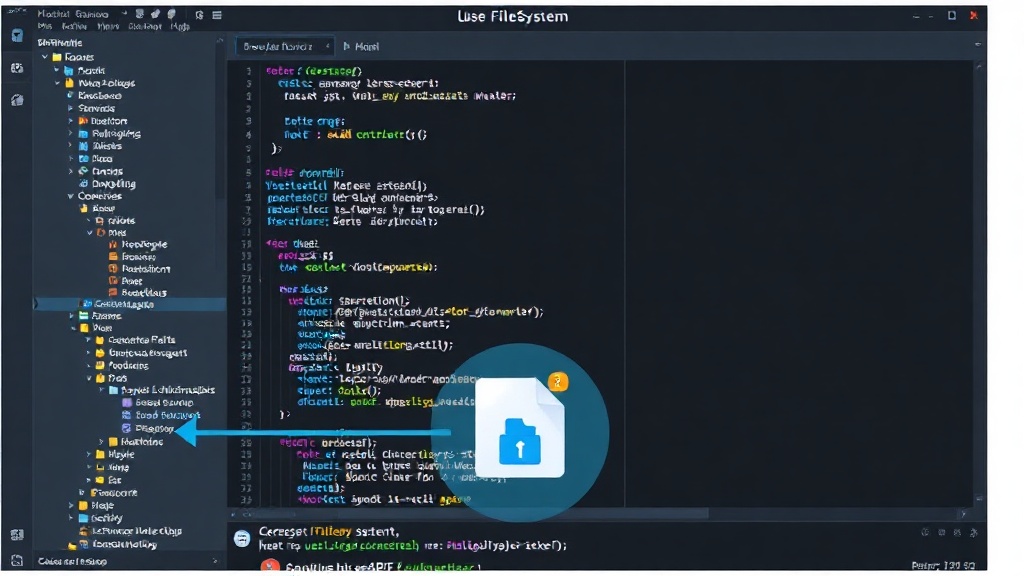
Consider a scenario where you are building a web-based markdown editor. Traditionally, saving your work would involve a download. With useFileSystem, the workflow becomes much more natural. A user could open a markdown file from their local drive, edit it directly in the browser, and then save their changes back to the original file with a single click, without ever leaving the application's interface.
The hook simplifies the asynchronous nature of file operations. When openFilePicker() is called, the browser presents the user with a modal. Once a file is selected, the hook manages the process of obtaining a file handle and then readFile() can be invoked. The returned content is then available in the fileContent state variable, ready to be displayed in an editor component.
Similarly, when the user decides to save, writeFile() can be used. If a file is already open, the hook will write directly to it. If no file is currently associated, it will prompt the user to choose a location and filename, effectively implementing a "Save As" functionality. This direct interaction makes the web application feel more like a native desktop application.
Developer Experience and Boilerplate Reduction
The primary benefit of useFileSystem is the significant reduction in boilerplate code. Developers no longer need to manually implement logic for:
- Checking browser support for the File System Access API.
- Requesting permissions from the user to access files.
- Handling the complexities of asynchronous file read/write operations.
- Managing loading and error states for these operations.
- Implementing file picker dialogues and save dialogues.
The hook provides a clean, declarative API that fits seamlessly into the React component model. This allows developers to focus on the core features of their application, rather than getting bogged down in low-level browser API management. The type-safe nature of the hook, likely implemented using TypeScript, further enhances developer confidence by catching potential errors at compile time.
This abstraction is particularly valuable for applications that require frequent file interaction, such as code editors, configuration management tools, or even simple note-taking applications. By removing the download-upload friction, useFileSystem can dramatically improve user productivity and satisfaction. The hook essentially provides a bridge, allowing web applications to access the user's file system with a developer experience that rivals native applications.
The Future of Web-Based File Interaction
The File System Access API, and hooks like useFileSystem that simplify its integration, represent a significant step towards blurring the lines between web applications and native desktop software. As browser capabilities expand, we can expect to see more sophisticated applications emerge that leverage direct file system access for enhanced performance and user experience.
While the useFileSystem hook addresses the common pain points, it's important for developers to consider the implications of direct file system access. Users must be made aware of which files their applications are accessing and writing to. Clear UI feedback and explicit user prompts are crucial for maintaining trust and security. The hook provides the tools, but responsible implementation rests with the developer.
What remains to be seen is how widely this pattern will be adopted and whether other libraries will offer similar abstractions. The success of useFileSystem could pave the way for a new generation of powerful, desktop-like web applications that are accessible from anywhere.