
The Persistence Problem
In Part 1 of this series, we established the foundational controllers, providers, dependency injection, and validation for a basic API endpoint. The GET /pages/:id route allowed us to retrieve story segments. However, the critical limitation was that each request started from a clean slate. There was no memory of a player, their current position in the narrative, or any choices they had made. To create an interactive experience where a player's progress survives server restarts and can be resumed, a persistent data store is essential. This is where a database comes in.
Database and ORM Selection
For the Grimoire API, the choice for persistence is PostgreSQL, a robust and widely-used relational database. This is paired with TypeORM, which is NestJS's most common Object-Relational Mapper (ORM) solution. TypeORM offers strong documentation and tight integration with the NestJS framework, making it a natural fit for this project. Its ability to map TypeScript classes to database tables and handle complex queries with an object-oriented approach simplifies database interactions significantly.
Setting Up TypeORM in NestJS
The first step is to install the necessary TypeORM packages. This includes the core TypeORM library and the PostgreSQL driver:
npm install --save @nestjs/typeorm typeorm pg
npm install --save-dev @types/pg
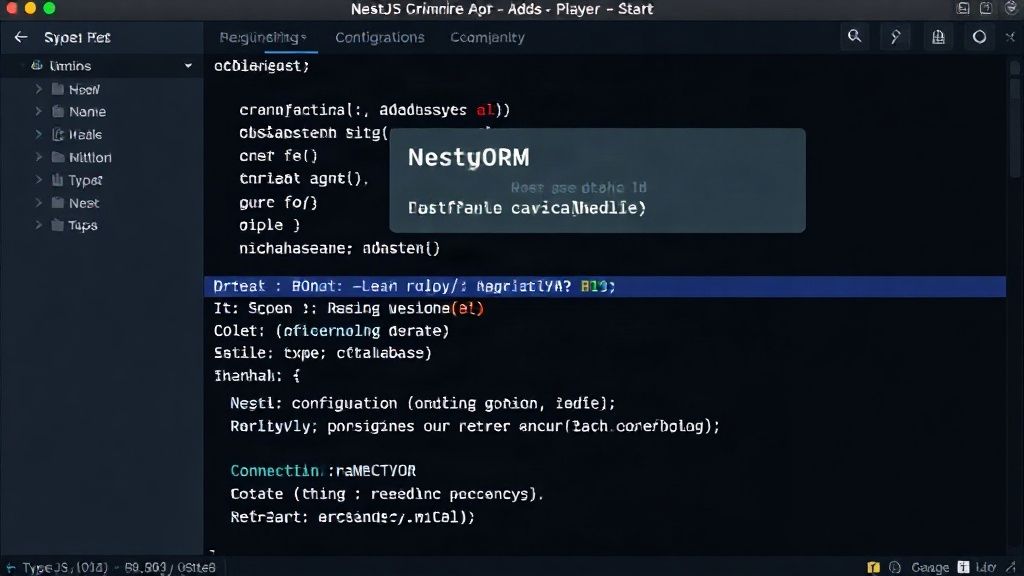
Next, we configure TypeORM within our NestJS application module. This typically involves importing the TypeOrmModule.forRoot() or TypeOrmModule.forRootAsync() method. For simplicity in this example, we'll use forRoot(), providing connection details such as the database host, port, username, password, and database name. It's crucial to manage these credentials securely, often through environment variables, especially in production environments. We also specify the entities we want TypeORM to manage, which represent our database tables.
Defining Entities
Entities are the core of TypeORM, representing the structure of our database tables. For a choose-your-own-adventure game, we need at least two primary entities: Player and Page.
The Page entity will define the structure for each segment of the story. It will include fields like id (the primary key), title, content (the text of the page), and potentially a way to link to subsequent pages. For simplicity in this Part 2, we'll focus on the player's state, so the Page entity might initially be lean, perhaps just an ID and content.
The Player entity is more critical for persistence. It needs to track the player's unique identifier, their current location within the story (e.g., the ID of the current page they are on), and potentially an inventory or other player-specific data that needs to be saved. We'll use TypeORM decorators like @Entity(), @PrimaryGeneratedColumn(), and @Column() to define these entities and their properties.
For example, a basic Player entity might look like this:
import { Entity, PrimaryGeneratedColumn, Column } from 'typeorm';

@Entity()
export class Player {
  @PrimaryGeneratedColumn()
  id: number;

  @Column()
  currentPageId: string;

  @Column({ default: 0 })
  score: number;

  // Other player-specific properties can be added here
}
Similarly, a simplified Page entity:
import { Entity, PrimaryColumn, Column } from 'typeorm';

@Entity()
export class Page {
  @PrimaryColumn()
  id: string;

  @Column()
  title: string;

  @Column('text')
  content: string;

  // We might add relations to other pages later
}
Integrating Persistence with Services
With entities defined and TypeORM configured, we can now inject the Player repository into our services. This allows us to interact with the database to create, read, update, and delete player data. We'll modify our existing page service (or create a new one dedicated to player state) to fetch or create a player record based on a session identifier or a user ID. When a player navigates to a new page, we'll update their currentPageId in the database.
The flow would be: when a request comes in for a specific player (identified perhaps by a cookie or token), we first query the Player repository to retrieve their current state. If a player record doesn't exist, we create a new one, setting their initial page. When the player makes a choice that leads to a new page, we update the currentPageId for that player in the database. This ensures that the next time the player makes a request, their progress is loaded correctly.
Handling Player State Transitions
The core logic for navigating between pages now needs to be updated. Instead of just returning page content, the service will:
- Identify the current player.
- Retrieve the player's current state from the database.
- Based on the player's current page and their choice (which would be part of the request body for page transitions), determine the next page ID.
- Update the player's record in the database with the new
currentPageId. - Fetch and return the content for the newly determined page.
This creates a stateful application where player progress is not lost upon server restarts. The database acts as the single source of truth for each player's journey through the narrative. The surprising detail here is how cleanly TypeORM integrates with NestJS's dependency injection system, making database operations feel like just another service to be injected and used.
Future Considerations
This part focuses on the basic persistence of player location. Future iterations will involve adding more complex player data, such as inventories, character stats, and branching narrative logic that depends on these states. We will also explore how to handle multiple players and potentially asynchronous operations related to saving game states. The foundation laid with PostgreSQL and TypeORM will be crucial for scaling these features.