
NavKey: Reimagining Windows Navigation for Power Users
In a world increasingly dominated by touch interfaces and graphical user elements, a new tool called NavKey is emerging to champion a different paradigm: absolute keyboard control for the Windows operating system. Developed with the power user in mind, NavKey promises to reduce reliance on the mouse, enabling faster and more efficient interaction with applications and the operating system itself.
The core philosophy behind NavKey is simple: why reach for the mouse when your fingers are already on the keyboard? For developers, system administrators, content creators, and anyone who spends significant hours at their computer, minimizing context switching between keyboard and mouse can lead to substantial time savings and reduced physical strain. NavKey seeks to provide a comprehensive solution for this, allowing users to navigate menus, launch applications, manage windows, and even perform complex tasks without ever touching their pointing device.
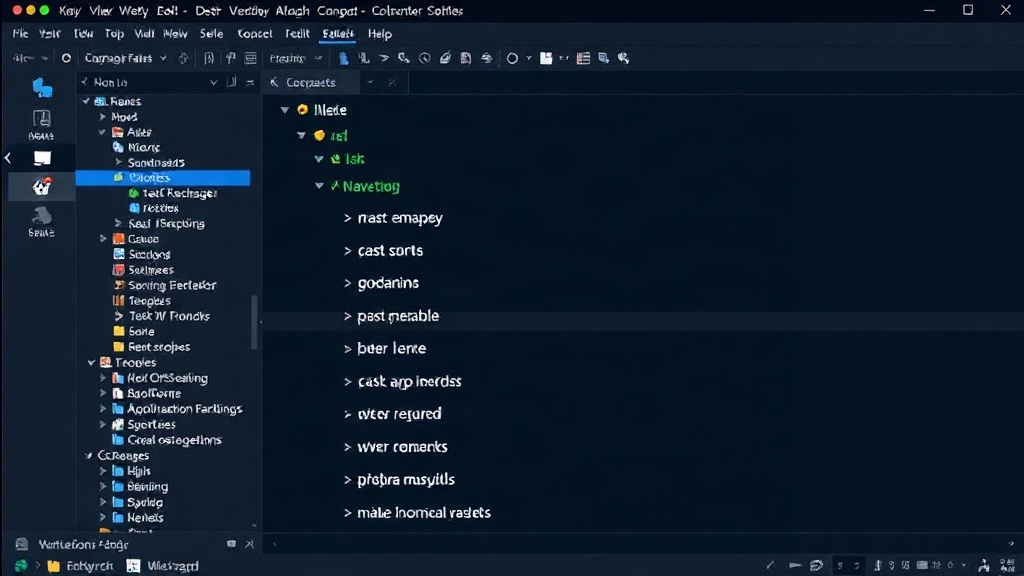
NavKey's approach is not about replacing existing keyboard shortcuts, but rather augmenting them with a more intuitive and discoverable system. Think of it less like a collection of disparate hotkeys and more like a dynamic, context-aware command palette that lives directly on your keyboard. As you type, NavKey filters and presents relevant actions, allowing for rapid selection and execution. This is particularly useful for complex applications with deep menu structures or for tasks that require repetitive input.
Key Features and Functionality
NavKey distinguishes itself through several key features designed to maximize keyboard efficiency. At its heart is a powerful command execution engine. Users can define custom commands, sequences of keystrokes, or even scripts that can be triggered with simple, memorable keyboard combinations. This allows for the automation of mundane tasks, such as opening specific project folders in your IDE, deploying code with a single shortcut, or quickly switching between virtual desktops with complex arrangements.
Window management is another area where NavKey shines. Instead of relying on cumbersome Alt-Tab combinations or manual window resizing, users can employ NavKey to instantly move, resize, maximize, minimize, or close windows. The system intelligently understands window titles and application names, allowing for targeted actions. For instance, a user could type a few characters of an application name and then select an action like 'move to monitor 2' or 'cascade windows'. This granular control over the desktop environment is invaluable for multitasking scenarios.
Application launching is also streamlined. Beyond standard Windows shortcuts like Win+R, NavKey allows for the creation of custom application launchers. Users can assign unique sequences to their most frequently used programs, enabling instant access. This extends to launching specific files or documents within applications. For example, a developer might set up a shortcut to open their primary project file in VS Code, or a designer could set one to open their latest PSD in Photoshop.
The Power of Contextual Commands
What sets NavKey apart is its contextual awareness. The system can be configured to present different sets of commands based on the active application. This means that pressing a specific key combination might perform one action in your code editor and a completely different, yet equally relevant, action in your web browser. This dynamic behavior eliminates the need to memorize hundreds of application-specific shortcuts, as NavKey provides a unified, intelligent interface.
Consider a writer using NavKey. When in their word processor, a shortcut might trigger a command to insert a specific boilerplate paragraph or to check grammar. When they switch to their file explorer, the same shortcut might be remapped to quickly navigate to their 'Manuscripts' folder. This adaptability makes NavKey a powerful tool for professionals in diverse fields, from software development to content creation and data analysis.
The implementation of these contextual commands is designed to be as frictionless as possible. Users can typically define these behaviors through a clean configuration file or a straightforward in-app settings menu. The goal is to make the setup process intuitive, allowing users to tailor NavKey to their specific workflows without requiring advanced scripting knowledge, though the option for deeper customization is certainly available for those who need it.
Who Benefits from NavKey?
NavKey is primarily targeted at users who prioritize efficiency and are comfortable with keyboard-centric workflows. This includes:
- Developers: Automating build processes, managing code editors, deploying applications, and navigating complex project structures with speed.
- System Administrators: Rapidly executing commands, managing remote sessions, and configuring systems without extensive GUI interaction.
- Content Creators: Streamlining editing workflows in video, audio, and graphic design software, moving between timelines and tools with keystrokes.
- Power Users: Anyone who spends extensive time on their computer and seeks to optimize their daily tasks, reduce mouse usage, and increase productivity.
The learning curve for NavKey is managed by its intuitive design. While mastering all its capabilities will take time, users can begin to see benefits from day one by setting up a few essential shortcuts for their most frequent tasks. The product's emphasis on discoverability means that as users explore its features, they are likely to uncover new ways to optimize their workflow, making it an evolving tool that grows with their needs.
The Future of Keyboard Control
NavKey represents a thoughtful re-engagement with keyboard-based interaction in an era where graphical interfaces often take precedence. By offering a robust, customizable, and context-aware system, it empowers users to reclaim control over their digital environment. For those looking to shave seconds off repetitive tasks, reduce physical strain, and operate their Windows machines with unparalleled speed, NavKey is a compelling proposition that warrants a closer look.
The surprising detail here is not just the ambition to control Windows via keyboard, but the focus on making it *contextually aware*. This moves NavKey beyond simple hotkey remapping into a more intelligent assistant for workflow optimization.