
The Problem: Two Structures, One Tool
Developing a project scaffolding tool, like the create-notils CLI, presents a unique challenge when your target projects can adopt fundamentally different structures. In this case, the need was to support both standalone Next.js applications and more complex Turborepo monorepos. Previously, managing separate starter templates for each structure led to duplicated code, inconsistent updates, and increased maintenance overhead. This inefficiency meant that any improvements or bug fixes made to one template had to be manually replicated in the other, a process prone to errors and time-consuming.
The standalone Next.js application structure typically looks like this:
my-app/
├── src/
├── public/
├── package.json
└── components.json
In contrast, a Turborepo monorepo structure often includes:
my-app/
├── apps/
│   └── app/
├── packages/
│   ├── ui/
│   └── config/
├── turbo.json
└── package.json
The core issue was that the scaffolding logic for these two distinct setups was being duplicated. This duplication extended to build configurations, dependency management, and even basic file structures. Maintaining parity between these two codebases became a significant burden, hindering the development pace and introducing potential inconsistencies that could lead to subtle bugs in new projects.
The Solution: A Unified Monorepo Approach
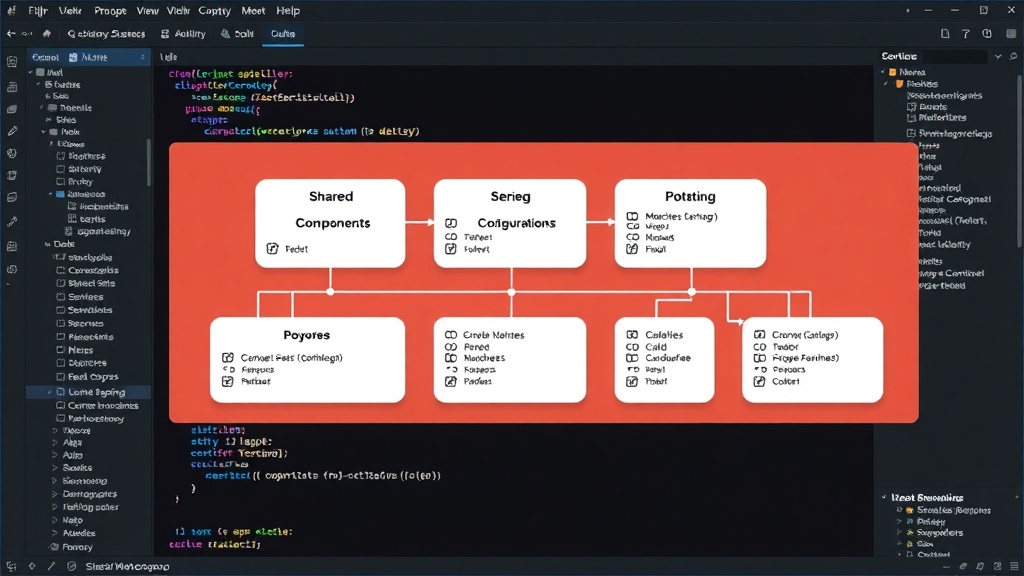
The solution involved refactoring the project scaffolding tool to use a single monorepo as the source of truth for all starter templates. This approach consolidates all related code and configurations into one place, enabling the CLI to intelligently generate the appropriate project structure based on user selection or configuration. Instead of maintaining two separate repositories or sets of template files, a single monorepo houses the logic and assets for both the standalone Next.js app and the Turborepo monorepo.
This unification allows for a more modular and maintainable system. The CLI can now dynamically assemble the project based on a set of shared components and structure definitions. For example, common files like package.json or configuration files used by both structures can be managed centrally. When a user initiates a new project, the CLI prompts them to select their desired structure, or it might infer it from project-specific flags. Based on this input, the tool then pulls the relevant files and configurations from the monorepo to construct the new project.
Consider the package.json file. In a duplicated template system, each template would have its own package.json with potentially different versions of dependencies or scripts. With a monorepo, a base package.json can be defined, and then specific dependencies or scripts can be layered on top depending on whether the target is a standalone app or a monorepo. This is akin to using a base class in object-oriented programming, where specific implementations inherit and extend common functionality.
The benefits of this architectural shift are immediate and significant:
- Reduced Code Duplication: A single source of truth for templates means no more copy-pasting and synchronizing identical files.
- Improved Maintainability: Updates, bug fixes, and new features only need to be implemented once.
- Faster Development: Developers can iterate more quickly on the scaffolding tool itself, knowing changes affect all outputs.
- Consistency: Ensures that projects generated by the tool adhere to consistent standards, regardless of their specific structure.
Implementation Details and Tooling
Implementing this unified monorepo strategy typically involves leveraging modern JavaScript tooling. Tools like Lerna or Yarn Workspaces are essential for managing dependencies and scripts within a monorepo. These tools allow different packages or applications within the monorepo to depend on each other and facilitate a streamlined build and publish process.
For the create-notils CLI, this means the tool itself is likely a package within the monorepo. When invoked, it reads its configuration and templates from the monorepo's structure. It might use a templating engine or simply copy files based on conditional logic. The key is that the decision-making process—which files to include, which dependencies to add, which scripts to set up—happens within the CLI's logic, referencing the unified template structure.
The CLI could be architected to:
- Detect or prompt for the desired project type (standalone Next.js vs. Turborepo monorepo).
- Locate the corresponding template files or configurations within the monorepo.
- Copy and modify these files to create the new project's directory structure.
- Install necessary dependencies using the appropriate package manager.
This approach centralizes the complexity. The CLI becomes the intelligent orchestrator, rather than individual, disconnected template repositories. The development experience for users creating new projects is preserved, while the developer experience for maintaining the scaffolding tool is dramatically improved. The question that remains is how to elegantly handle project-specific configurations that might deviate significantly between the two structures, ensuring maximum flexibility without reintroducing duplication.
Future Considerations and Broader Impact
This strategy of using a single monorepo to generate multiple, distinct project outputs is a powerful pattern that extends beyond Next.js and Turborepo. Any development team that finds itself managing multiple similar-yet-distinct project templates can benefit from this approach. Whether it's different framework stacks, varying API service configurations, or distinct frontend application types, a unified monorepo can serve as a central hub for generating them.
The implications for developer productivity are substantial. By reducing the cognitive load and maintenance effort associated with managing parallel template codebases, teams can focus more on building features and less on managing boilerplate. This also promotes best practices, as a single, well-maintained template system is more likely to incorporate security updates and performance optimizations consistently across all generated projects.
Looking ahead, such a system could be further enhanced by introducing more sophisticated configuration options. Perhaps a schema-driven approach where users define their project needs via a configuration file, which the CLI then interprets to assemble the final project structure from the monorepo. This would offer an even higher degree of customization while retaining the core benefits of a unified source of truth. The challenge, as always, will be balancing this power with simplicity, ensuring that the tool remains easy to use for new developers.