
Windows 11 Gets a Cloud-Powered Recovery Option
Microsoft is actively testing a new feature for Windows 11 that promises to simplify the process of recovering a corrupted or problematic installation. Dubbed 'Cloud Rebuild,' this functionality allows users to reinstall Windows 11 directly from Microsoft's cloud servers. This move signals a shift away from relying solely on local recovery partitions or physical installation media like USB drives, potentially offering a faster and more reliable way to get a system back to a clean state.
The feature is currently available to Windows Insiders in the Experimental channel. This means it's in the early stages of testing and not yet ready for general release. Users who opt into this channel will be able to try out Cloud Rebuild and provide feedback to Microsoft.
The core idea behind Cloud Rebuild is to download the latest version of Windows 11 directly from Microsoft's servers and use it to perform a clean installation. This bypasses the need for users to download ISO files, create bootable USB drives, or rely on a potentially damaged recovery partition on their local drive. For many users, especially those less technically inclined, this could significantly reduce the complexity and frustration associated with troubleshooting and repairing their Windows installation.
Think of it less like a traditional repair disk and more like ordering a brand-new operating system directly from the manufacturer's factory, delivered instantly over the internet. If your current Windows installation is riddled with issues, malware, or performance degradation, Cloud Rebuild offers a straightforward path to a pristine system.
How Cloud Rebuild Works
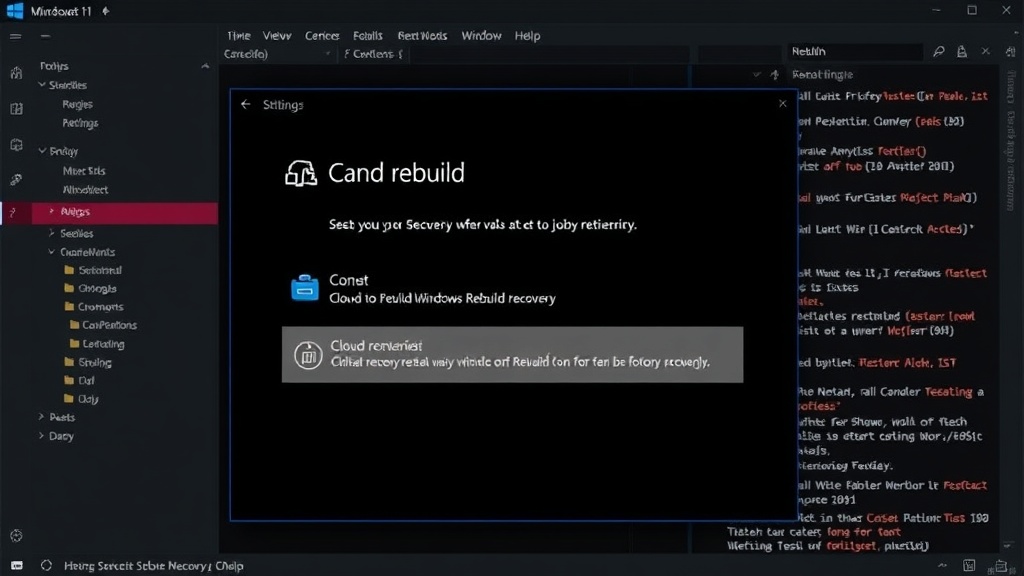
While the exact technical implementation details are not fully disclosed, the process is expected to be integrated into the existing Windows Recovery Environment (WinRE). Users encountering critical system errors or choosing to reset their PC will likely see 'Cloud Rebuild' as an option alongside 'Reset this PC' and 'Advanced startup.'
When selected, the system will connect to Microsoft's servers to fetch the necessary installation files. This requires a stable internet connection. The process would then proceed to format the system drive and install a fresh copy of Windows 11. Users will have the option to keep their personal files or remove everything, similar to the current 'Reset this PC' functionality.
This approach has several advantages. Firstly, it ensures that the installed version of Windows 11 is always up-to-date, including the latest security patches and feature updates. This is particularly beneficial for users who might have fallen behind on updates or whose system is too unstable to update normally. Secondly, it eliminates the dependency on local recovery data, which can sometimes become corrupted or take up valuable storage space. In scenarios where a local drive failure occurs, Cloud Rebuild would still be a viable recovery method, provided the system can still boot into WinRE and access the internet.
The Experimental channel designation is crucial here. It means this feature is still undergoing rigorous testing. Microsoft will be monitoring for bugs, performance issues, and user experience feedback. It's possible that the feature might be refined, expanded, or even rolled back based on these early tests. Users opting into this channel should be prepared for potential instability and understand that they are participating in the development process.
Implications for Windows Recovery
The introduction of Cloud Rebuild represents a significant evolution in how users can recover their Windows installations. For years, users have relied on methods like System Restore, Reset this PC (using local files), or creating bootable media. Each of these has its own set of limitations.
System Restore can fail if the restore points themselves are corrupted. 'Reset this PC' using local files can sometimes fail if the recovery partition is damaged or if the Windows installation is too far gone. Creating bootable media requires users to have access to another computer, a USB drive, and the technical know-how to create and boot from it. Cloud Rebuild aims to streamline this by centralizing the recovery source and making it accessible via a stable internet connection.
This could be particularly impactful for users with newer devices that may not come with easily accessible recovery partitions or for those who have inadvertently deleted them. It also aligns with Microsoft's broader strategy of cloud integration, making more system-level functions accessible and manageable online.
What remains to be seen is the bandwidth requirements and the speed of the download process. While it's intended to be faster than downloading an ISO and creating media, the actual time taken will depend heavily on the user's internet connection speed and Microsoft's server infrastructure. It also raises questions about recovery options for users with limited or metered internet access, though Microsoft will likely retain traditional methods as fallbacks.
When to Expect Cloud Rebuild
As Cloud Rebuild is currently in the Experimental channel, a general release timeline is not yet established. Microsoft typically tests features in Insider channels for several weeks or months before making them available to the broader Windows 11 user base. The success of this testing phase will dictate when it rolls out more widely.
It is expected that Cloud Rebuild will become a standard option in the Windows 11 Recovery Environment, accessible to all users who need to perform a clean installation or recover from severe system issues. This feature, once fully deployed, could significantly improve the out-of-the-box experience for new PC setups and post-troubleshooting scenarios alike.