The Ubiquitous MCP Client Screens
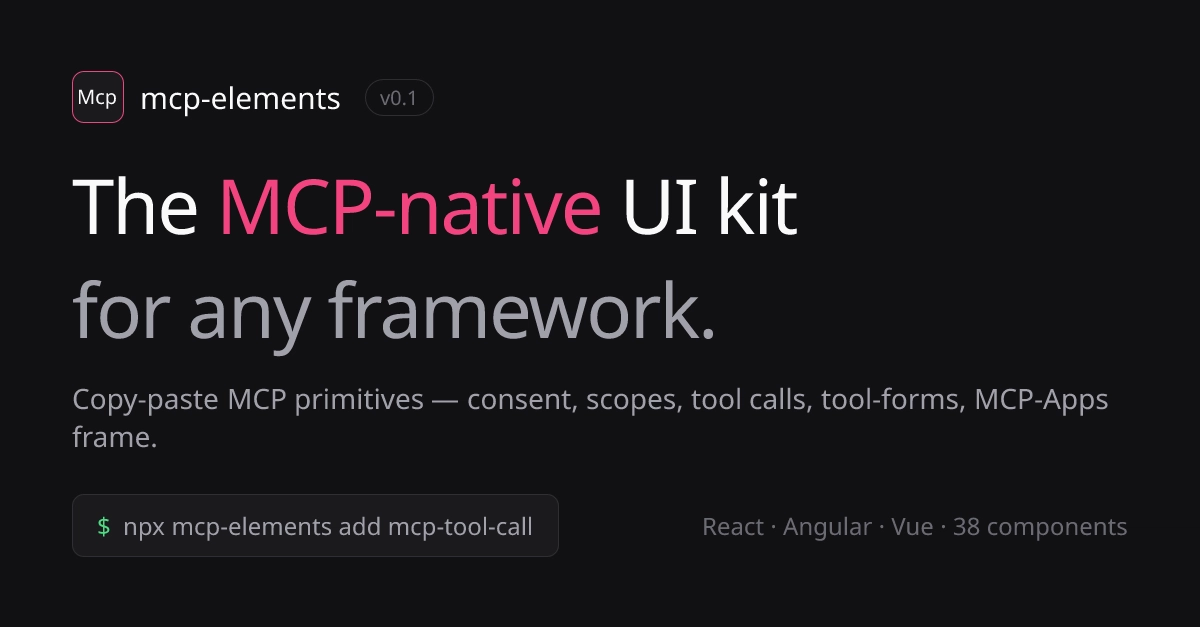
MCP's Software Development Kit (SDK) has seen explosive growth, jumping from 2 million to 97 million monthly downloads in just one year. This surge has led to over 9,400 registered servers and a significant increase in developers building custom MCP clients. If you're among them, you've likely encountered a familiar set of challenges, as most MCP clients end up rebuilding the same seven core user interface components. This isn't a matter of opinion; it's a pattern emerging from the practical needs of interacting with the MCP ecosystem. These seven screens, while not inherently complex individually, become a significant source of developer friction when built repeatedly across different projects. The effort involved in crafting these common elements diverts resources from more unique and value-adding features.Core UI Components in Detail
Tool Call Interface
This is perhaps the most frequently encountered component. It involves displaying a tool's name, its arguments, a visual indicator for ongoing operations (like a spinner), and finally, the result or an error message. Crucially, it must also include a mechanism for retrying failed operations. This component alone is a state machine with at least six distinct states: idle, pending, running, succeeded, failed, and retrying. Managing these transitions and user feedback efficiently is a non-trivial task.Consent Dialog
When interacting with services that require authorization, a consent dialog is essential. This component must clearly list the OAuth scopes the application is requesting. The challenge lies in translating technical scope names into human-readable language that users can understand and approve or deny. Providing clarity here is paramount for user trust and security.JSON Schema Form Generator
Many MCP tools and services expose their input requirements through JSON Schemas. Developers need to build forms that dynamically generate fields based on these schemas. This includes robust client-side validation to ensure users provide correct data before submitting it to the server. The complexity scales with the intricacy of the JSON Schema itself.Scope Inspector
Understanding what a particular server or service is capable of accessing is critical for security and transparency. A scope inspector provides users with a clear view of the permissions granted or requested, detailing exactly what data or actions the MCP client can perform on the server. This empowers users to make informed decisions about their interactions.Resource Browser
MCP servers often expose various resources that clients can interact with. A resource browser allows users to navigate and view these exposed resources. The implementation details vary widely depending on the server's architecture and the types of resources it exposes, but the fundamental need to browse and inspect remains constant.Connection Status Badge
Providing real-time feedback on the connection status to the MCP server is vital for user experience. A connection status badge, typically displayed prominently, informs users whether they are online, offline, or experiencing intermittent connectivity issues. This simple indicator can prevent a great deal of user confusion and frustration.Sandboxed Iframe with PostMessage Bridge
For clients adhering to the MCP Apps specification, integrating external applications often involves embedding them within a sandboxed iframe. This requires implementing a robust `postMessage` bridge to enable secure communication between the parent window and the sandboxed application. This communication layer handles data exchange and event propagation, ensuring a seamless yet isolated user experience.The Cost of Repetition
The recurring nature of these UI components presents a significant overhead for developers. While the first implementation might be straightforward, building these same seven screens for the third or fourth time becomes a tedious and time-consuming process. This repetition can lead to slower development cycles, increased costs, and a potential stagnation in innovation as developers focus on boilerplate rather than novel functionalities.Referenced Sources
- verified