Introduction to Feature Flags
Shipping code is inherently stressful. Despite comprehensive test suites, linters, and manual verification, unexpected issues can surface in production. Feature flags offer a powerful solution, enabling developers to deploy code safely, roll out features to specific user segments, and quickly disable them without requiring a redeployment. This approach transforms the deployment process from a high-stakes event into a manageable, iterative workflow. Effectively integrating feature flags requires more than just adding a simple `if/else` statement; it demands a structured approach to code organization, flag management, and risk mitigation.
Organizing Code with Feature Flags
A common pitfall is cluttering your codebase with intricate `if/else` structures directly tied to feature flags. This approach quickly becomes unmanageable as the number of flags grows, making the code difficult to read, debug, and maintain. Instead, abstract the feature flag logic away from the core business logic. Think of your feature flags as a dynamic configuration layer, not as integral parts of your application's fundamental operations. This separation ensures that your application's primary functions remain clean and understandable, while the feature toggling mechanism can be managed independently.
The Anti-Pattern: Cluttered Conditionals
Consider a scenario where feature flag checks are deeply embedded within functions. This leads to complex conditional branches that obscure the actual logic. For instance, a function might check for multiple flags to determine its behavior, resulting in a tangled web of `if`, `else if`, and `else` statements. This makes it hard to reason about the code's flow and increases the likelihood of introducing bugs. The goal is to isolate these checks, often at a higher level or within dedicated modules.
The Recommended Approach: Abstraction
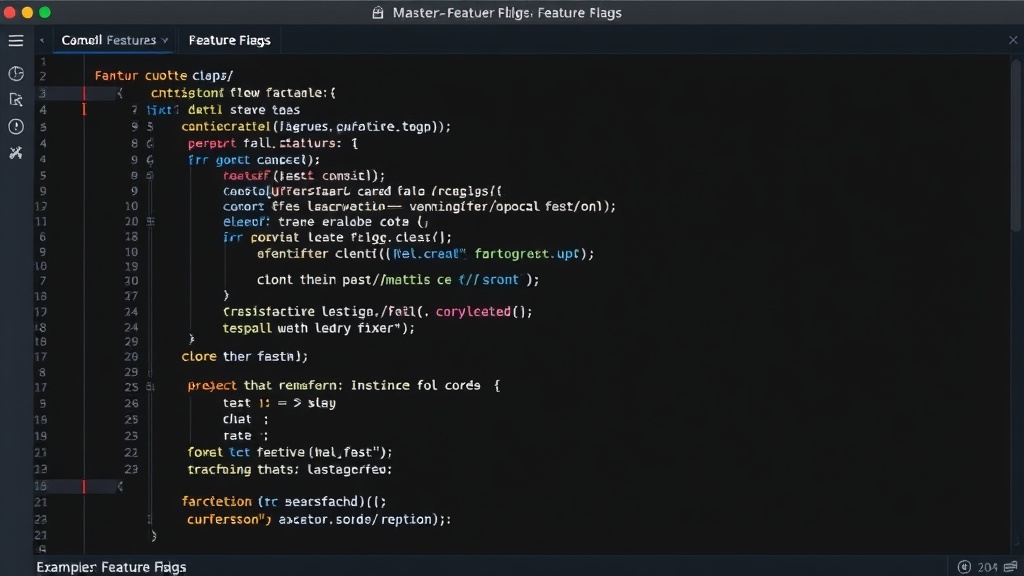
A more effective strategy involves abstracting flag evaluation. This can be achieved by creating a dedicated feature flag service or module. This service would be responsible for fetching flag configurations and evaluating them based on user context. Your application code then interacts with this service through a clean API, asking questions like, "Is feature X enabled for this user?" The service handles the underlying complexity of checking flag states, targeting rules, and default values. This pattern ensures that the main application logic remains clean and focused on its core responsibilities, with feature flag considerations handled externally.
Lifecycle Management of Feature Flags
Feature flags are not intended to be permanent fixtures in your codebase. They have a lifecycle, from introduction to eventual removal. Failing to manage this lifecycle can lead to technical debt, increased complexity, and potential performance issues. Each flag should have a clear purpose and an expected lifespan. Once a feature is fully rolled out and stable, or if it's decided the feature will not be pursued, the associated flag should be removed from the code and the configuration.
Introducing Flags
When introducing a new feature flag, clearly define its purpose, the target audience for its rollout, and the criteria for its eventual removal. Documenting this upfront is crucial. For example, a flag for a new dashboard UI might be initially enabled for internal testers, then rolled out to 10% of users, then 50%, and finally 100% over a period of days or weeks, contingent on monitoring key performance indicators (KPIs) like error rates and user engagement.
Managing Rollouts and Rollbacks
Feature flag systems allow for sophisticated rollout strategies. You can roll out features based on user attributes (e.g., geographic location, subscription tier), percentages of your user base, or specific user IDs. This granular control is invaluable for A/B testing new features or for gradually introducing changes to minimize risk. The ability to perform an instant rollback by simply toggling the flag off is a primary benefit. If monitoring reveals critical issues, disabling the feature takes effect immediately, often without any code deployment, reverting users to the previous stable state.
Retiring Flags
The most neglected part of feature flag management is removal. As features become stable and universally available, the flags controlling them should be cleaned up. Stale flags add complexity, increase the potential for unexpected interactions, and can even impact performance if evaluated frequently. Establish a process for regularly reviewing and removing obsolete flags. This might involve automated checks or periodic manual audits of your flag configurations and codebase. Think of it like cleaning out unused code branches after a merge; it keeps the system healthy.
Advanced Strategies and Best Practices
Effective feature flag usage extends to several advanced concepts that enhance safety, control, and developer productivity.
Contextual Flag Evaluation
The evaluation of a feature flag should ideally be context-aware. This means the decision to enable or disable a feature can depend on various factors related to the current request or user session. This context can include user ID, user attributes, request headers, geographic location, or even the time of day. A robust feature flagging system will allow you to define rules based on this rich context, enabling highly targeted rollouts and personalized user experiences.
Monitoring and Alerting
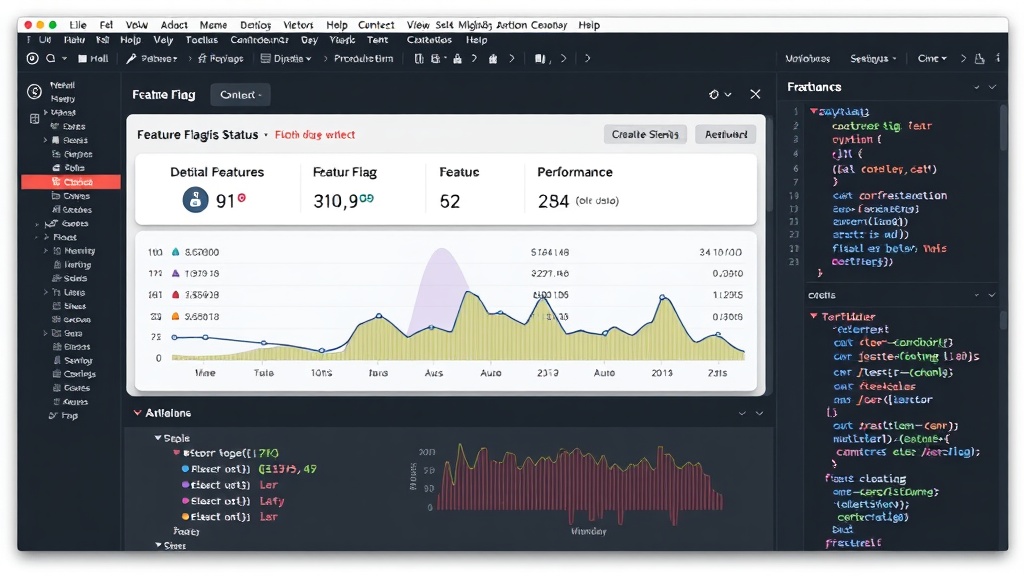
Implementing feature flags without adequate monitoring is like driving blind. You need to track the performance and stability of features controlled by flags. Key metrics to monitor include error rates, latency, conversion rates, and user engagement. Set up alerts that trigger when these metrics deviate from expected baselines, especially when a new feature is enabled for a segment of users. This allows for rapid detection of issues and timely intervention, whether that means adjusting the rollout percentage or disabling the feature entirely.
Consistency Across Environments
Ensure your feature flag system behaves consistently across all environments: development, staging, and production. While you might want to enable certain flags for developers to test features locally, the evaluation logic and available flags should be predictable. Discrepancies between environments can lead to bugs that are only discovered late in the development cycle, defeating some of the purpose of using flags for early detection. Use environment-specific configurations or flags to manage these differences.
Testing Feature Flags
Testing strategies need to adapt when feature flags are in play. You should test both the enabled and disabled states of a feature. This means ensuring your tests cover scenarios where the flag is on and where it is off. Integration tests and end-to-end tests are crucial for verifying the correct behavior under different flag configurations. Furthermore, test the flag evaluation logic itself to ensure the system correctly interprets the rules and contexts.
The Unanswered Question: Flag Fatigue
As teams increasingly adopt feature flags for everything from minor UI tweaks to major architectural changes, a new challenge emerges: flag fatigue. What happens when the sheer number of active flags, even those intended to be temporary, begins to overwhelm development teams? How do we establish clear governance and automation to prevent the codebase from becoming a dense forest of stale, forgotten toggles, thereby negating the very agility feature flags are meant to provide?
Conclusion
Feature flags are a powerful tool for modern software development, enabling safer deployments, controlled rollouts, and faster iteration. However, their effectiveness hinges on disciplined implementation. By focusing on clean code organization, rigorous lifecycle management, robust monitoring, and comprehensive testing, teams can harness the full potential of feature flags, turning deployment anxiety into a strategic advantage. The key lies in treating feature flags not as an afterthought, but as a core component of the deployment and release process, subject to the same standards of quality and maintenance as the rest of the codebase.