The Need for a Name: Live TUI
Terminal applications have long offered responsiveness, but a cohesive term for the specific experience of independent, streaming updates across different panes is missing. The author proposes "Live TUI" to describe this pattern: a persistent terminal workspace where individual panes can refresh and display progress without blocking the entire application. This concept draws a clear analogy to AJAX (Asynchronous JavaScript and XML) in web development, where background operations allow the user interface to remain interactive. In a Live TUI, the crucial element is what a user can continue to do while a background task is in flight.
The inspiration behind this proposal is the `hqtui-demo` project. This example showcases a combination of live state management, independent pane updates, and localized progress indicators. It allows users to experience the seamless flow of information and task management that defines a Live TUI. While the individual mechanics—asynchronous operations, independent UI elements, and progress reporting—are not new to terminal applications, the term "Live TUI" aims to encapsulate the unified, responsive user experience they create when combined.
Defining the Live TUI Experience
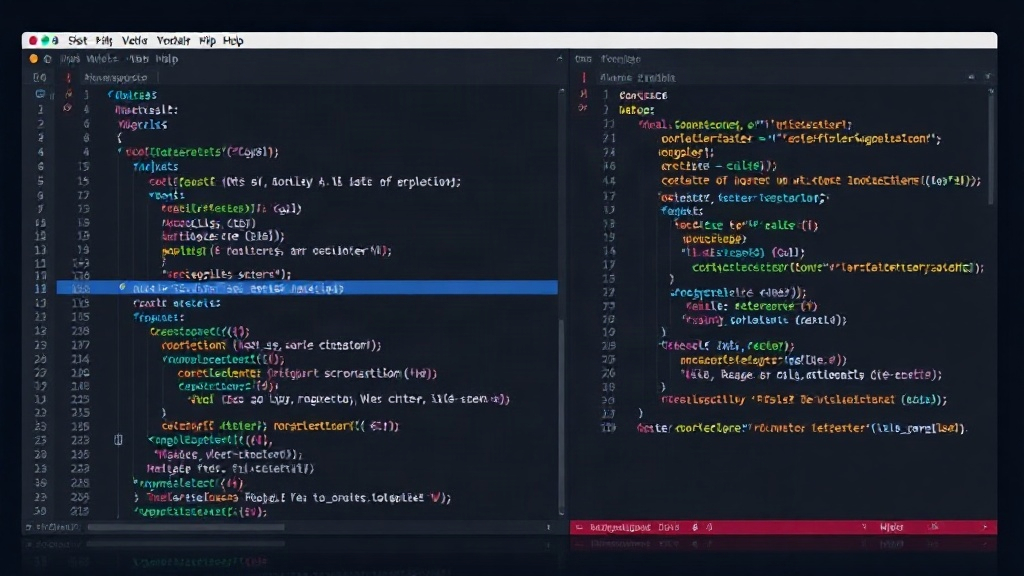
A Live TUI is characterized by several key attributes that differentiate it from traditional terminal interfaces. First, it features a persistent workspace. Unlike applications that might redraw the entire screen on each update, a Live TUI maintains its structure, allowing parts of the interface to update dynamically. This persistence is crucial for the feeling of a continuous, flowing workspace.
Second, panes stream data and update independently. This means that a long-running process in one section of the terminal does not freeze or halt updates in other sections. For instance, if you are compiling code in one pane, another pane could be streaming logs from a server, or a file explorer could still be navigable. This independence is the core of the AJAX-like experience. It allows users to multitask within the terminal itself, switching focus between different ongoing operations without interruption.
Third, tasks display their own loading or progress state. Instead of a global loading indicator that halts all user interaction, individual tasks within their respective panes show their status. This could be a spinner, a percentage complete, or a status message. This granular feedback is vital. It tells the user exactly which operation is taking time and what its current status is, without requiring them to stop interacting with other parts of the application. This local progress indicator ensures that waiting on one task does not mean waiting on the entire terminal interface.
The AJAX Analogy in the Terminal
The comparison to AJAX is particularly apt because it highlights the fundamental shift in user experience. Before AJAX, web pages often required a full reload to update content, leaving the user staring at a blank or partially rendered screen. AJAX enabled background data fetching and partial page updates, making web applications feel more fluid and responsive. Similarly, Live TUIs bring this asynchronous, non-blocking update pattern to the command line.
Consider a typical scenario: a developer is running a build process that takes several minutes. In a non-Live TUI, they might have to wait, perhaps watching the build output scroll by. With a Live TUI, that build process would be confined to its pane, showing its progress. Meanwhile, the developer could open another pane to query a database, edit a configuration file, or even start another, unrelated process. The key question then becomes: what can the person keep doing while a request is still in flight? The Live TUI model aims to maximize this interactivity.
This pattern is not about inventing new terminal capabilities but about naming and standardizing a user experience that developers have been building towards. Many powerful terminal tools, like `htop` or `tmux`, offer forms of responsiveness. However, "Live TUI" specifically targets the combined effect of independent, streaming, and locally-indicated updates within a persistent workspace. It provides a common language for discussing and developing these advanced terminal interfaces.
Implications and Future Directions
The adoption of the "Live TUI" concept could lead to more sophisticated and user-friendly terminal applications. Developers building new tools can explicitly aim for this pattern, and existing projects can be refactored to incorporate its principles. The expectation of responsive, non-blocking interfaces is already deeply ingrained from graphical and web applications; extending this to the terminal is a natural evolution.
What remains to be seen is how widely this terminology is adopted and whether it influences the design of future terminal multiplexers and application frameworks. Will IDEs and code editors with integrated terminals start to adopt more of these Live TUI principles? The potential is there for a more seamless development workflow, where the terminal is as interactive and responsive as any other part of the development environment. The "Live TUI" proposal offers a valuable lens through which to view and discuss the ongoing advancement of terminal user interfaces.