LINE offers two primary methods for delivering messages to users: LINE Service Messages and the LINE Messaging API. While both can send notifications, they serve distinct purposes and understanding these differences is critical for developers and businesses aiming for effective user engagement on the platform. Choosing the wrong path can lead to rejected message templates, unusable API tokens, redundant notifications, and an inability to foster meaningful customer conversations.
Understanding the Core Differences
At their heart, LINE Service Messages and the LINE Messaging API cater to different communication needs. Service Messages are designed for transactional confirmations and follow-ups originating from within a LINE MINI App. Think of them as automated receipts or status updates directly tied to an action a user took inside the app. They confirm, report, or remind users about specific events that occurred during their app session.
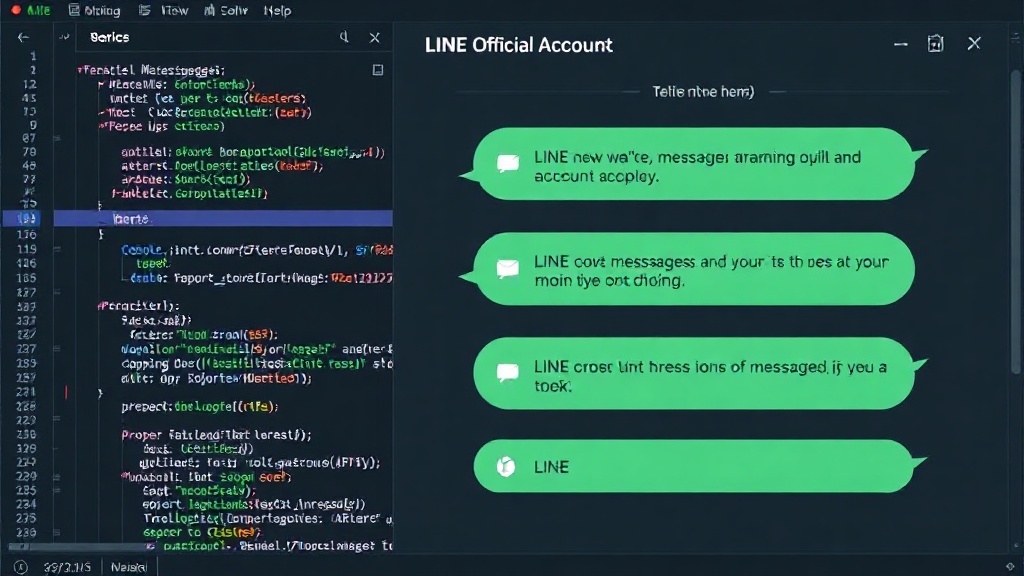
In contrast, messages sent via the LINE Messaging API originate from a LINE Official Account. This path is built for broader conversational purposes, direct outreach campaigns, and general audience messaging. It’s the tool for building relationships, announcing new products, or providing customer support through a dedicated official channel.
The divergence between these two messaging types is substantial, impacting several key aspects of implementation:
- Sender Identity: Service Messages are inherently linked to the LINE MINI App the user interacted with. Messaging API messages come from a LINE Official Account, which has its own distinct identity and branding.
- Trigger: Service Messages are triggered by user actions within a LINE MINI App. Messaging API messages can be triggered by user interactions with the Official Account (e.g., sending a message), or initiated by the business for proactive outreach.
- Recipient Model: Service Messages are sent to the specific user who performed the action in the MINI App. Messaging API allows for targeted messaging to specific user segments or broad broadcasts to followers of the Official Account.
- Token Lifecycle: Service Message tokens are typically short-lived and tied to specific user sessions or actions within the MINI App. Messaging API tokens have a longer lifecycle and are managed for the Official Account's access to the API.
- Message Format: Service Messages often have more structured, template-driven formats focused on conveying specific information related to the MINI App action. Messaging API supports a wider range of rich media and interactive elements for conversational purposes.
- Review Requirements: Service Messages, due to their transactional nature and direct link to app actions, may have different or fewer stringent review processes compared to general promotional or informational messages sent via the Messaging API, which often require template approval.
- Chat Room: Service Messages do not typically initiate or participate in ongoing chat rooms. Messaging API messages are the foundation for two-way conversations within the chat interface of the Official Account.
- Pricing: The cost structures for sending messages can differ. Service Messages might be included as part of MINI App functionality or have a usage-based fee, while Messaging API usage is often tiered based on message volume and Official Account plan.
- Content Policy: Both have content policies, but the nature of Service Messages (transactional confirmations) means they are less likely to encounter restrictions related to promotional content or unsolicited outreach, which are more common concerns for Messaging API usage.
When to Use LINE MINI App Service Messages
The decision to use a LINE MINI App Service Message hinges on a clear user action within the app. If a user has just completed a task, made a purchase, booked an appointment, or submitted information inside your LINE MINI App, a Service Message is the appropriate channel to follow up. These messages serve as confirmation, provide status updates, or offer reminders directly related to that completed action. For example, after a user successfully pays for an item within a MINI App, a Service Message can confirm the payment, provide an order number, and estimate delivery time. Similarly, if a user starts a multi-step process in the MINI App but doesn't complete it, a Service Message can serve as a reminder to return and finish.
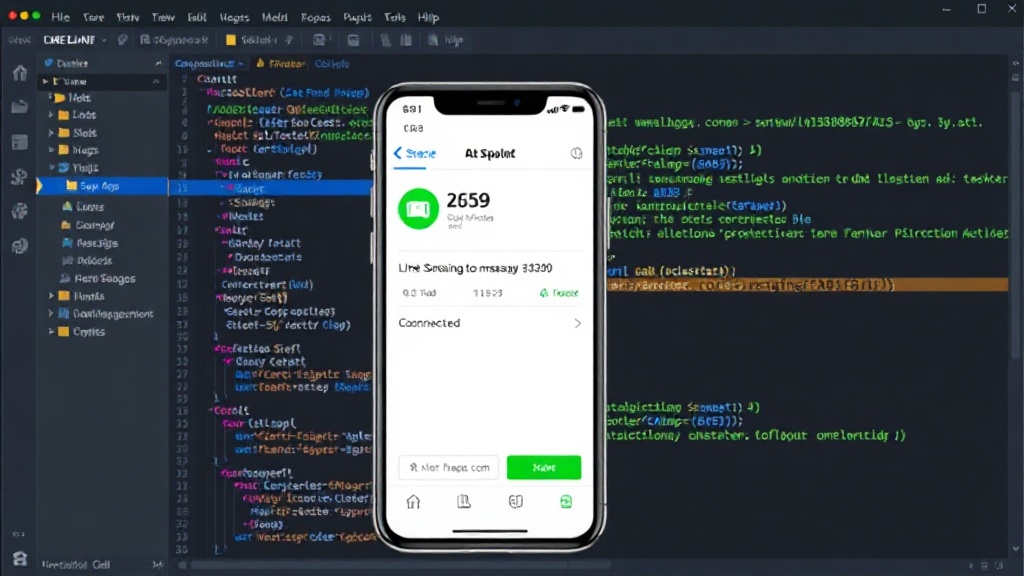
The key differentiator is that the message is a direct consequence of an interaction *within* the MINI App. It’s not about initiating a conversation or sending unsolicited information; it’s about closing the loop on a user's in-app activity. This ensures that notifications are relevant, timely, and directly tied to the user's explicit actions, enhancing their experience with the MINI App.
When to Use the LINE Messaging API
The LINE Messaging API is the workhorse for broader customer engagement and communication strategies. You should opt for this API when your goal is to:
- Initiate Conversations: Engage users proactively to start a dialogue, answer questions, or guide them through a service.
- Direct Outreach: Send targeted messages to specific user segments based on their interests, past behavior, or demographics. This includes promotional campaigns, new feature announcements, or personalized offers.
- Audience Messaging: Broadcast messages to a wide audience, such as all followers of your LINE Official Account, to disseminate general information, company updates, or marketing content.
- Build a Community: Foster a sense of community and loyalty by maintaining an active presence, responding to queries, and providing ongoing value through your Official Account.
- Support and Customer Service: Provide a dedicated channel for customer support, allowing users to easily reach out with issues and receive timely assistance.
Messages sent via the Messaging API are branded under your LINE Official Account. This allows for consistent brand representation and the development of a distinct communication persona. The API supports a rich array of message types, including text, images, videos, audio, stickers, and interactive buttons or cards, enabling dynamic and engaging user experiences. However, this flexibility comes with the responsibility of adhering to LINE's content policies and often requires pre-approval for message templates, especially for promotional content.
Avoiding Common Pitfalls
Misunderstanding these distinctions can lead to significant integration problems. Developers might attempt to use Service Messages for marketing campaigns, only to have their templates rejected because they don't conform to the transactional nature expected. Conversely, using the Messaging API for simple transaction confirmations might lead to unnecessary complexity, higher costs, and a less streamlined user experience if not managed carefully.
Another common issue is duplicate notifications. If a user completes an action in a MINI App and then receives a separate, similar notification via the Official Account's Messaging API, it can be confusing and annoying. Proper architectural planning ensures that the correct channel is used for each type of communication, preventing overlap.
The token lifecycle management is also crucial. Incorrectly handling short-lived Service Message tokens can break functionality within the MINI App. Similarly, managing API keys for the Messaging API requires robust security practices to prevent unauthorized access.
Ultimately, LINE's messaging ecosystem provides powerful tools for engaging users. By carefully considering the sender identity, the trigger for the message, the intended recipient model, and the overall communication goal, developers and businesses can select the appropriate messaging path and build effective, user-friendly experiences.