Centralized Identity Management for Collaboration
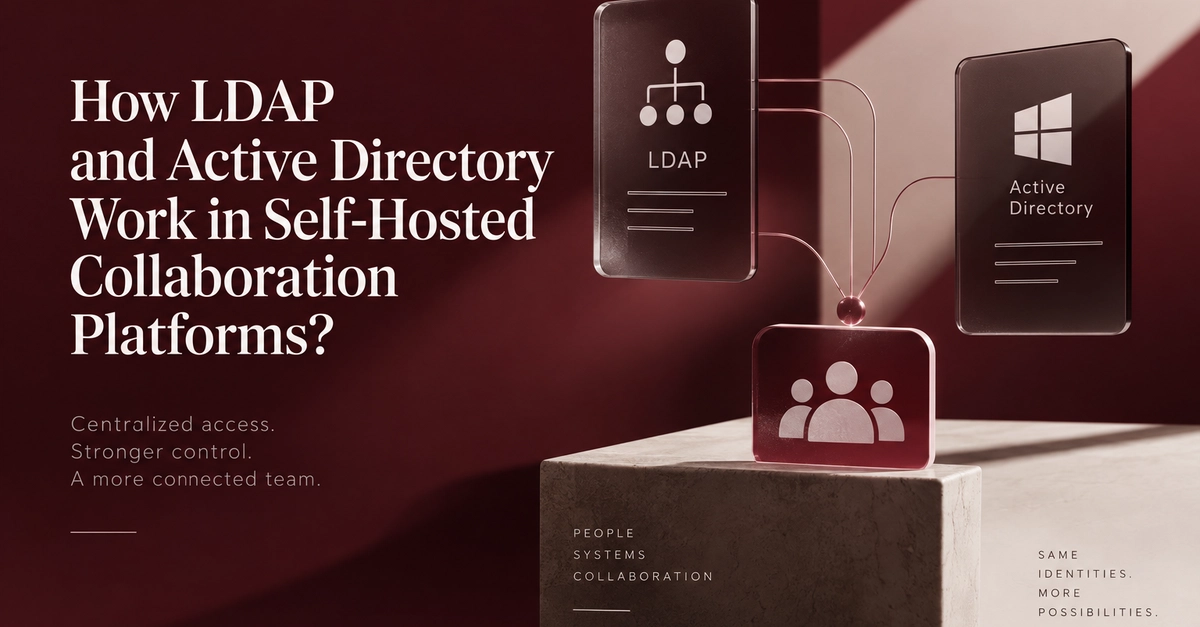
Self-hosted collaboration platforms gain significant advantages by integrating with Lightweight Directory Access Protocol (LDAP) and Microsoft's Active Directory (AD). These integrations allow organizations to use their existing identity infrastructure, eliminating the need to maintain separate user account databases for messaging, video conferencing, file sharing, and project management systems. This approach simplifies user onboarding, offboarding, and access management, aligning with established IT security policies.
The primary benefit for IT departments is robust identity lifecycle control. When an employee joins, changes roles, or leaves the company, these changes can be automatically propagated to all connected collaboration tools. This ensures that access privileges are always up-to-date, reducing the risk of unauthorized access or orphaned accounts.
The depth of integration varies. Some platforms primarily use LDAP/AD for authentication, verifying user credentials against the corporate directory. Others offer more advanced features, including scheduled synchronization of user and group data, mapping directory groups to platform roles, updating user profiles from the directory, and automatically deactivating accounts when an employee is no longer with the organization. This granular control is crucial for maintaining a secure and efficient digital workspace.
How LDAP and Active Directory Function
LDAP is an open, vendor-neutral application protocol for accessing and maintaining distributed directory information services over an IP network. It defines a standardized way to query and modify information stored in a directory. Active Directory, developed by Microsoft, is a directory service for Windows domain networks. It provides a centralized system for managing network resources, users, and security policies, and it uses LDAP as its primary communication protocol.
In the context of self-hosted collaboration platforms, the integration typically works as follows:
- Authentication: When a user attempts to log into the collaboration platform, the platform queries the LDAP/AD server to verify their username and password. If the credentials are valid, the user is granted access.
- User Provisioning/Deprovisioning: More sophisticated integrations can synchronize user data. When a new employee is added to Active Directory, their account can be automatically created in the collaboration platform. Conversely, when an employee leaves, their account can be disabled or removed from the platform upon deactivation in AD.
- Group and Role Management: LDAP/AD groups can be mapped to specific roles or permissions within the collaboration platform. For instance, a "Marketing" group in AD could be automatically assigned access to specific project channels or file folders within the platform.
- Profile Synchronization: User profile information, such as name, email, department, and job title, can be pulled from LDAP/AD and updated in the collaboration platform, ensuring consistency across systems.
This integration is particularly valuable for self-hosted solutions because it centralizes identity management, which is a critical component of overall system security and administration. Instead of managing users in each application independently, IT teams can manage them in one place. This is akin to having a master key for a building that automatically grants access to specific rooms based on an employee's department, rather than issuing individual keys for each room.
Benefits for Organizations
Implementing LDAP/AD integration offers several key benefits for organizations using self-hosted collaboration tools:
- Enhanced Security: Centralized control over user access and permissions strengthens the overall security posture. IT policies applied at the directory level are automatically enforced across connected applications.
- Improved Efficiency: Automating user provisioning and deprovisioning saves significant administrative time and reduces the chance of human error. Onboarding new employees becomes faster, and offboarding is more secure.
- Consistent User Experience: Users can leverage their existing corporate credentials, simplifying the login process and reducing password fatigue. Profile information is kept up-to-date without manual intervention.
- Simplified Compliance: Maintaining accurate user access logs and ensuring timely revocation of access for departing employees is crucial for compliance with various regulations. LDAP/AD integration streamlines these processes.
Considerations for Implementation
While the benefits are clear, organizations should consider several factors when implementing LDAP/AD integration:
- Integration Depth: Understand what level of integration the collaboration platform supports. Does it only handle authentication, or does it also support group synchronization, role mapping, and profile updates? The choice depends on the organization's specific needs and existing IT infrastructure.
- Configuration Complexity: Setting up and maintaining these integrations can require technical expertise. The complexity often depends on the protocols supported (e.g., LDAPS for secure communication) and the specific features being utilized.
- Network Requirements: The collaboration platform must be able to communicate with the LDAP/AD server, which may involve configuring firewalls and ensuring network connectivity. For self-hosted solutions, this often means ensuring the collaboration server can reach the domain controller.
- Data Synchronization Strategy: For platforms supporting synchronization, define clear policies on what data to synchronize, how often, and what happens in case of conflicts.
What remains unaddressed by current implementations is the long-term maintenance strategy for these integrations, especially as both the collaboration platform and the directory services evolve. Ensuring compatibility across versions and managing potential schema changes in AD or LDAP can become a significant operational overhead if not planned for.
The Future of Identity in Collaboration
As organizations increasingly adopt hybrid and remote work models, the need for seamless, secure, and centralized identity management across all digital tools becomes paramount. LDAP and Active Directory integration represents a mature and widely adopted solution for achieving this in self-hosted collaboration environments. For IT administrators, this means greater control and efficiency; for end-users, it translates to a smoother, more secure login experience.
The trend is clear: collaboration platforms that offer robust, flexible identity integration will be better positioned to meet the security and management demands of modern businesses. Organizations looking to deploy or manage self-hosted collaboration tools should prioritize those that provide deep and reliable integration with their existing identity infrastructure.