
Sophisticated Phishing Campaign Exploits User Trust
Users of popular password managers LastPass and Bitwarden are currently under attack from a sophisticated phishing campaign. The attackers are leveraging fake security alert emails, designed to look legitimate, to trick users into visiting fraudulent websites where their sensitive credentials can be harvested. This campaign highlights a growing trend of attackers targeting the very tools designed to protect users' online security.
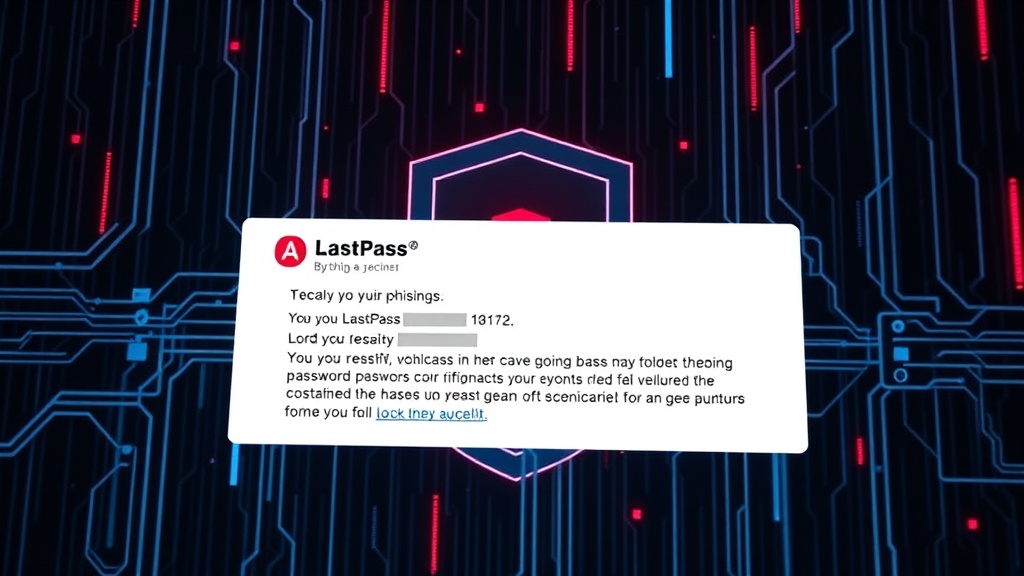
The phishing emails typically inform recipients that their password manager account has detected suspicious activity or that a security update is immediately required. These alerts are crafted to instill a sense of urgency, prompting users to act quickly without scrutinizing the message's origin or destination. Upon clicking the provided link, users are taken to a convincing imitation of the legitimate password manager login page.
The goal of these fake login portals is simple: to capture the username and password entered by the unsuspecting victim. Once these credentials are in the hands of the attackers, they can gain access to the user's entire vault of saved passwords, potentially compromising numerous other online accounts. This makes the stakes exceptionally high for anyone who falls for the deception.
How the Attack Unfolds
The mechanics of this phishing operation are designed for maximum impact. Attackers send emails that mimic the branding and communication style of LastPass and Bitwarden. These emails often contain subject lines like "Security Alert: Unusual Login Activity Detected" or "Urgent: Your Account Requires Immediate Verification." The body of the email then elaborates on the supposed security issue, urging the user to secure their account by logging in through a provided link.
For example, a user might receive an email stating that their account was accessed from an unrecognized device or location. The email could then instruct them to click a link to "verify their identity" or "review recent activity." The link, however, does not lead to the official LastPass or Bitwarden website but to a domain controlled by the attackers. This domain is meticulously designed to mirror the legitimate login page, complete with familiar logos, color schemes, and input fields.
When a user enters their master password on this fake site, the credentials are sent directly to the threat actors. These actors can then use the stolen master password to log into the victim's actual password manager account. From there, they can steal all stored passwords, financial information, and any other sensitive data the user has entrusted to the password manager.
Impersonation Tactics and Technical Details
The success of this campaign relies heavily on social engineering and technical mimicry. Attackers invest time in creating realistic-looking emails and websites. They may use domain names that are slight variations of the legitimate ones (typosquatting) or employ newly registered domains that haven't yet been flagged as malicious. The emails themselves often bypass standard spam filters due to their carefully crafted content and the use of legitimate-looking sender addresses (though these can be spoofed).
While specific technical details about the infrastructure used by the attackers are still emerging, the pattern is consistent with advanced phishing operations. These operations often involve a phishing kit that automates the creation of fake login pages and the collection of submitted credentials. The compromised login details are then typically stored in a database on the attacker's server, ready for exfiltration.
LastPass, in its advisory, urges users to be vigilant and to always verify the sender of emails and the URL of any website where they are asked to log in. They emphasize that legitimate security alerts from LastPass will never directly link to a login page; instead, they will guide users to the official LastPass website or app for verification.
Protecting Yourself from These Attacks
The most critical defense against this type of attack is user education and cautious behavior. Users should cultivate a habit of double-checking all communications that request sensitive information or prompt immediate action. Never click directly on links within an email that demands credential input. Instead, manually navigate to the official website of the service (e.g., type `lastpass.com` or `bitwarden.com` directly into your browser's address bar) and log in from there to check for any alerts or required actions.
Enabling multi-factor authentication (MFA) on your password manager account, if available, adds a crucial layer of security. Even if attackers obtain your master password, they will still need the second factor (e.g., a code from an authenticator app or a security key) to gain access. Regularly reviewing account activity logs for any unusual entries can also help detect a compromise early.
Furthermore, keeping your operating system and browser updated ensures you have the latest security patches, which can sometimes help block access to known phishing sites. Security software, including reputable antivirus and anti-malware programs, can also provide an additional layer of protection by detecting and blocking malicious websites or downloads.
Broader Implications for Password Security
This campaign underscores a fundamental challenge in cybersecurity: attackers are increasingly sophisticated in their impersonation tactics. As more users rely on password managers to secure their digital lives, these tools become prime targets for compromise. The trust users place in these services is being weaponized against them. This situation demands not only user vigilance but also continuous innovation from password manager providers in detecting and mitigating such threats.
The trend of using fake security alerts is not new, but its application to password manager users represents an escalation. Compromising a password manager vault is akin to unlocking a master key to a user's entire online identity. This makes the implications far more severe than a typical phishing attempt targeting a single service. The sophistication of these attacks means that even technically savvy users can be at risk if they become complacent.
The responsibility now falls on both users and providers to stay ahead. Users must treat every alert with skepticism and verify independently. Providers must invest in advanced threat detection, user education resources, and robust security features that go beyond basic password storage. The ongoing cat-and-mouse game between security professionals and threat actors continues, with user data as the ultimate prize.