The E-commerce Performance Crisis: Large Images and LCP
In the hyper-competitive world of e-commerce, every millisecond of load time translates directly into lost revenue. Studies consistently show that if your online store takes more than 3 seconds to load, a significant portion of potential customers will abandon their cart and head to a competitor. Google understands this, and its Core Web Vitals (CWV) are now a critical ranking factor. Among these, Largest Contentful Paint (LCP) – the metric measuring how long it takes for the main content on a page to load – is frequently the Achilles' heel for online retailers.
The primary offender, by a wide margin, is large, unoptimized product imagery. High-resolution photos essential for showcasing products can cripple page load speeds, directly harming LCP scores. This isn't merely a technical glitch; it's a direct assault on your store's visibility and profitability.
Understanding Largest Contentful Paint (LCP)
LCP specifically targets the largest visual element or text block that appears within the viewport during the initial page load. For most e-commerce product pages, this is the main product image. If this image is excessively large in file size (due to high resolution, uncompressed format, or both), the browser must download, decode, and render it, all of which consumes significant time. This delay directly increases the LCP time. A poor LCP score signals to users that the page is slow to become interactive, leading to frustration and abandonment. For search engines, it indicates a suboptimal user experience, negatively impacting search rankings.
The Technical Debt of Unoptimized Images
The temptation is to upload the highest quality images directly from professional photography sessions. However, these images often come with file sizes measured in megabytes, far exceeding what is necessary for web display. Common issues include:
- Excessive Resolution: Product photos shot for print or large displays are often far higher resolution than needed for a typical screen, especially on mobile devices.
- Uncompressed File Formats: Using formats like TIFF or uncompressed JPEG, or even large PNGs when JPEGs would suffice, leads to massive file sizes.
- Lack of Responsive Images: Serving the same massive image to every device, regardless of screen size or network conditions, is wasteful.
- No Lazy Loading: Even if optimized, images below the fold that aren't visible initially are loaded immediately, consuming bandwidth and processing power unnecessarily.
Manually resizing, compressing, and converting thousands of product images for every new upload or update is a Sisyphean task. It requires dedicated design software, significant time investment, and consistent effort from your team. This manual workflow is not only inefficient but also prone to errors and oversights, leading to a perpetual state of suboptimal performance.
Automating Image Optimization: The Smart Solution
The most effective strategy involves automating the optimization process. This means integrating tools and services that handle image manipulation as part of your content pipeline, rather than as a separate, manual step. Here’s how it works:
1. Automated Resizing and Cropping
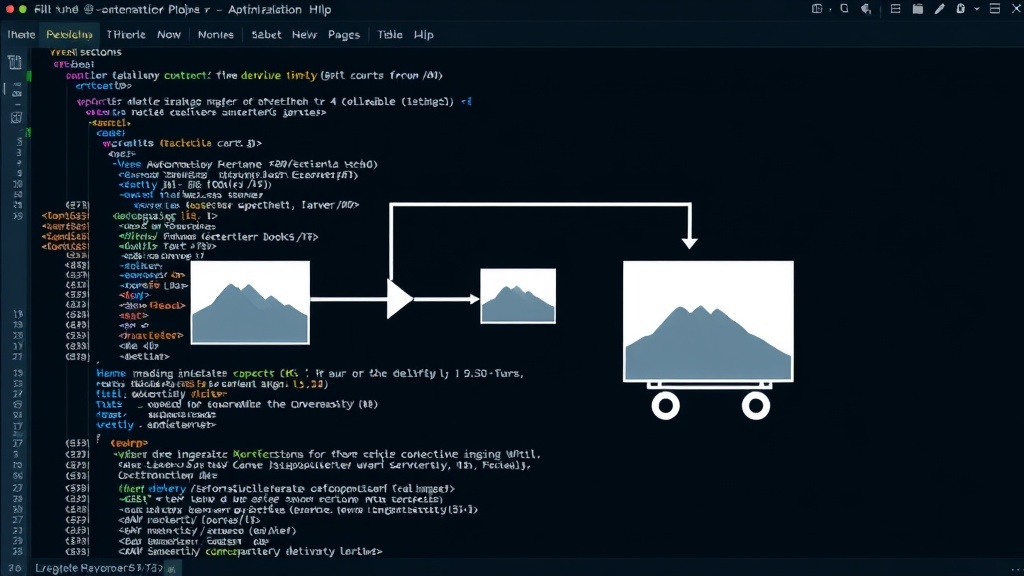
When a new product image is uploaded, an automated system can detect its dimensions and purpose. It can then resize the image to the optimal dimensions required for various display contexts (e.g., thumbnail, main product view, mobile display) and crop it appropriately. This ensures that images are never larger than they need to be.
2. Intelligent Compression
Modern image optimization tools use advanced algorithms to compress images without a perceptible loss in visual quality. This can involve:
- Lossy Compression: Strategically removing data that the human eye is unlikely to notice, drastically reducing file size.
- Lossless Compression: Reducing file size by removing metadata and optimizing file structure without discarding any image data.
- Format Selection: Automatically choosing the best file format (JPEG for photos, WebP for better compression and modern browsers, PNG for graphics with transparency) based on the image content and browser support.
3. Responsive Image Generation
Automated systems can generate multiple versions of each image, each tailored to different screen sizes and resolutions. The website then uses HTML's `
4. Lazy Loading Implementation
Automation tools can also implement lazy loading. This technique defers the loading of images that are not immediately visible on the screen (i.e., those below the fold). They are only loaded as the user scrolls down the page, significantly reducing the initial page load time and the amount of data transferred.
Choosing the Right Automation Tools
Several types of solutions can automate this process:
- Content Delivery Network (CDN) Image Services: Many CDNs offer built-in image optimization features. You upload your original, high-resolution images, and the CDN automatically transforms them on-the-fly based on parameters in the URL or through configuration. Examples include Cloudflare Images, Akamai Image Manager, and Imgix.
- E-commerce Platform Plugins/Apps: Platforms like Shopify, WooCommerce, and BigCommerce have app stores filled with plugins specifically designed for image optimization. These often integrate directly into the media library workflow.
- Dedicated Image Optimization APIs: Services like TinyPNG (API), ShortPixel, or ImageKit provide APIs that you can integrate into your backend or build process to optimize images programmatically.
- Build Process Integration: For custom-built sites, image optimization can be integrated into the front-end build process using tools like Webpack or Gulp with relevant plugins.
The key is to find a solution that seamlessly integrates with your existing e-commerce platform or development workflow, minimizing manual intervention. For many, leveraging the image optimization capabilities of their CDN or a well-regarded platform plugin offers the best balance of power and ease of use.
The Impact on Your Bottom Line
By automating image optimization, you directly address the primary cause of poor LCP scores. This leads to:
- Improved Core Web Vitals: Faster LCP means better user experience signals to Google, potentially boosting search rankings.
- Increased Conversion Rates: Faster loading sites keep users engaged. Reduced bounce rates and quicker page loads contribute to higher sales.
- Reduced Bandwidth Costs: Serving smaller image files means less data transfer, which can lower hosting and CDN costs.
- Enhanced User Experience: Customers enjoy a smoother, faster shopping experience, fostering loyalty and repeat business.
Automating image optimization isn't just a technical fix; it's a strategic business decision. It ensures your product visuals enhance, rather than hinder, your store's performance and, ultimately, your sales.